
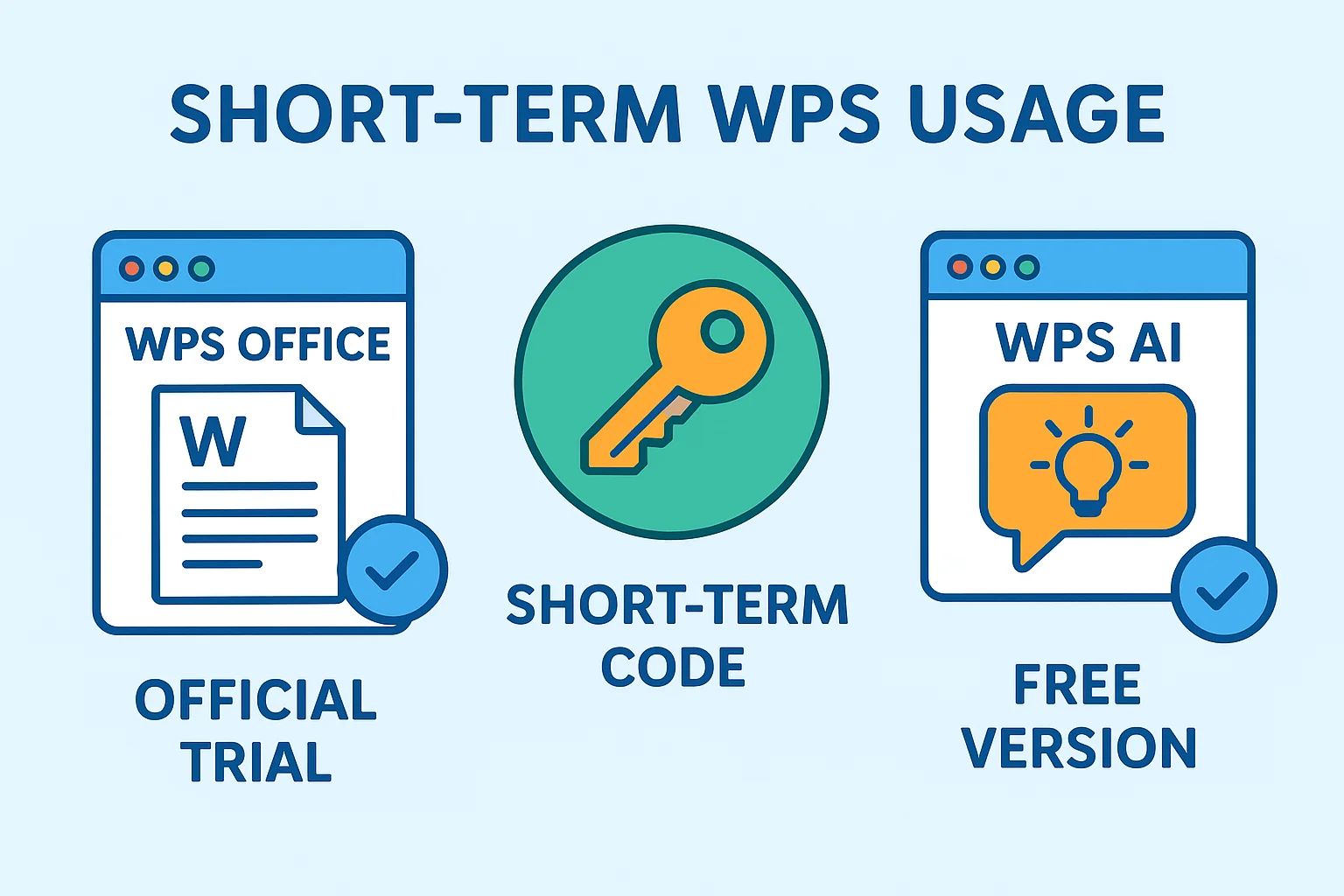
In many work scenarios, users only need short-term access to WPS Office or WPS AI features, such as completing temporary document edits, testing specific templates, or handling short-term projects. For these needs, long-term subscriptions can be expensive or unnecessary. Finding flexible, cost-effective short-term usage options is essential. This article explores official trials, free versions, and short-term activation codes, providing detailed guides and comparisons to help users efficiently choose the right solution.
Common Short-Term WPS Usage Options
Official Trial and Free Version
WPS offers a free version and a trial period as low-cost options. The free version covers basic document editing, spreadsheets, and presentations but limits advanced features like batch PDF conversion, collaboration, and AI tools. Trial versions typically provide full-featured access for a limited time, usually 7–30 days.
Use case examples:
- Students or freelancers needing to complete one-time documents or spreadsheets
- Small teams handling temporary projects
- Testing WPS AI or specific templates
Advantages of official trials and free versions include direct support from WPS, high security, and no need for third-party platforms. More details can be found on the WPS Office official website and the WPS Office features and version comparison page.
Short-Term Activation Codes (1, 3, 7, 30 Days)
Short-term activation codes provide temporary full-feature access through official authorization or trusted platforms. Codes are available for 1, 3, 7, or 30 days, allowing users to choose according to their needs.
Use case examples:
- Temporary team projects requiring advanced features
- Individual users testing specific templates or AI functions
- Cost-sensitive users needing full Pro or AI features for short periods
Advantages of short-term activation codes include flexibility, cost-efficiency, and activation within the official WPS software environment.
Learn more:
Short-Term Activation Code Purchase and Activation Process
Steps to Get Short-Term WPS Authorization
| Step | Description | Notes |
|---|---|---|
| Choose activation code | 1, 3, 7, or 30 days | Select based on usage period |
| Obtain authorization | From official or trusted platforms | Confirm validity |
| Activate software | Enter code in WPS | Keep a record of the code |
| Verify functionality | Check access to Pro features | Be aware of any limitations |
Activation instructions can be referenced at WPS Office official product key activation guide, and installation instructions at WPS Office download and installation guide.
WPS Short-Term Usage Options Comparison
Table: Short-Term Activation Codes vs Official Subscription vs Free Version
| Option | Duration | Feature Limitations | Cost | Use Case |
|---|---|---|---|---|
| Short-term activation | 1–30 days | Full features | Flexible, low | Temporary projects, short tasks |
| Official subscription | Monthly/Yearly | Full features | Higher long-term | Long-term office work |
| Free version | Permanent | Limited features | Free | Basic document editing |
Note: Short-term activation codes offer the greatest flexibility and cost-efficiency, ideal for temporary needs. Official subscriptions suit long-term use or team collaboration, while the free version is sufficient for basic document tasks.
Official Trial vs Short-Term Activation Code
| Comparison Aspect | Official Trial | Short-Term Activation Code |
|---|---|---|
| Feature completeness | Limited by trial period | Full features |
| Duration | 7–30 days | 1–30 days selectable |
| Cost | Free | Flexible, low cost |
| Activation method | Official account | Enter activation code |
| Multi-device support | May be limited | Depends on code type |
Analysis: Short-term activation codes provide higher freedom and full-feature access for temporary projects, while official trials are suitable for initial testing or feature validation.
Temporary WPS Usage Tips and FAQ
Activation and Usage Tips
- Duration and feature limitations: Codes expire after the set period; plan usage accordingly.
- Multi-device restrictions: Some codes may only support one device; check team usage requirements.
- Security considerations: Obtain codes from official or trusted platforms to avoid security risks.
Common Questions
Q1: Can a short-term activation code be renewed after expiration?
A1: Yes, a new code can be purchased before the previous one expires for continuous access.
Q2: Can the free version temporarily unlock advanced features?
A2: No, but official trials or short-term codes can unlock Pro features temporarily.
Q3: Do short-term codes support multi-user collaboration?
A3: Depends on the code type; some support multi-device or team use. Confirm before purchase.
Recommended Usage Scenarios
Different needs correspond to different options:
- Temporary projects, student assignments, or short-term team tasks → Short-term activation codes for full features at low cost
- Long-term usage or team collaboration → Official subscription for ongoing support and updates
- Basic office work → Free version sufficient for standard documents, spreadsheets, and presentations
Scenario examples:
- Temporary market report: 7-day activation code to edit documents and export PDFs
- Quarterly financial summary: Official subscription for multi-user collaboration and version history
- Daily coursework: Free version meets Word, Excel, and PPT needs
Users can choose the best solution according to their specific situation, with legitimate short-term codes available via ShortKey official website.
Conclusion
This article provides a comprehensive guide to short-term WPS Office and WPS AI usage through official trials, free versions, and short-term activation codes. Key takeaways:
- Fast: Access full features without long-term subscriptions
- Flexible: Usage periods selectable to meet project requirements
- Cost-effective: Short-term codes offer lower costs compared to long-term subscriptions
For temporary tasks and short-term projects, short-term activation codes provide the best balance of flexibility and value, while official subscriptions and free versions serve distinct long-term and basic usage needs.
Official references for further reading: