
Introduction
In modern office scenarios, more and more users are questioning long-term subscription services: high costs and subscription fatigue make people consider whether there are more flexible, low-commitment office software options. WPS Pro (the paid version of WPS Office) has gained attention in this context. Many users search for “WPS Pro worth it?”, “WPS Pro review 2025”, or “Office suite alternatives” to determine if it’s worth purchasing and whether it can truly replace more established office suites.
This article provides a comprehensive analysis of WPS Pro’s positioning and advantages: is it suitable for you? If you are a student, freelancer, small team, or project-based worker, is WPS Pro more cost-effective? How does it compare with mainstream office software like Microsoft 365? Most importantly, how can you try Pro features without committing to a long-term subscription?
Overall, WPS Pro in 2025 remains a highly competitive lightweight, cross-platform, and cost-effective office alternative, especially for users who value flexibility and comprehensive functionality such as PDF editing, AI writing, and office productivity all-in-one.
What Is WPS Pro?
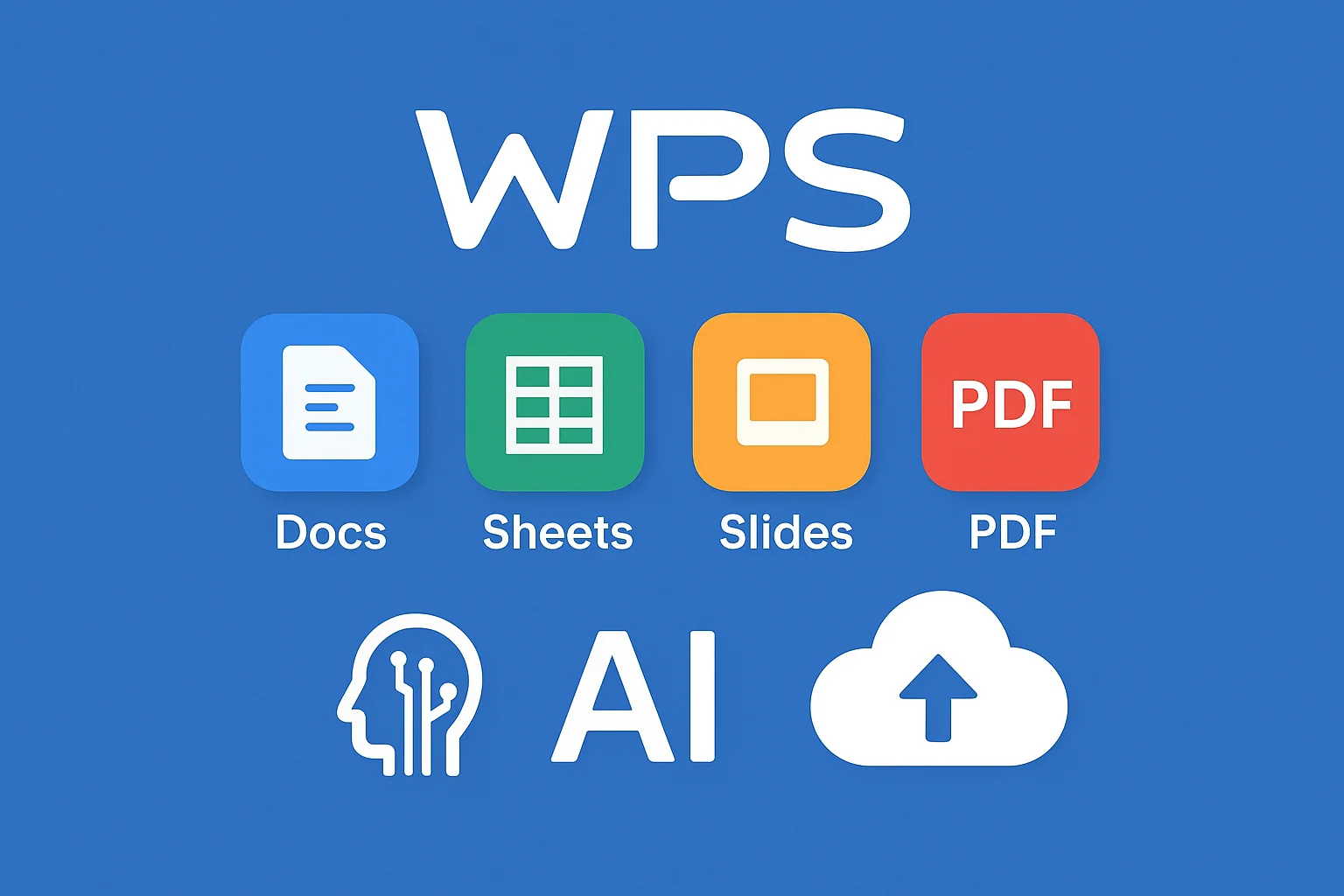
WPS Office is an integrated office suite developed by Kingsoft, combining Writer, Spreadsheets, Presentation, and PDF tools. It supports multiple platforms including Windows, macOS, Linux, Android, iOS, and Web. (WPS Office official site)
WPS Pro unlocks advanced features on top of the free version:
- Ad-free interface, OCR text recognition, larger cloud storage, advanced PDF editing, AI writing, and formatting tools. (WPS Office privacy policy)
- Flexible activation periods (depending on region), suitable for temporary projects or trial purposes.
- Enhanced document recovery, template resources, and collaboration capabilities.
- Multi-platform support: Windows, macOS, Android, iOS, Linux (partial).
WPS Pro is ideal for users who need enhanced productivity features but do not want to commit to a long-term subscription.
Core Features of WPS Pro
1. Document / Spreadsheet / Presentation Enhancements
- Fully featured Writer, Spreadsheet, and Presentation modules.
- High compatibility with Microsoft Office formats (.docx, .xlsx, .pptx), ensuring seamless cross-platform collaboration.
- Rich template library for faster document creation.
2. Comprehensive PDF Toolkit
- Edit PDF text and images.
- Merge, split, and compress PDF documents.
- Support electronic signatures and encryption.
- Built-in OCR (Optical Character Recognition) converts scanned PDFs or images to editable text. (WPS Office official site)
- Page management including insert, delete, and rotate pages.
3. AI Features
- AI Writing Assistant for content generation, rewriting, or polishing.
- AI tools for spreadsheets, revisions, and formatting to enhance efficiency.
- All AI features are included in Pro without needing extra plugins.
4. Cloud Sync and Collaboration
- Sync documents across devices via WPS Cloud. (WPS Office Trustpilot reviews)
- Version history, permission control, and multi-user collaboration (varies by membership level).
- Access high-quality templates, fonts, and charts from WPS’s DocMall marketplace.
5. Lightweight and Cross-Platform Experience
- Faster startup and lower resource consumption compared to larger suites.
- Strong mobile performance, ideal for smartphones and tablets.
WPS Pro Pros and Cons
| Pros | Cons |
|---|---|
| Lower cost with short-term or flexible activation options | Enterprise-level collaboration tools not as complete as Microsoft 365 |
| Cross-platform support (desktop + mobile + web) | Advanced Excel features (macros, Power Query) are limited |
| PDF tools + OCR + AI writing integrated | Advanced AI and PDF features require internet connection |
| High compatibility with Microsoft file formats | International collaboration ecosystem (Teams, SharePoint) weaker |
| Lightweight, low system requirements | Short-term activation availability may vary by region |
WPS Pro is ideal for individual users, students, and cost-conscious users needing comprehensive functionality, while deep Microsoft Office users may need to weigh trade-offs.
WPS Pro vs Microsoft 365 Comparison
Comparison Dimensions:
- Core functionality (Word, Excel, PowerPoint, AI, PDF)
- Collaboration capabilities
- Compatibility
- Local vs cloud dependency
- Pricing / licensing model
- Target user type
Analysis:
Lightweight Office vs Full Ecosystem
WPS Pro is lightweight and fast to launch, unlike Microsoft 365, which includes Teams, Power BI, and other enterprise tools. For quick document editing and presentations, WPS Pro offers flexibility.
Microsoft 365 provides a full collaboration platform (Word, Excel, PowerPoint, Teams, OneDrive, Outlook) suitable for large teams and enterprises. (Microsoft 365 official site)Compatibility
WPS maintains high compatibility with Microsoft formats, important for cross-platform collaboration.
However, advanced Excel functionalities (macros, Power Query) are still best handled in Microsoft 365. (Microsoft 365 Premium with Copilot Pro)Pricing and Licensing
Microsoft 365 is purely subscription-based, with no official short-term activation codes.
WPS Pro offers flexible pricing and short-term activation codes. Platforms like ShortKey.ai provide short-term licenses for temporary projects.Local vs Cloud Dependency
Microsoft 365 relies heavily on cloud services but offers local apps.
WPS Pro supports local office usage and cloud sync, suitable for offline or low-connectivity environments.Security and Compliance
Microsoft 365 offers enterprise-grade security with ISO/IEC 27001, GDPR compliance, encryption, and data loss prevention.
WPS’s cloud sync relies on its own policies and technical implementations. (WPS apology on document-training and AI policy)
Is WPS Pro Worth It in 2025?
Whether WPS Pro is worth it depends largely on your use case.
1. Students
Advantages:
- Low cost or short-term activation options
- Multi-device access (laptop, tablet, mobile)
- Rich template library for academic reports, resumes, and presentations
- AI writing + OCR for homework and papers
Considerations:
- Limited advanced Excel features
- Microsoft 365 or Google Workspace may offer smoother team project collaboration
2. Individual Users / Freelancers
Advantages:
- One-time or short-term activation reduces subscription costs
- Integrated PDF, OCR, and Office tools reduce software stack complexity
- Cross-platform flexibility: office, home, client sites
Considerations:
- Enterprise collaboration, email, and video conferencing may require additional tools
- AI performance may depend on internet conditions
3. Small Teams / Project-Based Work
Advantages:
- Short-term licenses ideal for temporary projects
- Cloud sync, version history, and collaboration support mid-level team needs
- PDF + signature + encryption suitable for business documents
Considerations:
- Deep collaboration (multi-user editing, permission management, approval workflows) still favors Microsoft 365 or Google Workspace
- Heavy reliance on advanced Microsoft Office features may require Microsoft 365
Who Will Benefit Most from WPS Pro?
- Users needing Office tools for short-term projects
- Cost-sensitive individuals, students, and freelancers
- Those seeking PDF editing + OCR + AI writing in one suite
- Users wanting lightweight, non-subscription solutions
- Users with average-performance devices but high efficiency requirements
How to Try WPS Pro Without Long-Term Commitment
If you’re unsure about committing to a long-term subscription, here are low-risk ways to try WPS Pro:
Short-term Activation Codes
WPS offers 3-day, 7-day, 15-day, and 30-day activation codes via official or certified partners. Users can access full Pro features at low cost. Platforms like ShortKey.ai provide such temporary licenses for project work, assignments, or trial purposes.Promotions / Discounts
WPS regularly offers discounts, including educational pricing and holiday promotions.AI Point Packs
For AI writing and formatting tools, users can try point packs before upgrading.Evaluate Feature Value
Focus on essential functions such as PDF editing, OCR, AI, and cloud sync during the trial to determine if Pro meets your needs.
Best Office Suite Alternatives in 2025
WPS Pro is not the only option. Other notable alternatives include:
- Microsoft 365 (Microsoft 365 official site): Comprehensive features, strong enterprise collaboration, subscription-based.
- Google Workspace (Google Workspace): Cloud-native, strong real-time collaboration, ideal for teams and education.
- LibreOffice (LibreOffice): Open-source, free, privacy-friendly, offline usage.
- OnlyOffice (ONLYOFFICE): Supports self-hosting, high Microsoft format compatibility, enterprise-grade security.
Each platform has different strengths; your choice depends on priorities like cost, security, collaboration, and AI capabilities.
Final Thoughts
- Key takeaway: WPS Pro is a cost-effective, all-in-one office suite with integrated PDF and AI tools, especially suitable for users who are budget-conscious and do not want a long-term subscription.
- Students, freelancers, and project-based workers benefit from flexible, cross-platform experiences.
- Compared to Microsoft 365, WPS Pro excels in subscription flexibility, lightweight performance, and integrated PDF/AI features, but lacks some enterprise collaboration depth.
- Whether WPS Pro is worth it depends on your usage frequency, required features, and budget. Short-term activation codes or trial periods are recommended before committing to a full subscription.