
Introduction
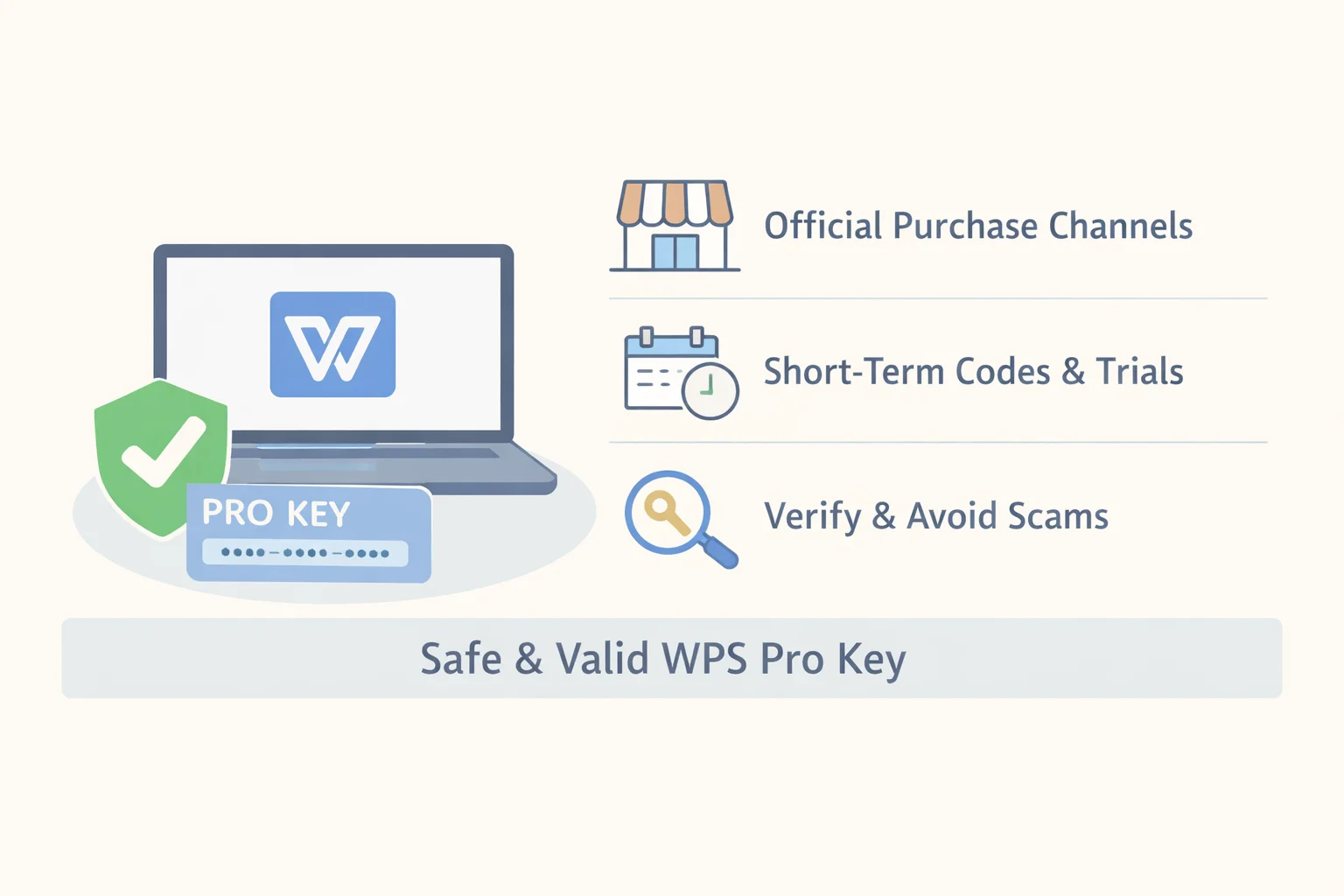
WPS Office is widely used for document editing, spreadsheets, and presentations, and many users eventually need WPS Pro features such as PDF tools, advanced templates, or cloud services. At that point, the most common question becomes how to obtain a valid WPS Pro product key without running into activation failures, expired licenses, or scams.
The challenge is that WPS Pro keys are distributed through several different models: subscriptions, one-time licenses, enterprise agreements, and temporary activations. At the same time, online searches often surface unofficial sellers offering very low prices, which can create uncertainty about what is legitimate and what is risky.
This guide explains the safe, verifiable ways to get a WPS Pro product key, how to activate and confirm it, and how to evaluate short-term or discounted options. The goal is not to recommend one seller, but to give you a clear framework for choosing the right channel and verifying that your license is valid and supported.
Official purchase and subscription channels
The most reliable way to obtain a WPS Pro product key is through official WPS channels or authorized partners, because these routes guarantee valid licenses, updates, and customer support.
WPS offers several licensing models, each designed for different usage patterns. Individual users typically choose between subscriptions and, in some cases, one-time licenses. Organizations usually rely on enterprise or volume licensing.
Common licensing models
| Model | How it works | Updates & support | Best for |
|---|---|---|---|
| Subscription (monthly/yearly) | License tied to your WPS account | Continuous updates, official support | Ongoing personal or professional use |
| One-time product key | Single payment, fixed license term | Limited or defined update window | Users who prefer no recurring payments |
| Enterprise / volume license | Centralized license management | Enterprise-level support | Teams and organizations |
For individuals, the most common path is purchasing a subscription directly from the Official WPS Office website or through the in-app purchase flow. After payment, the license is automatically bound to your WPS account, or you receive a product key or activation link depending on the platform. The WPS Office official subscription and purchase page shows current plans, pricing models, and supported devices.
Authorized resellers are another legitimate option, especially in regions where local partners handle sales. A legitimate reseller should clearly state its authorization, provide a formal receipt, and give precise activation instructions. If a seller cannot show proof of authorization or refuses to issue a receipt, that is a warning sign.
Activation and verification
After purchase, activation is straightforward but should always be verified:
- Sign in to your WPS account in the app.
- Enter the product key or confirm automatic activation.
- Open the account or activation page and check that your status shows “Pro,” along with the correct expiry date or license term.
The WPS Office official product key activation guide and the WPS Office subscription information guide explain where to find these details. A legitimate purchase always results in a visible license status inside the app, not just an email confirmation.
If activation fails, ensure you are using the latest app version, copy the key exactly as provided, and confirm that the license is valid for your region. When problems persist, official or authorized sellers can check the transaction ID and resolve the issue.
Short-term and temporary activation options (trials, promo codes, short-term keys)
Short-term access is a practical option for users who only need WPS Pro features briefly, such as for a specific project, exam period, or one-time document conversion. These options can be legitimate, but they require extra care.
WPS sometimes offers official trial periods that can be activated directly in the app or through your WPS account. These trials provide full Pro functionality for a limited time and are the lowest-risk way to test features. Official trial availability and terms are described on pages such as the WPS Office Premium free trial information.
In addition to trials, short-term activation codes may be distributed through official promotions, partnerships, or officially authorized third-party platforms that specialize in temporary access. These codes typically grant the same Pro functionality as standard subscriptions for a defined period and expire automatically.
How to use a short-term activation code safely
A neutral, verification-focused workflow helps reduce risk:
- Purchase or obtain the code from a seller with clear identity and payment records.
- Redeem the code inside the WPS app using the standard activation process.
- Immediately open the account or license page to confirm Pro status and the displayed expiration date.
- Save the receipt, transaction ID, and any activation email.
For conceptual background on how temporary access models work and what verification steps matter, see this neutral Guide to short-term activation codes.
Risks and mitigation
Short-term codes are time-limited by design, and issues most commonly arise when codes are obtained from unauthorized resellers or improperly redistributed sources. To mitigate this risk, use payment methods with buyer protection, avoid sellers who cannot provide receipts, and verify activation immediately. If a problem appears, request transaction logs from the seller and escalate through the payment provider if necessary.
For work that is business-critical or long-running, repeated short-term activations are usually less reliable than a subscription or enterprise license.
Verifying key authenticity and avoiding scams
Regardless of where you obtain a WPS Pro product key, verification is essential. The most important check is always inside the WPS application itself, because a valid license must be recognized by WPS servers.
In-app verification
After activation, WPS displays license information such as account email, Pro status, and expiry date. If these details are missing or inconsistent, the key may not be valid. Logging out and back in, or reinstalling the app, can resolve display issues, but persistent problems should be raised with official support.
Evaluating sellers and offers
Before buying, take a few minutes to assess the seller:
Good signs
- Clear company name and contact information
- Formal receipt with transaction ID
- Explicit activation instructions
- References to official authorization or partnerships
Red flags
- Prices far below typical market ranges
- Keys sold in public forums or chat groups
- Refusal to provide receipts or invoices
- Claims that “activation is guaranteed” without proof
Understanding the licensing terms also matters. The WPS Office End User License Agreement and the WPS 365 official service agreement explain how licenses may be distributed and used. Keys obtained outside these terms may be revoked later, even if they activate initially.
Safe testing practices
If you are unsure about a seller, consider activating the key on a non-critical device or secondary account first. This allows you to confirm functionality without risking important work. If fraud is suspected, request a refund promptly and report the issue to the payment platform.
Cost-saving strategies and legitimate discounts
WPS Pro pricing is not fixed year-round, and legitimate discounts can significantly reduce cost when used correctly. The key is verifying that the discount originates from an official or authorized source.
Common legitimate discount sources
- Seasonal promotions: Official sales during holidays or major events, listed on the WPS website or app.
- Education pricing: Discounts for students or educators, usually requiring verification with an academic email or institution.
- Bundles: WPS Pro included in software bundles or service packages, with terms clearly stated.
- Enterprise or team licenses: Lower per-user cost when multiple licenses are purchased together.
| Discount type | Typical eligibility | Verification step |
|---|---|---|
| Official promotion | All users | Check WPS billing/account page |
| Education discount | Students, educators | Verify academic credentials |
| Bundle deal | Bundle-specific | Confirm included license terms |
| Short-term paid code | Temporary users | Verify expiry in app |
Short-term paid codes can be cost-effective for very brief needs, but they are not always cheaper than monthly subscriptions if used repeatedly. Always compare total cost over your expected usage period.
If a discount does not apply as expected, keep screenshots of the offer and contact the seller or official billing support with your transaction details.
Frequently Asked Questions
FAQ 1 — What are the official ways to purchase a WPS Pro key?
You can buy a WPS Pro license through the official WPS website or app stores, or through authorized resellers and enterprise licensing channels.
Official purchases are available via the Official WPS Office website and the in-app purchase systems on supported platforms. Individual users typically choose monthly or yearly subscriptions, while some regions may offer one-time licenses. Organizations can negotiate enterprise or volume licenses through authorized partners. After payment, you receive either automatic account entitlement or a product key, along with a formal receipt. To confirm everything is valid, sign in to WPS and check your license status and expiry date in the account page, as described in the WPS Office subscription information guide.
FAQ 2 — Are there any discounts or promotions for WPS Pro keys?
Yes, WPS Pro discounts are sometimes available through official sales, education programs, bundles, and authorized reseller promotions.
Seasonal promotions are announced directly by WPS and reflected on the official purchase pages. Education discounts usually require proof such as a student email address. Bundles may include WPS Pro alongside other services, with clearly stated license terms. Authorized resellers can also offer limited promotions, but you should verify their authorization before buying. After applying any discount, always confirm the final price and license duration in your WPS account or billing page. If something looks incorrect, keep records and contact support promptly.
FAQ 3 — Are short-term activation codes (one-day or three-day keys) legitimate and safe?
Short-term activation codes can be legitimate and safe when they are issued through official promotions or officially authorized sales channels and verified immediately after activation.
Temporary keys are sometimes issued through official promotions or trusted, authorized third-party platforms. Safety depends on transparency: a legitimate seller provides a receipt, clear redemption steps, and a way to verify activation. After redeeming a short-term code, check the WPS account page to confirm Pro status and the exact expiration time. Avoid anonymous sellers or marketplaces without buyer protection. For ongoing or business-critical use, subscriptions or enterprise licenses are more reliable than repeatedly relying on temporary codes.
Legality & risks
Using unofficial or gray-market WPS Pro product keys can violate license terms and may expose users to revoked access, missing updates, or security risks. The WPS Office End User License Agreement outlines how licenses may be distributed and used, and keys obtained outside these terms can be invalidated later. In organizational settings, incorrect licensing can also create compliance and audit issues. To reduce risk, purchase from official or authorized channels, document all transactions, and verify activation in the app. For large deployments or uncertain cases, reviewing the official service agreements or consulting legal counsel is advisable.
Conclusion
Getting a WPS Pro product key safely is primarily about choosing the right channel and verifying the result. Start by deciding whether you need short-term access, a personal subscription, or an enterprise license. Purchase only from official WPS sources or clearly authorized resellers, and redeem the key following official instructions. Immediately confirm Pro status and expiry inside the app, and keep receipts and activation proof. By combining careful source selection with in-app verification, you can avoid scams, ensure compliance, and use WPS Pro features with confidence.