
Introduction
WPS Office has become a cross-platform office suite relied upon by hundreds of millions of users worldwide. Its Pro version offers full document editing, PDF processing, and AI-assisted features, making it ideal for users who need efficient and multifunctional office tools. However, many encounter difficulties when trying to upgrade to WPS Pro: activation keys are hard to obtain, and the so-called free product keys circulating online often carry security risks or are not valid long-term. This article provides a comprehensive analysis of the differences between WPS Office Free and Pro, explains legitimate ways to experience Pro features, and offers safe, actionable alternatives to help users enjoy a stable and complete office experience without taking risks.
Key Differences Between WPS Free and WPS Pro
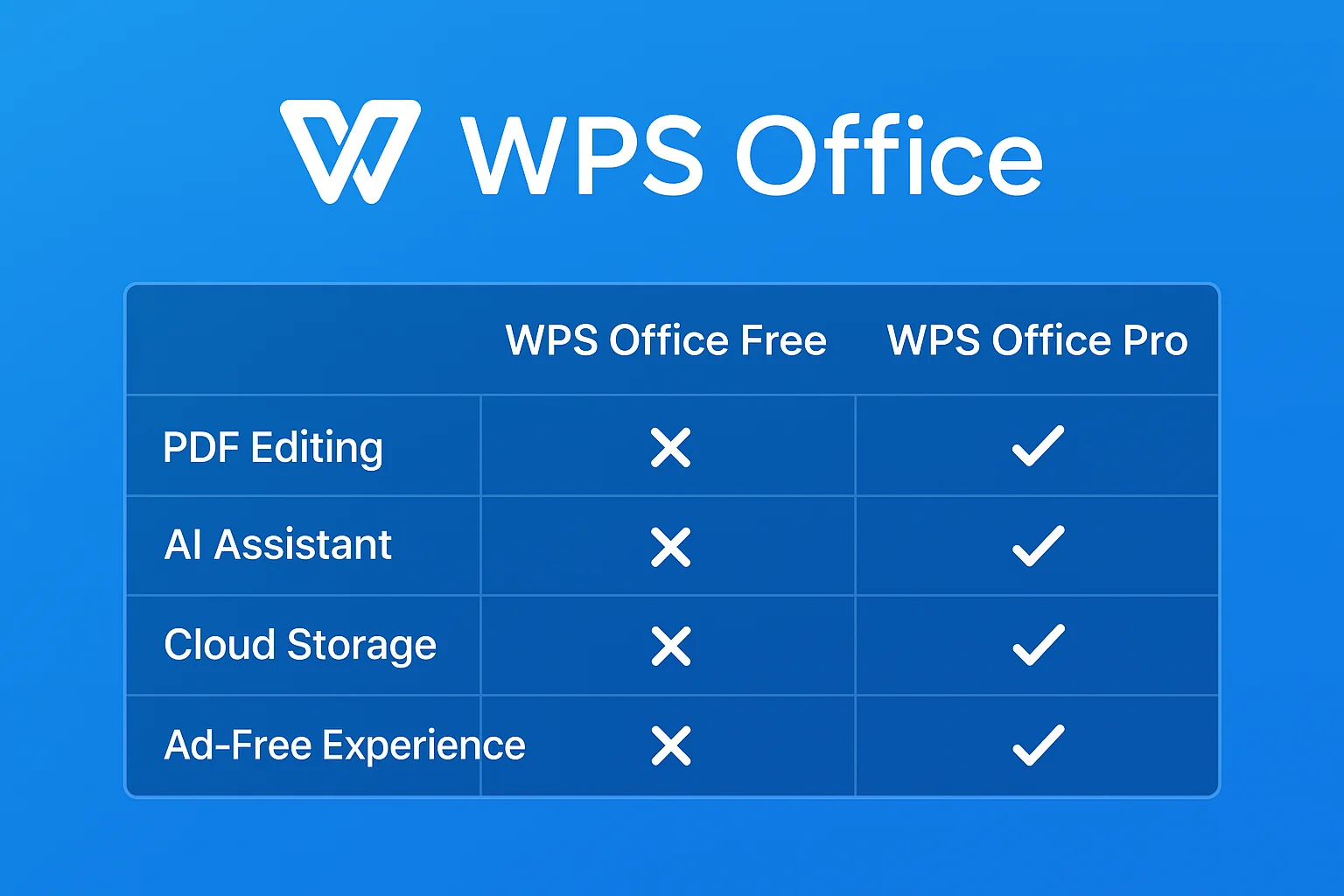
Before deciding whether to upgrade to WPS Pro, it’s crucial to understand the differences between the Free and Pro versions. The table below summarizes the core feature comparison:
| Feature | WPS Office Free | WPS Office Pro |
|---|---|---|
| PDF Editing, Merge, Compress, OCR | ❌ Limited | ✅ Fully supported |
| AI Assistant, AI Writing, AI Formulas | ❌ Not supported | ✅ Supported |
| Cloud Storage | Basic capacity | Enhanced capacity, supports large files |
| Collaboration | Basic collaboration | Advanced collaboration and permissions |
| Template & Font Library | Basic templates and fonts | Rich templates and advanced fonts |
| Ad Experience | Ads included | Ad-free |
| Cross-platform Sync | Partial sync | Full sync across platforms |
| Target Users | Light office users, students, basic document processing | Professionals, teams, advanced users |
As the table shows, WPS Pro’s PDF editing, OCR, and AI features cannot be replaced by the Free version. Many users compare these differences first when looking for activation methods or temporary free use solutions.
Why Most “Free Product Keys” Online Don’t Work
The so-called free WPS Pro keys circulating online often have short validity periods and carry multiple risks:
- Activation Limits: Keys are usually restricted by region, version, or number of uses, and may fail after expiration or repeated use.
- Security Risks: Keys from unofficial sources may contain malicious links or malware, jeopardizing personal privacy and device security.
- Incomplete Functionality: Even if activated, some Pro features may remain restricted and cannot fully replace official authorization.
- Data Loss Risks: Activation failure or use of pirated keys may cause files to become inaccessible or data loss.
Understanding these risks encourages users to choose official free trials, short-term licenses, or safe alternatives rather than taking chances with unauthorized keys.
Official Ways to Legally Access WPS Pro Features
Official Free Trial
WPS Office offers official free trials, such as a 7-day Pro trial, suitable for short-term projects or one-time document processing:
- Use Cases: Submitting reports, processing large batches of PDFs, temporarily using AI writing assistance.
- How to Use: Register a WPS account → Log in to the client → Activate trial → Access all Pro features.
Official Short-term Membership
WPS also provides short-term memberships, allowing users to access Pro features as needed without a long-term subscription:
- Advantages: No annual subscription required, flexible daily billing.
- Target Users: Occasional users of advanced features, such as temporary project members or students completing end-of-term tasks.
- How to Obtain: Purchase or obtain a short-term license through official WPS channels.
These options are legal and reliable, avoiding the security and privacy risks of unofficial keys.
Safe and Practical WPS Pro Free Alternatives
Use WPS Web/Online Tools for Temporary Editing
WPS Web provides an online version for document editing without installation:
- Can handle basic documents, spreadsheets, and presentations.
- Supports real-time collaboration with multiple users.
- Advanced PDF and AI features require Pro.
Ideal for temporary editing or lightweight collaboration tasks, reducing dependency on the Pro version.
Use Free Office Tools for Basic Tasks
-
- Completely free, supports Docs, Sheets, Slides, and Forms.
- Powerful real-time collaboration, suitable for basic document, spreadsheet, and presentation needs.
- Does not support WPS Pro’s PDF editing, OCR, or AI features.
-
- Compatible with Microsoft Office formats, suitable for team collaboration.
- Free version covers basic editing; advanced PDF and e-signature features require payment.
-
- Completely open-source and free, can be used offline.
- Offers full suite including Writer, Calc, Impress, Draw.
- PDF export available, but does not support PDF editing or OCR.
These tools meet basic office needs but still rely on WPS Pro or official short-term licenses for advanced features.
Combine Short-term Activation Codes for Advanced Features
For users who occasionally need Pro features, official short-term activation codes are a cost-effective solution:
- Temporarily unlock PDF, OCR, and AI features without a long-term subscription.
- Typical durations include 3, 7, 15, or 30 days.
- Provided via official channels, ensuring safe and legal use.
- More information available on ShortKey official website including usage guides and promotions.
This approach balances cost and functionality, especially for occasional high-level document tasks.
How to Correctly Activate WPS Pro (Step-by-Step)
The official activation process is simple:
- Open the WPS client and log in.
- Go to “Account Center” → select the activation option.
- Enter the official activation code (short-term license or trial code).
- Restart the application and verify Pro features are enabled.
Important Notes:
- Ensure the key comes from official channels to avoid unauthorized sources.
- Short-term membership unlocks PDF, OCR, and AI features but is time-limited.
- If activation fails, check version and regional restrictions or obtain a new official code.
Official guide: WPS Office Activation Guide.
Best Practices for Using WPS Pro (By Use Case)
If Your Need is PDF Editing or OCR
- Must use Pro.
- Free tools’ PDF capabilities are limited and unsuitable for batch processing.
If Your Need is Basic Document Editing
- Free version or online tools like WPS Web are sufficient.
- Can handle documents, spreadsheets, and presentations without payment.
If You Only Need Pro Temporarily
- Official short-term membership is most reasonable; use advanced features as needed and avoid wasting an annual subscription.
If You Want Full Features but Have a Limited Budget
- Combine official free trial + short-term activation codes for an economical way to unlock all Pro features.
How to Choose the Right Option (Decision Flow)
Text-based decision example:
Do you need PDF, OCR, or batch processing?
- Yes → Use Pro or short-term membership
- No → Free version is sufficient
How frequent is your usage?
- High → Long-term subscription
- Medium/Low → Short-term membership
- Very low → Online tools + free trial
For scenarios pointing to short-term activation codes, emphasis is placed on flexibility, low cost, and official legality without promotional bias.
How to Avoid Invalid Keys and Potential Risks
Safety tips:
- Do not visit unknown free key websites.
- Do not download cracks or run unknown programs.
- Ensure keys come from official authorized channels.
- Use short-term official licenses to avoid account issues, privacy leaks, and feature limitations.
- Keep activation and purchase records for future verification.
Additionally, refer to the NIST Cybersecurity Framework for standards and risk prevention guidance.
Conclusion
This article provides a detailed analysis of the differences between WPS Free and Pro, the limitations of free keys online, and official ways to access Pro features. Users can choose based on their needs:
- Basic office tasks → WPS Free or online tools like Google Docs
- Short-term advanced feature usage → Official short-term membership or trial
- Frequent long-term usage → Pro annual subscription
Activating WPS Pro through official channels ensures full functionality while avoiding security and privacy risks. For temporary Pro use, official short-term licenses offer a safe and cost-effective solution, avoiding subscription fatigue and piracy, providing users with a flexible and reliable office experience.
References
- WPS Office Official Website
- WPS Office Activation Guide
- WPS Web Online Office
- Google Docs
- OnlyOffice
- LibreOffice
- ShortKey Official Short-term License Service
- Statista SaaS Market Size and Trends
- Wired Report on Software Piracy Economic Impact
- NIST Cybersecurity Framework
- Anti-debugging License Protection Technology (Academic Paper)
- Android App Obfuscation and Anti-reverse Engineering Study