
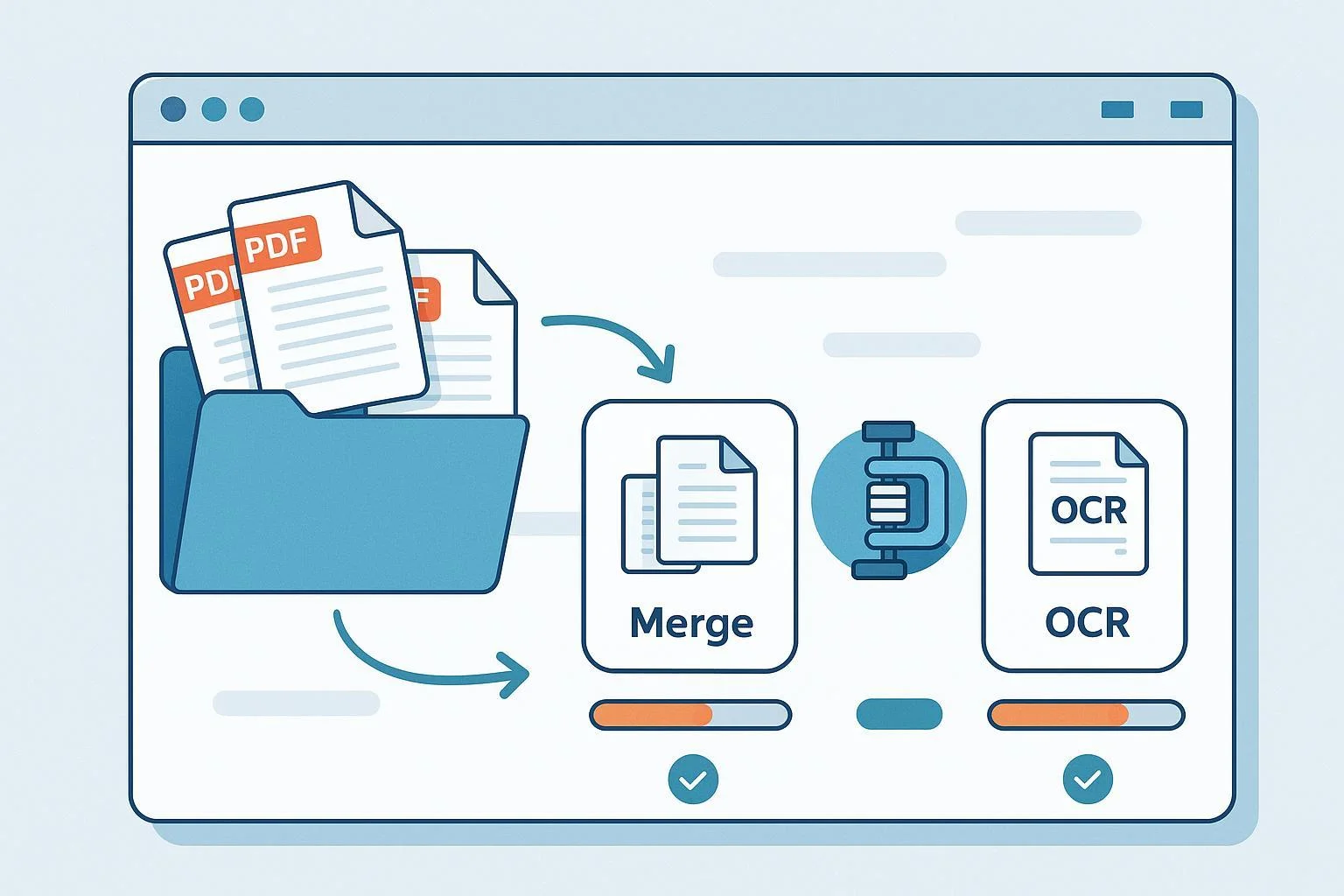
If you’re hitting paywalls for bulk PDF work in WPS Office—especially batch merge, compress/optimize, and OCR—you’re not alone. Many teams want predictable, one‑time costs, offline processing, and no surprise watermarks. This guide curates reliable, well‑documented tools that cover those batch tasks without locking you into a monthly plan. All pricing and features are verified as of 2025-10-15; vendors update fast, so double‑check before purchasing.
Quick picks if you’re in a hurry:
- Best free on Windows: PDF24 Creator. Local merge/compress/OCR with no watermarks; basic but dependable.
- Best one‑time, cross‑platform: PDF Studio Pro. Perpetual license on Windows/Mac/Linux with a full Batch Processor, including batch OCR.
Note on WPS: WPS markets OCR as free on its feature page, but it doesn’t provide a clear, official matrix showing which desktop batch capabilities do or don’t require Premium. See the current claim on the official WPS “PDF OCR” feature page. In practice, many users report prompts for advanced tools. Treat this as a “verify first” situation if you plan to stay.
How we evaluated alternatives
We weighted the factors that matter most to switchers from WPS:
- Licensing and total cost of ownership (30%): Perpetual or truly free options with transparent upgrade paths.
- Batch coverage and automation (25%): Must handle at least two of batch merge/compress/OCR (ideally all three), plus presets or action wizards.
- OCR quality (20%): Accuracy and language support for scans.
- Stability and cross‑platform support (15%): Smooth performance on Windows 10/11 and, when possible, macOS.
- Privacy and watermark policy (10%): Local/offline processing preferred; clear limitations.
You’ll also find “best for,” “watch‑outs,” and migration notes for each pick to help you decide based on real workflows.
1) Tungsten Power PDF (formerly Kofax Power PDF)
Why it stands out
- Perpetual license model for individual editions (Standard/Advanced) and a strong reputation for fast, accurate OCR built on OmniPage.
- Robust automation: you can build multi‑step sequences and run them across large file sets, including batch OCR.
Core capabilities for batch work
- Create action sequences to automate multi‑file workflows (e.g., OCR then optimize then rename). Tungsten’s official docs describe how to set up and run batch sequences and batch OCR; see the vendor’s guide to setting up PDF batch sequences.
Best for
- Teams that need dependable, repeatable bulk processing with an action‑sequence model and high‑quality OCR.
Watch‑outs
- Trial behavior around watermarks isn’t clearly spelled out—test with sample files before production. Pricing varies by region; confirm at checkout on the vendor site.
Migration difficulty from WPS
- Low to medium: recreate your compress and OCR presets as sequences; test language packs on your typical scans.
2) PDF Studio Pro (Qoppa)
Why it stands out
- Perpetual, cross‑platform license that runs on Windows, macOS, and Linux, with a single Pro SKU that includes a full Batch Processor.
- Strong offline privacy posture and a broad set of batch actions, including batch OCR and optimize/assemble.
Core capabilities for batch work
- Qoppa’s knowledge base details the Batch Processor, covering actions like OCR, optimize/compress, and assembling or merging files in one run. See the official article on Batch Processing with PDF Studio.
Pricing snapshot (as of 2025-10-15)
- Typical one‑time price listed at the Qoppa store: Pro around $139, with Standard around $99; confirm on the Qoppa PDF Studio store.
Best for
- Individuals and SMBs wanting a straightforward, one‑time purchase that works the same way across Windows/Mac/Linux.
Watch‑outs
- The demo adds watermarks to saved files until you activate a license; plan your testing accordingly.
Migration difficulty from WPS
- Low: recreate presets in the Batch Processor; export your profiles so other teammates can reuse them.
3) Nitro PDF Pro (focus on Windows “Classic” licensing)
Why it stands out
- Familiar UI for Office‑centric teams, with solid batch tools and enterprise‑friendly features.
- For buyers avoiding subscriptions, Nitro offers a “Classic” option on Windows: a one‑time license covering a 3‑year term.
Core capabilities for batch work
- Nitro documents batch operations like merge, OCR, and optimize in its Windows user guide for Batch Processing.
Licensing nuance to know (as of 2025-10-15)
- The Windows “Classic” page describes a one‑time license for three years; confirm current terms on the official Nitro PDF Classic page. Mac is positioned with account‑based activation.
Best for
- Windows‑first SMBs that want a business‑polished editor with batch tools and don’t mind Nitro’s term‑bound perpetual model.
Watch‑outs
- Trial watermark behavior isn’t clearly stated in public docs; run sample tests. If you’re Mac‑only, confirm current licensing, as it typically leans subscription/account‑based.
Migration difficulty from WPS
- Low to medium: batch presets exist, but you’ll likely rebuild them and verify OCR accuracy on your language sets.
4) Foxit PDF Editor Pro
Why it stands out
- Longstanding enterprise reputation with a flexible “Action Wizard” for multi‑step, multi‑file automations (batch OCR, optimize, and more).
- Foxit publicly affirms that perpetual licenses are still available and supported under their N/N‑1 policy, even as cloud‑first editions exist.
Core capabilities for batch work
- Foxit’s product materials show how Action Wizard automates repetitive tasks like batch OCR and compression across many files. For policy clarity, see Foxit’s official note on the Perpetual License Support Policy.
Best for
- Admins who value robust automation and enterprise‑grade deployment options, with the option to stay perpetual.
Watch‑outs
- The licensing matrix can be confusing (Editor vs Editor+, cloud add‑ons). Perpetual pricing frequently appears via resellers; validate SKUs and costs before purchase.
Migration difficulty from WPS
- Low: port your workflows into Action Wizard; it’s straightforward to save and share action sets.
5) Wondershare PDFelement
Why it stands out
- Attractive price for a perpetual license and a modern UI; supports batch convert, compress, and OCR in Pro tiers.
Core capabilities for batch work
- Batch tasks (convert, compress, OCR) are covered in PDFelement’s product materials and FAQs, and the vendor explains its perpetual plan structure for buyers avoiding subscriptions; see the official note on what a PDFelement perpetual plan means.
Pricing snapshot (as of 2025-10-15)
- Individuals often see a one‑time plan listed around $129.99 for perpetual on the vendor store; verify the current price on the Windows or Mac store pages.
Best for
- Cost‑conscious users who want a clean interface and broad batch coverage without a high up‑front cost.
Watch‑outs
- The trial adds watermarks and may limit certain conversions; test with copies of files.
Migration difficulty from WPS
- Low: recreate compress/OCR presets and confirm OCR language packs for your documents.
6) PDF24 Creator (Windows, free)
Why it stands out
- Entirely free desktop suite for Windows with local processing. No watermarks, no subscriptions—great for merge/compress and “good enough” OCR if your scans are clean.
Core capabilities for batch work
- The desktop toolbox includes merge, compress, and an OCR utility built on Tesseract. Power users can even script jobs via command line parameters described in the official PDF24 Creator Manual v11; see the section covering CLI/OCR in the PDF24 Creator manual.
Best for
- Windows users who want to avoid all costs and keep everything offline.
Watch‑outs
- OCR accuracy is generally below premium engines; very large batches may run slower—plan overnight runs when needed.
Migration difficulty from WPS
- Low: for merge/compress, the learning curve is minimal; for OCR, experiment with DPI and language parameters to maximize accuracy.
7) PDFsam Basic (free, open source)
Why it stands out
- A lightweight, cross‑platform utility that excels at merge/split/reorder with no cost and no watermarks.
Core capabilities for batch work
- PDFsam Basic focuses on structural operations (merge, split, rotate, extract, mix) and does not include OCR or compression in the free edition. The project’s feature list is clear on this scope; see the official page for PDFsam Basic features.
Best for
- Users who primarily need robust merge/split and are happy to stack another free tool for OCR/compression (e.g., pair PDFsam with PDF24 Creator on Windows).
Watch‑outs
- If you require batch OCR or compress, you’ll need to add a second tool. PDFsam Enhanced (a paid sibling) includes those, but it’s a different product line.
Migration difficulty from WPS
- Low: train your team on the split/merge modules; add a separate OCR/compress step to your workflow if required.
When to stay with WPS vs switch
Stay with WPS for now if
- You’ve verified (today) that the specific batch features you need work offline without Premium and without watermarks.
- Your team relies on tight integration with WPS Editors and cloud storage, and replicating that stack would create new friction.
Switch if
- You want a perpetual or free setup with predictable costs and offline privacy.
- You routinely run batch OCR and compress jobs and need automation (action sequences, saved profiles) without being upsold.
Tip: Because WPS’s public pages don’t publish a definitive desktop feature gating matrix, verify your exact needs against current builds before deciding.
Migration playbook: From WPS to a perpetual/free stack
- List your recurring jobs
- Examples: “Weekly: OCR 200 scans (EN+ES), then optimize and merge,” “Monthly: compress and Bates‑stamp invoices.”
- Trial with representative samples
- Use copies of files, especially where trials may watermark output (common for PDFelement and PDF Studio Pro). For ambiguous trials (Power PDF, Foxit, Nitro), export a small set first.
- Rebuild presets as actions
- Power PDF’s sequences, Foxit’s Action Wizard, and PDF Studio’s Batch Processor all let you assemble multi‑step flows (e.g., OCR → Optimize → Rename).
- Validate OCR languages and quality
- Confirm language packs and run a benchmark set that matches your real world: low‑dpi scans, smudges, mixed languages. Tune DPI and compression profiles for a speed/size/quality balance.
- Decide on your free vs paid mix
- Windows zero‑cost stack: PDFsam Basic for merge + PDF24 Creator for compress/OCR covers most needs, with scripting potential on PDF24 for heavier automation.
- Cross‑platform one‑time stack: PDF Studio Pro as your single editor with a mature Batch Processor; or Foxit/Power PDF if you prefer their automation models.
- Document and share
- Save and share action presets among teammates. Keep a small “golden set” of test PDFs to validate upgrades and new PCs.
Choosing the right fit: A quick scenario map
- Mostly Windows, zero budget, local only → PDF24 Creator; add PDFsam Basic for richer merge jobs.
- Windows or Mac, want one‑time purchase with broad batch and good OCR → Power PDF or PDF Studio Pro. Pick based on which UI and action model you prefer.
- Windows SMBs tied to Office, prefer business‑polished workflows → Nitro (Classic license on Windows) if terms suit you.
- Need enterprise‑style automation with perpetual option → Foxit PDF Editor Pro with Action Wizard.
- Tight budget but want a polished UI and batch OCR/compress → PDFelement perpetual plan.
What we didn’t include (and why)
- Web‑only tools: convenient but raise privacy questions for sensitive files and often cap batch sizes unless you subscribe.
- Niche CLI‑only stacks: powerful but overkill for mixed‑skill teams; PDF24’s CLI offers a simpler on‑ramp if scripting is needed on Windows.
Source notes and verification
- WPS capability claims remain ambiguous; see the official WPS “PDF OCR” feature page for current positioning.
- Power PDF automation and batch OCR are described in vendor documentation for sequences; see the how‑to on setting up PDF batch sequences.
- PDF Studio Pro’s Batch Processor and perpetual pricing are documented on Qoppa’s site; see Batch Processing with PDF Studio and the Qoppa PDF Studio store.
- Nitro’s Windows “Classic” licensing is detailed on the Nitro PDF Classic page; confirm current terms.
- Foxit affirms perpetual support policy in its KB; see the Perpetual License Support Policy.
- PDFelement explains what its perpetual plan entails here: What is a perpetual plan license?
- PDF24 Creator’s manual (v11) documents command line and OCR options; see the PDF24 Creator manual.
- PDFsam Basic’s scope is listed on the PDFsam Basic features page.
As of 2025-10-15. Recheck pricing, editions, and watermark/trial policies before committing.