
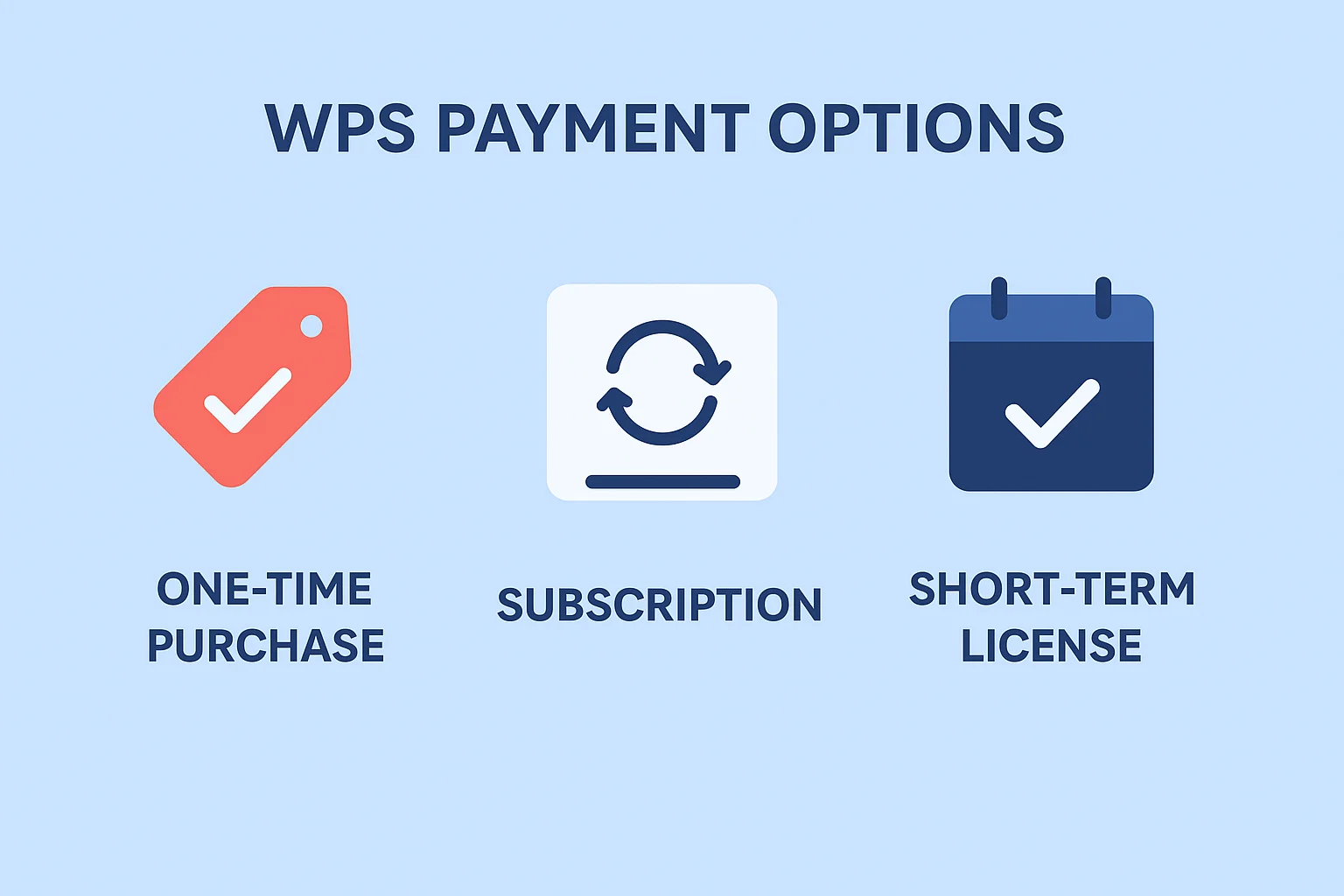
Many users prefer to avoid long-term subscription commitments and costs, opting instead for a one-time purchase that provides permanent access to office software. WPS Office, a widely used productivity suite, offers multiple payment options, including one-time purchases, subscriptions, and flexible short-term license solutions. This article explores these options in detail, comparing prices, features, and use cases to help users make informed decisions based on their needs.
Understanding WPS Payment Options
WPS Office provides three main payment methods: subscription, one-time purchase, and short-term licensing.
Subscription
WPS Office subscriptions allow users to receive continuous updates, security patches, and cross-device cloud access. Subscriptions are suitable for users who want to keep their software up to date. For official details, see WPS Office Official Subscription & Pricing.One-Time Purchase
A one-time purchase grants permanent access to all Pro features without ongoing payments. This option is ideal for long-term users or organizations seeking predictable costs. More details are available at Why do I need to pay for WPS Office?.Short-Term Licenses
Short-term licenses provide temporary access for short projects, trials, or temporary needs. Users can purchase activation codes for 1, 3, 7, or 30 days to access Pro features without committing to a subscription. Learn more about this concept at Short-Term Activation Codes Guide.
Key Considerations for Users
- Payment Flexibility: Ability to choose a plan that fits actual usage needs
- Cost Control: Ensuring total costs align with usage and features
- Feature Requirements: Whether the chosen plan provides the required tools
Here is an overview of WPS payment options:
| Payment Method | Duration | Feature Coverage | Price Range | Target Users |
|---|---|---|---|---|
| One-Time Purchase | Permanent | Full Pro features | High (one-time) | Long-term users, businesses |
| WPS Official Pro Subscription | Monthly (applies to at least 3 months of continuous subscription) | Full Pro tools, PDF editing, unlimited templates | Medium | Users who want regular updates |
| WPS Official AI Subscription | Monthly (applies to at least 3 months of continuous subscription) | AI tools access | High | Users needing AI capabilities |
| Short-Term Activation Code | 1–30 days | Partial or full Pro features | Low | Short-term projects, temporary use |
One-Time Purchase vs Subscription
The main differences between a one-time purchase and a subscription lie in payment structure, feature updates, and flexibility.
Ideal Users
- Long-term users: Prefer one-time purchase for permanent access and lower long-term costs
- Flexible/short-term users: Prefer subscriptions or short-term licenses based on usage needs
Price & Feature Comparison
| Option | Cost (Example) | Feature Coverage | Advantages | Considerations |
|---|---|---|---|---|
| One-Time Purchase | $79.99 (one-time) | Full Pro features | Permanent access, no recurring payments | High initial cost, no future updates |
| WPS Official Pro Subscription | $5.99/month | Full Pro tools, PDF editing, unlimited templates | Continuous updates, lower initial cost | Price applies only to subscriptions of at least three consecutive months |
| WPS Official AI Subscription | $19.99/month | AI tools access | Access to AI features, flexible usage | Price applies only to subscriptions of at least three consecutive months |
(Price references: Software Finder, SaaSworthy, Wheelhouse, SpotSaaS)
Short-Term WPS Licenses as a Flexible Alternative
Short-term licenses offer flexibility for temporary projects, short-term trials, or feature exploration. Using activation codes provided by ShortKey, users can access Pro features for 1, 3, 7, or 30 days without committing to a full subscription.
Use Cases
- Temporary projects or freelance work
- Students or freelancers needing short-term access
- Testing or trialing Pro features
| Payment Method | Flexibility | Feature Coverage | Cost Efficiency | Suitable Use Cases |
|---|---|---|---|---|
| One-Time Purchase | Low | Full Pro features | High (long-term) | Long-term office use |
| WPS Official Pro Subscription | Medium | Full Pro tools, PDF editing, unlimited templates | Medium | Regular use with update needs |
| WPS Official AI Subscription | Medium | AI tools access | Medium | Users needing AI features |
| Short-Term Activation Code | High | Partial or full Pro features | High (short-term saving) | Temporary projects, trials |
Activation process is simple: purchase a code → enter it in WPS → enjoy the features for the purchased duration.
WPS Pricing Comparison
| Payment Option | Price | Feature Coverage | Notes |
|---|---|---|---|
| One-Time Purchase | $79.99 | Full Pro features | Permanent use, no renewal |
| WPS Official Pro Subscription | $5.99/month | Full Pro tools, PDF editing, unlimited templates | Price applies only to subscriptions of at least three consecutive months |
| WPS Official AI Subscription | $19.99/month | AI tools access | Price applies only to subscriptions of at least three consecutive months |
| Short-Term Activation Code | $1–10/day (varies by duration) | Partial or full Pro features | Temporary use, instant activation |
Short-term licenses allow users to access features without committing to long-term costs while maintaining productivity.
How to Choose the Right Option
Choosing the best plan depends on usage frequency, required features, and budget.
Pros & Cons
One-Time Purchase:
- Pros: Permanent access, full features, low long-term cost
- Cons: High upfront cost, no updates
Subscription:
- Pros: Continuous updates, low initial cost, cross-device sync
- Cons: Total cost accumulates over time; monthly price applies only to at least three consecutive months
Short-Term Activation Code:
- Pros: Pay-as-you-go, highly flexible, quick access
- Cons: Feature may be limited, not cost-effective for continuous use
Example Scenarios
- Students: Short-term codes or monthly subscriptions for class projects or trials
- Freelancers: Short-term codes or annual subscription depending on workload
- Businesses with temporary projects: Short-term codes for team access
- Long-term office users: One-time purchase for full feature access
FAQs About WPS Purchase Options
Can I purchase WPS Pro once without a subscription?
Yes, one-time purchase grants permanent access to Pro features without ongoing payments. See WPS Official Subscription & Pricing.
What is the difference between one-time payment and subscription?
One-time purchase provides permanent access; subscription offers continuous updates. Note that monthly subscription prices apply only to subscriptions of at least three consecutive months.
Are there temporary licenses for short-term use?
Yes, short-term activation codes provide temporary access. Learn more at Short-Term Activation Codes Guide.
Can I use a short-term activation code alongside an official license?
Short-term codes can coexist with official licenses for temporary feature use. Proper management is recommended to avoid conflicts.
Are there free trials or demo versions available?
WPS provides a free version for basic editing. Full Pro features require subscription, one-time purchase, or short-term activation codes. See Why do I need to pay for WPS Office?.
Summary
Choosing the right WPS Office plan depends on usage frequency, required features, and budget:
- One-Time Purchase: Best for long-term users or businesses, full features with predictable cost
- Subscription: Best for users seeking continuous updates and flexible payments
- Short-Term Activation Codes: Ideal for temporary projects, students, or freelancers needing short-term access
Short-term activation codes provide a flexible alternative, offering access to Pro features without long-term commitment. By evaluating personal or team needs alongside one-time purchase and subscription options, users can select the plan that best fits their workflow.
Learn more about short-term licenses and flexible office solutions at ShortKey Official Website and ShortKey Services Overview.