
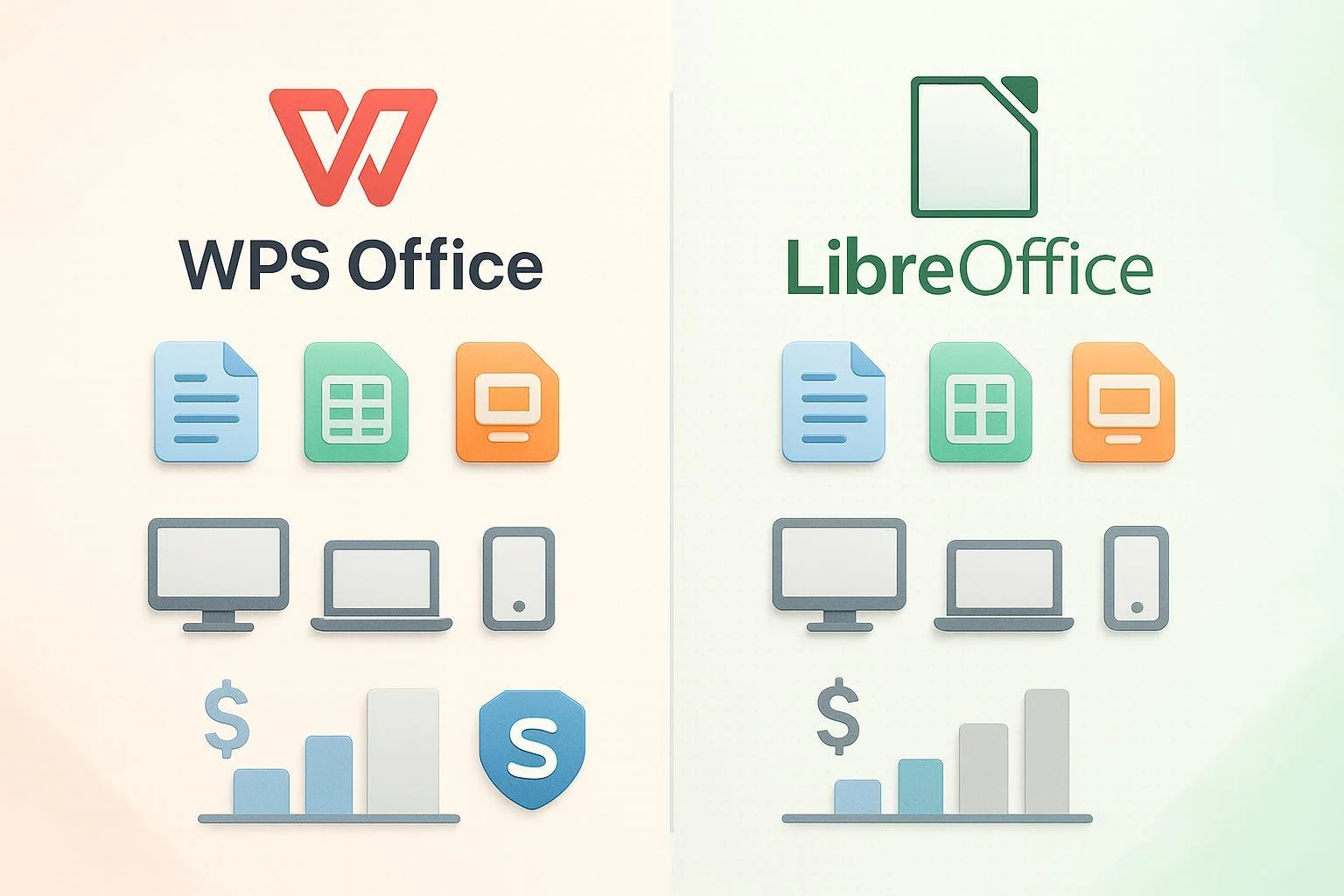
When choosing a cost-effective, reliable office suite outside the Microsoft and Google ecosystems, two names dominate the conversation: WPS Office and LibreOffice. Both offer powerful document, spreadsheet, and presentation tools, but which is right for your workflow in 2024? This practical, data-driven guide breaks down their features, compatibility, cost, and usability—delivering clear, scenario-based recommendations to streamline your decision.
Why This Comparison Matters
For freelancers, students, small teams, and privacy-conscious users, Microsoft Office’s high subscription fees or proprietary lock-in can be a deal-breaker. WPS Office and LibreOffice emerge as the top alternatives, each with unique benefits: modern interfaces, strong Microsoft file compatibility, true cross-platform availability, or open-source freedom. However, subtle differences in licensing, mobile support, advanced features (like PDF/AI tools), and price models may impact which is best for you. Read on for an in-depth, neutral comparison—anchored in real user feedback and authoritative reviews.
Comparison Dimensions & Decision Criteria
Before diving into the details, here are the core criteria that matter most:
- Core Features
- Compatibility with Microsoft Office formats (DOCX, XLSX, PPTX)
- Platform & Device Support
- User Experience and Interface
- Cost & Licensing (including trial/flexible options)
- Unique Strengths & Limitations
- Best-fit Use Cases
Feature & Cost Comparison Table
| WPS Office | LibreOffice | |
|---|---|---|
| Type | Freemium/Proprietary, with free & paid (Pro/Premium) plans | 100% Free & Open Source (LGPL/MPL) |
| Main Modules | Writer, Spreadsheet, Presentation, PDF Editor; AI tools in premium | Writer, Calc, Impress, Draw, Base (DB), Math (Formulas) |
| Platforms | Windows, macOS, Linux, Android, iOS, HarmonyOS | Windows, macOS, Linux (no full-featured mobile) |
| Mobile Apps | Full-featured mobile suite | Viewer only (Android); no real iOS app |
| MS Compatibility | Excellent (very high DOCX/XLSX/PPTX/PDF fidelity, best among alternatives) | Good (some issues with complex formatting/macros; fine for basics) |
| PDF Tools | Advanced: edit, annotate, convert, merge, form fill, sign | Strong for export; limited editing |
| AI Tools | Yes (AI Writer, AI Chat - Pro/Premium only) | None (extensions available) |
| Cloud Storage | 1TB (Premium); 20GB (Pro); auto-save, sync, collaboration | None built-in; connectable to Nextcloud/others via extensions |
| Templates | Extensive modern template library | Community templates, less polished |
| Ad Policy | Ads in free version; none in paid | No ads |
| Licensing | Free, Pro ($2.99/mo), Premium ($8/mo), business/annuals; daily/weekly/monthly via ShortKey (flexible official keys) | Always free; professional paid support available |
| Privacy | Closed-source (privacy concerns among FOSS advocates) | Fully open-source; transparent development |
| Support | Official support with paid plans; community help | Community-driven; paid professional options for organizations |
| Source Links | wps.com / ShortKey | libreoffice.org |
In-Depth Comparison by Dimension
1. Core Features
- WPS Office: Ribbon-style UI, multi-tab editing, advanced PDF toolkit, AI writing tools, robust cloud backup/collaboration, pro template store. Full editing on mobile. Many features mirror MS Office.
- LibreOffice: Core office apps plus database/vector/drawing tools; rich macro and extension ecosystem; broad language support (110+). Lacks built-in PDF editing/AI/cloud, but excels at core offline work.
2. Microsoft Office Compatibility
- WPS Office: Frequently praised as the closest non-Microsoft option for seamless DOCX/XLSX/PPTX fidelity, including complex formatting, images, and most tables. PDF conversions consistently accurate (WPS Blog, 2024). Minor gaps with advanced macros/VBA.
- LibreOffice: Good for everyday MS Office files; occasional glitches with embedded objects, rare fonts, or advanced layouts. Advanced Microsoft macros/VBA are poorly supported. PDF export is strong; editing is basic (Reddit & Trustpilot user feedback).
3. Platform & Device Support
- WPS Office: True cross-platform reach, with robust desktop and full-featured mobile apps—making it attractive for users who want to work on-the-go or across device types.
- LibreOffice: Best for Windows, macOS, and especially Linux (where it’s the default), but lacks real mobile editing (only basic document viewers/extensions on Android, little iOS support).
4. User Experience & Interface
- WPS Office: Offers a modern, Microsoft-like ribbon interface, quick onboarding, and multi-tab workflow. Free version contains ads which are absent in Pro/Premium plans.
- LibreOffice: More traditional UI that some may find dated, though it is highly customizable. No ads, pure open-source ethos, but less polish in design.
5. Cost & Licensing
- WPS Office: Free basic plan (with ads); premium ad-free upgrades start at $2.99/month. Notably, users can obtain legal, short-term WPS Pro keys (daily, weekly, monthly, annual) via ShortKey.ai, providing flexible, low-commitment access—ideal for trial or temporary needs.
- LibreOffice: Entire suite is free, with open licensing for unlimited use on any number of machines. Organizations needing pro support can pay third-party providers; otherwise, no costs involved.
6. Unique Strengths & Limitations
- WPS Office Strengths: Unmatched MS Office compatibility, polished UX, full mobile editing, advanced PDF tools, convenient short-term/flexible purchase options.
- WPS Office Limitations: Ads in the free tier, closed-source (potential privacy concerns), some advanced Office scripts/macros may not be fully supported.
- LibreOffice Strengths: 100% free and open source, strong for Linux and privacy-focused users, excellent extension/macros. No ads, no premium upsell.
- LibreOffice Limitations: No real mobile solution, lags behind in complex file compatibility, UI could feel outdated, limited PDF editing.
Real-World User Feedback
- WPS Office: “Preserves the look of my Word and Excel docs better than anything else.” — Reddit. Strongly rated by users for cross-device usability but criticized for ads in free plans.
- LibreOffice: “Great for basic office work, but some formatting gets lost in complex docs.” — User review. Appreciated on Linux/FOSS forums, but business document sharing with MS Office users sometimes problematic.
Best-fit Use Case Scenarios
1. Students/Budget-conscious Users
- WPS Office: Leverage ShortKey’s daily, weekly, or monthly Pro passes for affordable access to advanced tools and the best MS Office compatibility—no long-term commitment.
- LibreOffice: Delivers a completely free alternative for basic office needs and non-critical MS file editing.
2. Mobile-first and On-the-Go
- WPS Office: The clear winner, as it provides robust mobile apps for both Android and iOS. Ideal if your workflow extends to tablet or smartphone.
- LibreOffice: Not recommended for mobile work outside basic viewing.
3. Linux/FOSS Advocates
- LibreOffice: Native integration, open-source purity, and strong community support make this the natural choice. No intrusive ads or proprietary lock-in.
- WPS Office: Available, but often less stable or lacks the deep integration of LibreOffice on Linux.
4. Heavy MS Office Interoperability
- WPS Office: Best for users who must exchange complex files (business, academia) with MS Office users and require minimal formatting loss.
- LibreOffice: Suitable for internal workflows and those prioritizing open standards over perfect compatibility.
Quick Pros & Cons Summary
| WPS Office | LibreOffice | |
|---|---|---|
| Pros | Excellent MS file compatibility; modern UI; full mobile; advanced PDF & AI tools; affordable/flexible Pro access (ShortKey) | Totally free; open-source; strong for Linux; no ads; good basic compatibility |
| Cons | Ads in free version; closed-source; incomplete macro support | Outdated interface; weak mobile/cloud/PDF editing; format issues with complex MS files |
Which Should You Choose?
Try WPS Office if you:
- Value top-tier Microsoft Office format fidelity (especially for business/school docs)
- Need mobile editing or advanced PDF/AI features
- Want short-term or trial access—daily, weekly, or monthly Pro keys via ShortKey let you test or use WPS affordably and officially, commitment-free (ShortKey WPS offers).
Choose LibreOffice if you:
- Refuse any software cost or ads, and value open-source principles
- Primarily use Windows, macOS, or Linux—especially in privacy-focused or FOSS-only environments
- Only need basic compatibility and rarely exchange complex files with MS Office users
Final Thoughts
Both suites are robust, but your ideal fit depends on device habits, interoperability needs, and cost flexibility preferences. WPS Office brings unmatched Microsoft file compatibility and modern polish to all platforms, with flexible access—while LibreOffice offers a free, ethical, community-driven solution for core office work, particularly on Linux.
See more WPS Office flexible short-term passes at ShortKey.ai for risk-free trials or budget use.
Sources: WPS Office Official | LibreOffice Official | WPS Blog Comparison | Reddit LinuxDiscussion | 6sense Market Share Data | Trustpilot LibreOffice