
Introduction
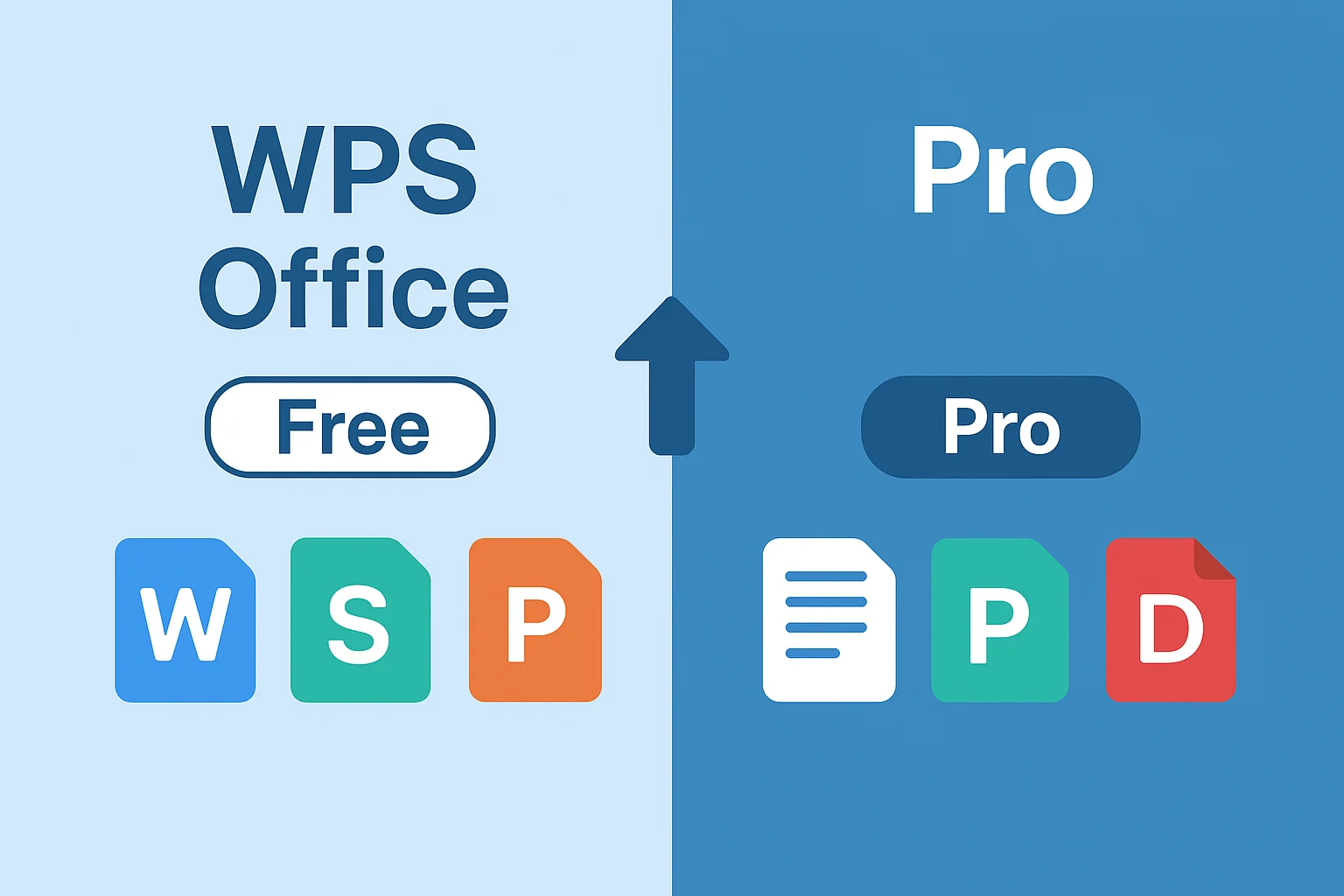
WPS Office, developed by Kingsoft Office, is a cross-platform office suite available on Windows, macOS, Linux, iOS, and Android. Its free version offers substantial functionality, while the Pro version provides advanced features such as full PDF editing, OCR text recognition, extensive templates, and expanded cloud storage. As a result, WPS Office is widely adopted by millions of users worldwide, from students to business professionals.
Common questions users search for include:
- Can I use WPS Pro for free?
- Is there a free version of WPS Pro?
- Where can I download WPS Pro for free?
- Is there a free trial?
- Are there safe free alternatives?
This article will cover:
- Official ways to access WPS for free
- Key differences between WPS Free and WPS Pro
- Free trials and short-term usage options
- Safe alternatives and cost-saving strategies
Helping readers choose the right version and usage plan to meet their office needs efficiently.
Can WPS Pro Be Used for Free?
It is important to note that WPS Pro does not have a permanently free version. However, there are several official ways to legally and safely experience Pro features temporarily:
- WPS Free: Offers core office functionalities such as word processing, spreadsheets, presentations, and limited PDF tools. Includes 1 GB of cloud storage, supports 47 file formats and 46 languages, and does not require a credit card (WPS official guide).
- Official trials and promotional offers: WPS occasionally provides 3-7 day trial access or temporary Pro access through student programs or regional promotions .
FAQ
Q1: Can I get WPS Pro for free forever?
A: No. The free version is WPS Free only. Pro features require payment or temporary official access.
Q2: Is the free version enough for study or office work?
A: For most documents, spreadsheets, presentations, and light PDF editing, WPS Free is sufficient.
Q3: Is the free trial safe?
A: Official trials are safe, ad-free, and legally authorized.
WPS Free vs WPS Pro: Key Differences
| Feature | WPS Free | WPS Pro | Use Case |
|---|---|---|---|
| PDF Editing | Limited | Full functionality | Users needing advanced PDF editing |
| OCR | No | Yes | Scanned document recognition for academic or business purposes |
| Cloud Storage | 1 GB | 20 GB | Large file syncing and cross-device collaboration |
| Templates | Basic | Extensive | Professional templates for faster productivity |
| AI Tools | Limited | Full | Auto formatting, intelligent review, productivity enhancements |
Analysis: The most critical Pro features for users are PDF editing, OCR, cloud storage, and templates. Pro is particularly beneficial for frequent office tasks and team collaboration.
Official Ways to Use WPS Pro for Free
WPS offers several safe and legal ways to experience Pro features temporarily:
Official Free Trial
- Available on Windows, macOS, iOS, and Android.
- Provides full access to all Pro functionalities for 3-7 days.
Promotional Offers & Student Programs
- WPS occasionally grants temporary Pro access through educational plans or regional promotions.
- Legal, risk-free, and guaranteed to be genuine.
For users needing Pro for short-term projects or assignments, annual subscriptions are not necessary, allowing them to save money while staying secure.
How to Download WPS Pro for Free
Windows
- Visit the official WPS Office website.
- Click the download button and select Windows version.
- Install the application and log in.
- Activate Pro features via official trial or promotional codes.
macOS
- Open the WPS official download page.
- Download the dmg file and drag it into the Applications folder.
- Log in and enable free trial or promotional Pro access.
iOS / Android
- iOS: Download from App Store.
- Android: Download from Google Play.
- Register and activate trial Pro features as offered.
Tip: Always use official sources to avoid pirated or unsafe versions claiming to be free Pro.
Is WPS Pro Worth Paying For?
Pro is ideal for:
- Frequent PDF editing: Full editing, merging, annotation, and format conversion.
- OCR needs: Recognizing text from scanned documents for reports or research.
- Template-heavy projects: Quickly generating professional documents or presentations.
- Team and enterprise collaboration: Multi-device synchronization and advanced cloud features.
Users who rarely need Pro can consider short-term usage:
- Occasional document handling
- One-time projects or temporary tasks
- Students completing assignments or reports
Why Short-Term Pro Access Makes Sense
- Cost-efficient: Pay only for the time you need rather than a full-year subscription.
- Flexible: Temporary projects, academic tasks, or short-term business needs are covered.
- Market trend: Subscription sharing and short-term SaaS licenses are increasingly popular, giving users flexibility without long-term commitments.
WPS Pro Free Alternatives
For users who want to avoid payment or only need basic functionality, the following alternatives are common internationally:
| Platform | Highlights | Limitations |
|---|---|---|
| Google Docs | Real-time collaboration, cloud storage, cross-device editing | Limited PDF editing, fewer professional templates |
| LibreOffice | Open-source, privacy-friendly, no cloud lock-in | No real-time collaboration, steeper learning curve |
| ONLYOFFICE | Self-hosted or cloud, AES-256 encryption, Microsoft Office compatible | Limited free features, advanced features require payment |
| Online PDF tools | Browser-based, lightweight PDF editing | Security depends on provider; not suitable for sensitive files |
Summary: These alternatives cover basic office needs, but users who frequently require advanced features or collaboration benefit more from temporary official Pro access.
Common Questions from International Users (FAQ)
Q1: Can I get WPS Pro for free forever?
A: No. Only WPS Free is permanently free; Pro features require payment or official temporary access.
Q2: Is the free version sufficient for study or work?
A: Yes, for general document editing, spreadsheets, and presentations.
Q3: Is the free trial safe?
A: Official trials are completely safe, legal, and free from ads or malware.
Q4: Are free activation codes safe to use?
A: Codes from unofficial sources may carry legal or security risks. Always use official channels.
Q5: What’s the safest way to get short-term Pro access?
A: Use official free trials or student/educational promotional offers to ensure legality and safety.
References
- WPS Office subscription plans
- Official WPS Office website
- WPS Office overview on Wikipedia
- WPS Office official Chinese download
- LiResolver: License incompatibility resolution
- LiDetector: License incompatibility detection
- Reddit discussion: WPS installs without admin rights
- Reddit thread: Is WPS Office safe?