
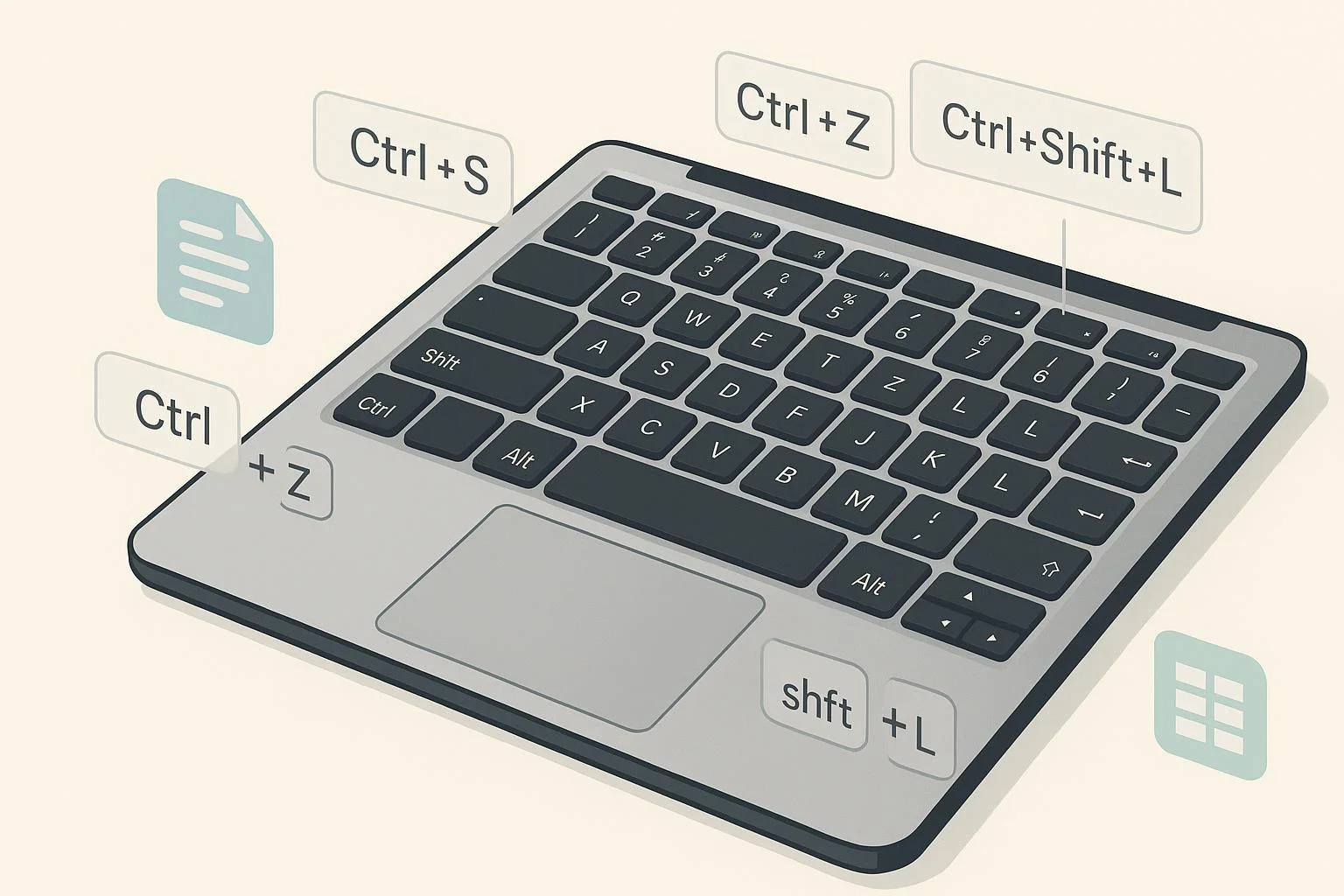
If you live in WPS Office all day, a handful of shortcuts will save you hours each month. This list focuses on real, everyday hotkeys you’ll actually press—like Ctrl+S to save, Ctrl+Z to undo, F2 to edit a spreadsheet cell, or Ctrl+Shift+L to toggle filters—grouped by where they work best.
How we chose these: We prioritized high-frequency actions and verified them against official WPS documentation. Global basics map to the WPS Academy roundup for spreadsheets, which also reflects cross‑suite standards, while Writer items reference the WPS Help Center, and spreadsheet‑specific moves (filters, inserting rows, line breaks) reference WPS Academy tutorials. Presentation shortcuts are omitted due to the lack of a current, official list.
— Note: Most “Global” shortcuts work across Writer and Spreadsheets. Where a shortcut is spreadsheet‑specific, we say so.
Global WPS shortcuts (10)
According to the WPS Academy overview of common spreadsheet shortcuts—whose fundamentals align with WPS Office globally—these are the bread‑and‑butter keys you’ll use constantly: see the concise list in the WPS Academy guide to common shortcut keys in WPS Spreadsheet (2025 update).
- Save — Ctrl+S | Works in: Global
- Why it’s useful: Save progress instantly without breaking your flow.
- Undo — Ctrl+Z | Works in: Global
- Why it’s useful: Safely experiment and revert fast.
- Redo — Ctrl+Y | Works in: Global
- Why it’s useful: Reapply the last change after an undo.
- Copy — Ctrl+C | Works in: Global
- Why it’s useful: Universal copy for text, cells, and objects.
- Cut — Ctrl+X | Works in: Global
- Why it’s useful: Move content without duplicate clutter.
- Paste — Ctrl+V | Works in: Global
- Why it’s useful: Drop copied content in the right spot.
- Find — Ctrl+F | Works in: Global
- Why it’s useful: Jump straight to the content you need.
- Replace — Ctrl+H | Works in: Global
- Why it’s useful: Batch‑fix names, terms, or formatting codes.
- New file — Ctrl+N | Works in: Global
- Why it’s useful: Start a fresh document or workbook quickly.
- Open — Ctrl+O | Works in: Global
- Why it’s useful: Load existing files without touching the mouse.
WPS Writer essentials (14)
Core Writer shortcuts are documented in the WPS Help Center list of keyboard shortcuts for WPS Writer (2024 update). Below are the ones most users actually reach for in day‑to‑day editing and formatting.
- Bold — Ctrl+B | Works in: Writer
- Why it’s useful: Add emphasis in headings and key terms.
- Italic — Ctrl+I | Works in: Writer
- Why it’s useful: Emphasize quotes, titles, and foreign words.
- Underline — Ctrl+U | Works in: Writer
- Why it’s useful: Call attention to labels or key figures.
- Align Left — Ctrl+L | Works in: Writer
- Why it’s useful: Standard paragraph alignment for body text.
- Center — Ctrl+E | Works in: Writer
- Why it’s useful: Clean, balanced headings and cover pages.
- Align Right — Ctrl+R | Works in: Writer
- Why it’s useful: Align numbers or dates neatly to the right edge.
- Justify — Ctrl+J | Works in: Writer
- Why it’s useful: Tidy left and right edges in multi‑column layouts.
- Find — Ctrl+F | Works in: Writer
- Why it’s useful: Navigate long docs by keywords.
- Replace — Ctrl+H | Works in: Writer
- Why it’s useful: Fix typos or rename terms across the document.
- Go To — Ctrl+G | Works in: Writer
- Why it’s useful: Jump to pages, sections, or bookmarks instantly.
- Hyperlink — Ctrl+K | Works in: Writer
- Why it’s useful: Insert/edit links without mousing through menus.
- Paste Special — Ctrl+Alt+V | Works in: Writer
- Why it’s useful: Paste as plain text or keep only formats when needed.
- Print — Ctrl+P | Works in: Writer
- Why it’s useful: Open the print dialog in one step.
- Select All — Ctrl+A | Works in: Writer
- Why it’s useful: Apply a format or copy everything at once.
WPS Spreadsheets essentials (26)
For spreadsheet‑specific keys, the broad catalog is in the WPS Help Center list of keyboard shortcuts for Spreadsheets (2025 update). We also cite focused Academy tutorials for filter workflows, inserting rows via keyboard, and adding line breaks inside cells.
Navigation, selection, and editing
- Edit active cell — F2 | Works in: Spreadsheets
- Why it’s useful: Edit in place without double‑clicking.
- Select entire row — Shift+Space | Works in: Spreadsheets
- Why it’s useful: Target row‑level actions (format, insert, delete).
- Select entire column — Ctrl+Space | Works in: Spreadsheets
- Why it’s useful: Format or move whole fields in one go.
- Go To — Ctrl+G | Works in: Spreadsheets
- Why it’s useful: Jump to cell references or named ranges quickly.
- Find — Ctrl+F | Works in: Spreadsheets
- Why it’s useful: Locate values, labels, or formulas fast.
- Replace — Ctrl+H | Works in: Spreadsheets
- Why it’s useful: Clean up labels or fix data issues at scale.
- Show formulas — Ctrl+` (grave) | Works in: Spreadsheets
- Why it’s useful: Audit calculations across the whole sheet.
- Format Cells — Ctrl+1 | Works in: Spreadsheets
- Why it’s useful: Open formatting dialog for number, alignment, borders, and more.
- Move to edge of data region — Ctrl+Arrow keys | Works in: Spreadsheets
- Why it’s useful: Fly across large ranges without scrolling.
- Expand selection to edge — Ctrl+Shift+Arrow | Works in: Spreadsheets
- Why it’s useful: Select big blocks instantly for bulk actions.
- Go to A1 / last used cell — Ctrl+Home / Ctrl+End | Works in: Spreadsheets
- Why it’s useful: Snap to the start or bottom‑right of your data.
- Switch worksheets — Ctrl+Page Up / Ctrl+Page Down | Works in: Spreadsheets
- Why it’s useful: Cycle through sheets without using the mouse.
Data entry and structure
- Insert row — Ctrl+Shift+= (plus) | Works in: Spreadsheets
- Why it’s useful: Add a new row above the selection, fast. As shown in the WPS Academy “insert row via shortcut” tutorial (2025), pressing Ctrl+Shift+Plus opens the Insert dialog for rows/columns.
- Delete row/column — Ctrl+– (minus) | Works in: Spreadsheets
- Why it’s useful: Remove selected rows/columns in a flash.
- Insert column — Ctrl+Shift+= (plus with column selected) | Works in: Spreadsheets
- Why it’s useful: Adjust table structure without menus.
- Fill Down — Ctrl+D | Works in: Spreadsheets
- Why it’s useful: Copy the top cell’s content/formula down a selection.
- Fill Right — Ctrl+R | Works in: Spreadsheets
- Why it’s useful: Propagate across columns quickly.
- AutoSum — Alt+= | Works in: Spreadsheets
- Why it’s useful: Insert SUM for a range without typing.
- Paste Special — Ctrl+Alt+V | Works in: Spreadsheets
- Why it’s useful: Paste values, formats, widths, and more.
- New line in a cell — Alt+Enter | Works in: Spreadsheets
- Why it’s useful: Multi‑line labels without expanding columns. The WPS Academy line‑break tutorial (2025) explicitly notes using Alt+Enter in Windows.
- Enter current date — Ctrl+; | Works in: Spreadsheets
- Why it’s useful: Timestamp entries without typing the date.
- Enter current time — Ctrl+Shift+; | Works in: Spreadsheets
- Why it’s useful: Record precise time stamps quickly.
Filters and tables (keyboard‑forward workflow)
- Toggle AutoFilter — Ctrl+Shift+L | Works in: Spreadsheets
- Why it’s useful: Turn filter dropdowns on/off in one keystroke. Confirmed in the WPS Academy “five must‑have filter skills using keyboard” guide (2025).
- Create a table (with headers) — Ctrl+T or Ctrl+L | Works in: Spreadsheets
- Why it’s useful: Convert ranges to structured tables with filters, as described in the same WPS Academy filter skills guide (2025).
- Open the active column’s filter menu — Alt+Down Arrow | Works in: Spreadsheets
- Why it’s useful: Access filter options from the keyboard, per the WPS Academy filter skills guide (2025).
- Show/Hide formulas across sheet — Ctrl+` (restate) | Works in: Spreadsheets
- Why it’s useful: Quick audit view paired with filters and tables for data checks.
— Bonus reference: For a comprehensive index beyond the highlights above, consult the WPS Help Center’s full keyboard shortcuts for Spreadsheets (2025), which catalogs navigation, editing, formatting, and analysis keys used across typical spreadsheet workflows.
Quick tips to practice and remember
- Stack shortcuts by task. For data cleanup, try Ctrl+F/H (find/replace), then Ctrl+G (jump to ranges), then Ctrl+1 (format cells) and Ctrl+` (audit formulas).
- Learn the “navigation quartet.” Ctrl+Arrow and Ctrl+Shift+Arrow plus Ctrl+Home/End move and select ranges at speed.
- Make filters your friend. Ctrl+T (or Ctrl+L) to table‑ify, Ctrl+Shift+L to toggle, Alt+Down to open a column’s list—great for keyboard‑only triage.
- Keep both hands engaged. Thumb on Ctrl, ring finger on Shift, index on arrows—muscle memory builds within a week.
Methodology and scope notes
- Verification: Writer items align with the WPS Help Center: keyboard shortcuts for WPS Writer (2024). Spreadsheet items align with the WPS Help Center: keyboard shortcuts for Spreadsheets (2025) and focused WPS Academy tutorials for filters, row insertion, and in‑cell line breaks.
- Platform: Windows‑centric. Some keys may differ on macOS/Linux.
- Presentation: Omitted due to no current official WPS shortcut compendium located at the time of writing.