
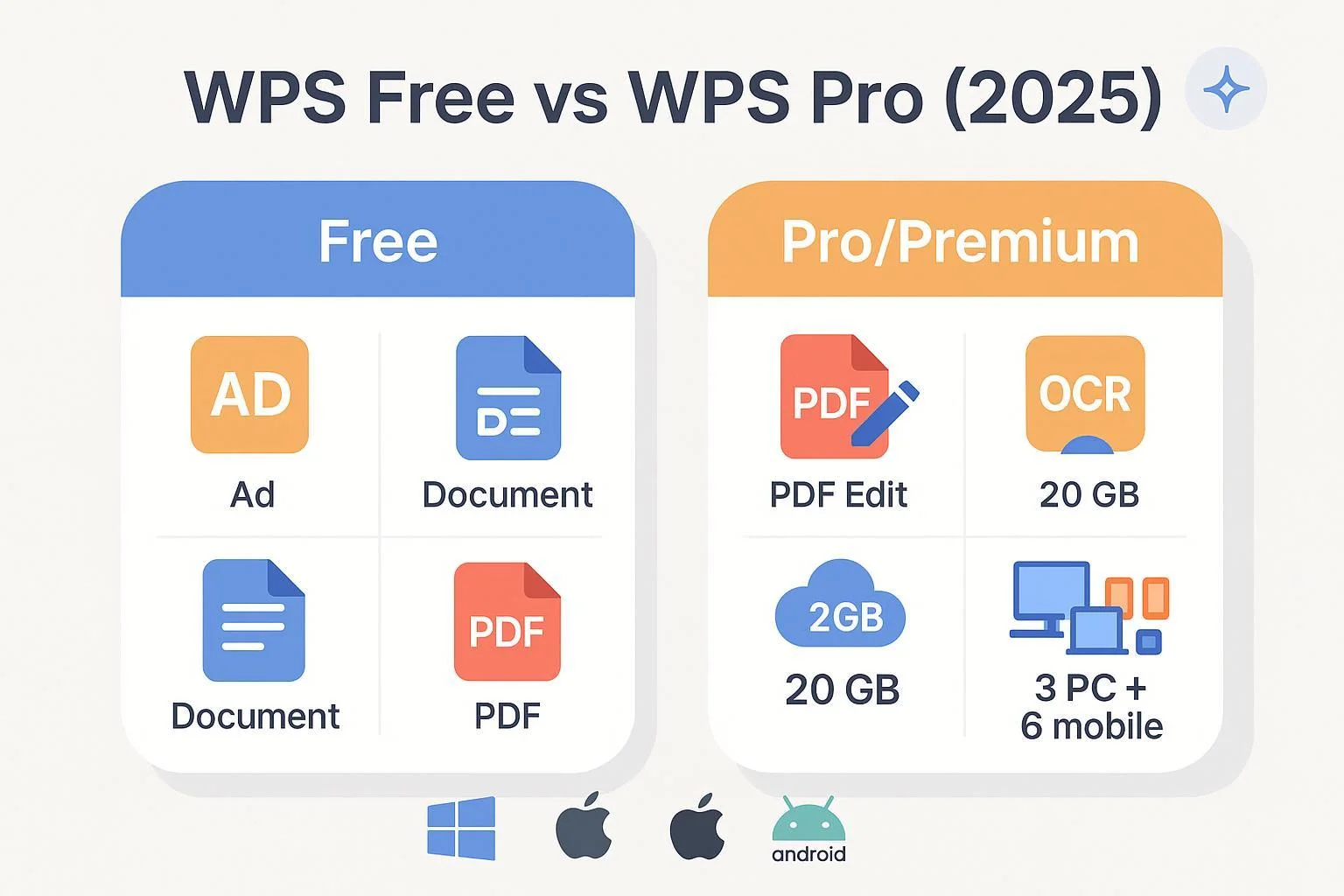
If you’re deciding whether to stick with WPS Office Free or upgrade to the paid tier, you’ve probably noticed the naming is inconsistent: the paid plan is variously called Pro or Premium in 2025. In practice, both labels refer to the same paid tier that removes ads and unlocks advanced tools. Below is a balanced, evidence-backed comparison focused on how these differences play out in real workflows. Pricing and plan details can vary by region, so we time-stamp figures and point to authoritative sources.
At a glance: key differences
| Category | WPS Office Free | WPS Office Pro/Premium |
|---|---|---|
| Core apps | Writer, Spreadsheets, Presentation (good MS Office compatibility) | Same core apps |
| PDF tools | View, annotate, fill forms; limited conversion | Full editing, conversion (PDF↔Office), batch tools; OCR, e-sign, watermark (desktop emphasis) |
| AI features | Basic assistance (spell/grammar); advanced AI not included | Advanced AI typically a separate subscription or bundle (Pro + WPS AI) |
| Templates | Access to free templates | Much broader template library access |
| Ads/experience | Ad-supported | Ad-free |
| Cloud & collaboration | Limited/unclear quota; basic sharing | Commonly includes WPS Cloud around 20 GB; enhanced sync/co-editing |
| Device limits | Not clearly stated | Commonly cited up to 9 devices (often 3 PCs + 6 mobiles) |
| Support | Community/basic help | Priority support |
| Price (individual) | $0 | Commonly around $29.99/year; monthly options exist (regional variance) |
Notes:
- “Pro” and “Premium” are used interchangeably by WPS and reviewers in 2025.
- Cloud quota for Free is not definitively documented on an official tier matrix. Premium commonly includes ~20 GB, cited by multiple directories (details below).
- Device limits for Premium are commonly reported as “up to 9” (often broken down as 3 PCs + 6 mobiles), though exact breakdowns can vary.
Core apps and compatibility
For most everyday document tasks—writing reports, building spreadsheets, and creating presentations—both tiers deliver the same three apps: Writer, Spreadsheets, and Presentation. WPS is widely recognized as one of the top free office suites with strong compatibility for Microsoft file formats (.docx, .xlsx, .pptx). TechRadar’s 2025 roundup places WPS among the best free options and notes its balance of features and trade-offs in the free tier in the context of ad support, as discussed in the TechRadar 2025 best free office software overview.
In day-to-day use, the big difference isn’t the core apps—it’s the extras that sit around them, especially PDFs, templates, and cloud sync.
PDF workflows: where Premium earns its keep
If your work involves heavy PDF editing—correcting text, replacing images, reorganizing pages, converting PDFs to Word/Excel/PowerPoint, or filling and signing contracts—Premium is designed for this. WPS showcases OCR (optical character recognition), e-signature, watermarking, and broader PDF toolkits as part of its paid experience on desktop. See the emphasis on OCR and other advanced capabilities in WPS Academy’s 2025 features overview (including OCR) and the general positioning in WPS’s feature/pricing guide.
By contrast, the Free tier covers the basics—viewing, annotation, and simple form filling—which is often enough for students and casual users. If your workflow regularly includes converting PDFs to editable Office documents, batch processing, or OCR for scanned files, Premium will save you significant time.
AI: powerful, but typically an add-on
WPS has integrated its AI features into the suite across documents, spreadsheets, presentations, and PDFs, with capabilities such as summarization, rewriting, and chat-based PDF assistance. Importantly, the advanced AI experience is typically sold as a separate subscription or part of a bundle (e.g., “Pro + WPS AI”), rather than being automatically unlocked by Premium alone. Two authoritative viewpoints help clarify this:
- WPS publicly describes building its AI using Amazon Bedrock, which underpins the suite’s smart features (see AWS case study on WPS AI (2025)).
- App Store listings show distinct in-app purchases for Premium/Pro and for WPS AI, implying separate gating (see the Apple macOS App Store page for WPS Office).
Translation: upgrading to Premium removes ads and unlocks advanced non-AI utilities, but the most capable AI features usually require their own plan or a bundle.
Templates and content libraries
Both tiers provide templates, but Premium significantly widens access—particularly for professionally designed presentations and documents. WPS’s own feature guides highlight richer template availability with the paid tier; see the WPS feature/pricing guide for the general positioning. If you frequently build client-facing decks or proposals, the Premium library can reduce design time.
Ads and user experience
The Free tier is ad-supported. That keeps the price at $0, but some users find the interruptions distracting. Moving to Premium removes ads and generally results in a cleaner, more focused interface—a benefit consistently mentioned in reviews and WPS’s materials. The Free-vs-Paid ad contrast appears throughout WPS’s educational content and review coverage referenced above (with 2025 context in TechRadar’s analysis and WPS Academy/blog pages).
Cloud storage and collaboration
Real-time co-editing, link-based sharing, and syncing across devices are part of the WPS experience, but the storage quota and smoothness of multi-device workflows improve with Premium. Multiple reputable directories list Premium as including around 20 GB of WPS Cloud storage, alongside multi-device support:
- Capterra’s profile shows “WPS Premium” at $29.99/year and notes 20 GB of Cloud storage and multi-device use (see Capterra pricing and plan details, 2025).
- SoftwareAdvice similarly describes Premium’s storage and device count in 2025 (see SoftwareAdvice’s WPS Office profile).
The Free tier’s exact cloud quota is less clearly documented on a canonical plan page. If your work depends on shared folders, versioned edits, and always-available files across desktop and mobile, Premium’s larger quota and ad-free experience tend to be worth the upgrade.
Device limits and cross-platform use
WPS supports Windows, macOS, Linux, Android, and iOS. For Premium, the commonly cited policy is “up to 9 devices,” often broken down as 3 PCs plus 6 mobile devices, with directories and WPS blog content repeating this guidance in 2025 (see the Capterra and SoftwareAdvice references above). While exact enforcement details can vary, the practical takeaway is that Premium is designed for multi-device workflows.
If your routine involves switching between a desktop and multiple laptops/phones, or if you need your files and settings synced across environments, Premium simplifies that juggling act.
Support levels
Free users typically rely on community and basic help resources. Premium emphasizes priority support, which can make a difference when troubleshooting syncing issues, PDF conversion errors, or account problems. If your work is billable and time-sensitive, the assurance of faster support response is not trivial.
Pricing in 2025 (and why it varies)
The most common individual pricing pattern in 2025 is around $29.99 per year for Premium, with monthly options noted in some regions. Aggregator listings provide a good snapshot:
- Capterra lists “WPS Premium” at $29.99/year (see the 2025 entry under Capterra pricing and plan details).
- SoftwareAdvice’s profile aligns with similar pricing (see SoftwareAdvice’s WPS Office profile, 2025).
- Regional app store listings sometimes show different labels and prices (e.g., “WPS Pro Yearly $35.99,” bundles like “Pro + WPS AI”), as seen on the Apple macOS App Store page.
Because pricing and bundles can change, especially with AI add-ons, always verify current rates in your region before upgrading. The figures above are accurate as of October 2025.
Platform differences to keep in mind
Advanced PDF tools (full editing, OCR, batch processing) are most complete on desktop. Mobile apps excel at viewing, annotation, and quick edits, with some advanced features tucked behind Premium/AI gates or limited by OS. If your advanced PDF work happens primarily on mobile, test the exact feature availability on your devices before committing.
Which should you choose?
Choose Free if:
- You mostly write, calculate, and present with standard features.
- You occasionally read or annotate PDFs but rarely need to convert or deeply edit them.
- Ads don’t bother you, and your storage needs are minimal.
Choose Pro/Premium if:
- You regularly edit, convert, or OCR PDFs; you fill and sign contracts; or you need batch tools.
- You want an ad-free, distraction-free workspace with richer template libraries.
- You work across multiple devices and rely on cloud syncing and co-editing.
- You need priority support and a smoother experience for shared files.
- You plan to use advanced AI features (in which case confirm the “WPS AI” add-on or bundle aligned to your region).
Bottom line
The core editing experience is strong in both tiers, but Premium meaningfully expands what you can do—particularly with PDFs, templates, storage, and multi-device workflows. Given the typical $30/year pricing in 2025, the upgrade makes sense if you value time saved on PDF tasks, an ad-free interface, and reliable sync across all your devices. If your needs are basic and budgets are tight, Free remains an excellent starting point.
Sources cited (selected, 2024–2025)
- TechRadar’s overview of the best free office suites in 2025: free office software roundup.
- WPS Academy’s 2025 feature overview highlighting OCR and other advanced capabilities: popular WPS features (2025).
- WPS feature/pricing explanations and positioning: features, pricing, pros & cons.
- Capterra’s 2025 pricing snapshot for WPS Premium: WPS Office pricing page.
- SoftwareAdvice’s WPS Office profile (pricing/features) in 2025: WPS Office profile.
- AWS case study on WPS AI built on Amazon Bedrock (2025): WPS AI case study.
- Apple macOS App Store listing showing separate IAPs for Premium/Pro and WPS AI: WPS Office on Mac App Store.