
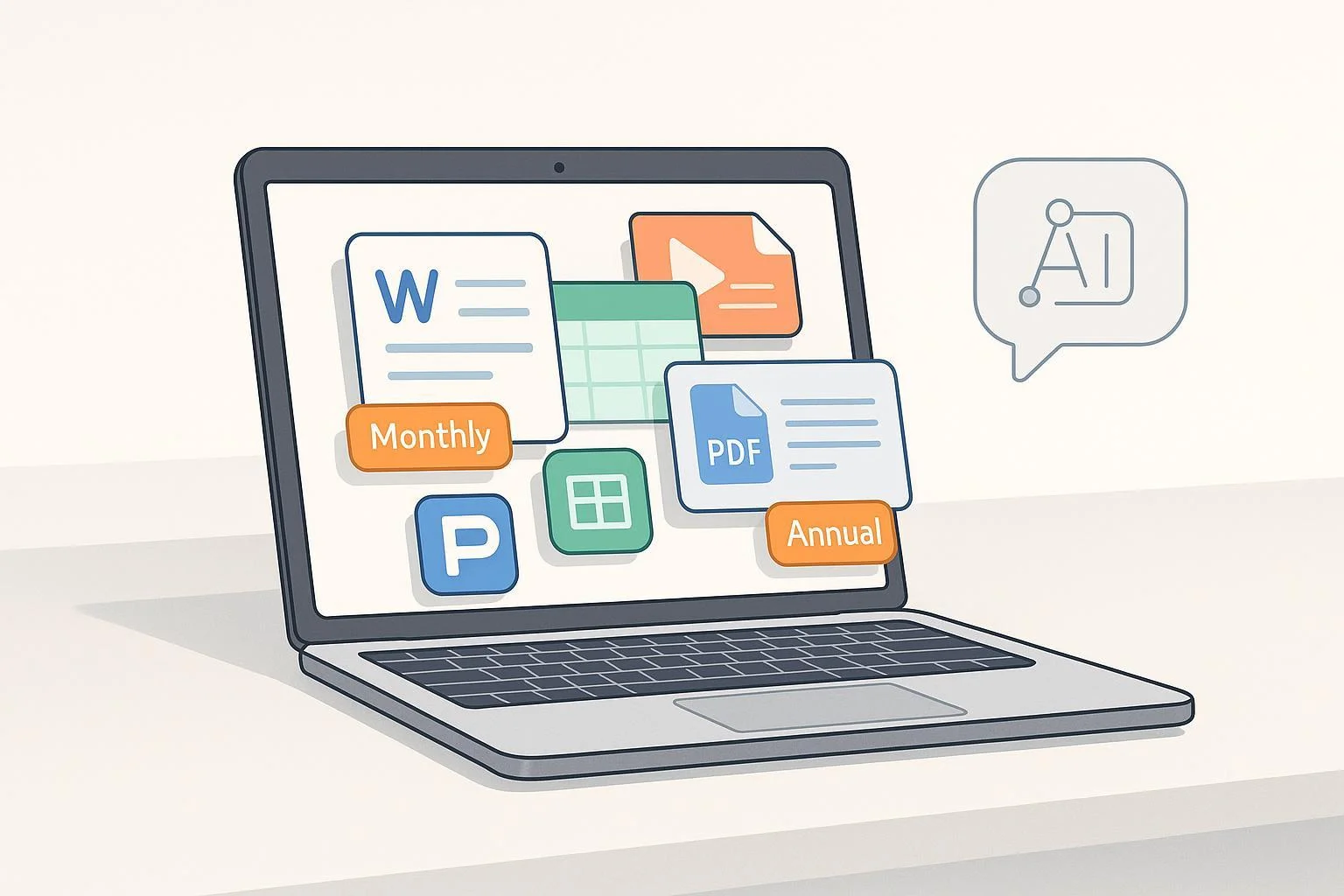
What “WPS AI” actually is
WPS AI is the set of artificial intelligence features built into WPS Office—tools that help you write, summarize, translate, build slide decks, and work with PDFs inside Writer, Spreadsheet, Presentation, and the PDF toolkit. In 2025, WPS positions these capabilities as an integrated assistant accessible from multiple entry points within the suite, as described in the WPS Academy overview (2025).
In other words, WPS AI is not a standalone developer API you plug into your own apps; it’s a consumer/prosumer feature layer within WPS Office. Access often depends on your subscription tier (Pro/Premium) or an AI add‑on, and labels can differ by platform and region.
Pricing in 2025: patterns, ranges, and storefront caveats
Because WPS sells subscriptions and add‑ons across multiple storefronts (direct website, iOS/macOS, Android), specific plan names and prices vary. Common patterns you may see in‑app include monthly “Pro/VIP” options and annual bundles that combine office features with AI. The most reliable way to confirm what you will pay is to check the In‑App Purchases section and the upgrade screen on your device; the canonical listing for iOS is WPS Office: PDF, Docs, Sheets on Apple’s U.S. App Store.
Practical guidance:
- Expect to see monthly tiers for Pro/VIP and separate or bundled AI plans; annual bundles may be discounted versus paying monthly.
- Names like “Pro,” “VIP,” “AI,” or “Pro + AI” can appear with slightly different SKUs depending on region and storefront.
- Treat blog or marketing prices as indicative; confirm the transaction price on the upgrade screen before purchasing.
As of October 15, 2025, WPS does not publish a single, universal price table for all regions and platforms. Verify directly in‑app to avoid surprises.
Hidden limits and usage caps: what’s disclosed (and what isn’t)
WPS’s legal terms explicitly allow the company to set usage limits and notify you when you reach them. The Online Service User Agreement (updated 2025) notes WPS may restrict simultaneous device logins and impose “other restrictions concerning… usage,” with prompts appearing in the product when you hit ceilings. While this confirms the existence of limits, WPS does not publicly enumerate exact AI quotas (e.g., messages per day or token counts).
There are also practical feature constraints. For example, the PDF summarization tool works best with documents up to 50MB, per the PDF Summarizer feature page. These are usability guidelines rather than hard legal caps, but they hint at real‑world boundaries.
What this means for you:
- Treat any “unlimited” phrasing as marketing. In practice, fair‑use ceilings or soft limits can apply and will surface via in‑app prompts.
- If you run intensive workloads (long documents, frequent generations), expect occasional slowdowns or notifications about reaching activity limits.
Free trials: typical lengths and how to check eligibility
WPS frequently offers a 7‑day free trial for Premium/Pro tiers, and trial access generally includes AI features during the period. However, trial duration and eligibility can vary by platform and region, and promotional campaigns sometimes extend these windows. Blog and academy posts describe the standard trial flow, such as the explainer “Premium Free Trial,” but always confirm on your device because marketing copy can lag or differ by locale. See the vendor’s guide for context: WPS Premium free trial explainer (2025).
Tips to avoid unexpected charges:
- Start the trial from your device’s in‑app upgrade screen and read the prompts carefully.
- Note whether a payment method is required at the start and when auto‑renew will occur if you don’t cancel.
Billing, cancellation, and refunds: where policies live
- Auto‑renewal mechanics: WPS explains renewal behavior and how charges are processed before the current period expires in its Auto‑Renewal Service Agreement. You can disable auto‑renewal before the end of the cycle.
- General terms: The Online Service User Agreement reiterates that prices may change with notice and that cancellations take effect at the end of the current period.
- App‑store purchases: If you subscribe via Apple, refunds and subscription management follow Apple’s rules. You can request a refund through Apple’s portal at Report a Problem – Request a refund and manage or cancel subscriptions in your device settings. Android purchases follow Google Play policies.
Important caveat: Refund eligibility and processing differ between direct web purchases and app‑store transactions. Consumable in‑app purchases may be non‑refundable, and some WPS product lines explicitly state “no refunds.” Always review the terms attached to the plan you’re buying.
Policy‑safe workarounds and optimization tips
If you want maximum value without violating terms, focus on efficiency rather than bypasses.
- Preprocess documents: Clean formatting, split very large files, and prioritize only relevant sections before invoking AI. This reduces unnecessary calls and improves accuracy. The 50MB guidance on the PDF Summarizer page is a useful benchmark.
- Prompt with precision: Specify the purpose, audience, tone, structure, and length. Clear prompts lead to fewer retries and lower usage.
- Use built‑in refinement features: Instead of re‑generating from scratch, use tools like “formalize,” “simplify,” or “continue” when available to iterate efficiently within one session.
- Choose the right storefront: Compare iOS/macOS/Android offerings and pick the SKU that matches your needs; always confirm in‑app via the canonical listing such as Apple’s iOS App Store page.
- Respect fair use: Don’t try to circumvent quotas or leverage loopholes in promotions; the User Agreement allows WPS to restrict or suspend accounts for abuse.
Quick distinctions vs. other AI office tools
WPS AI competes with assistants like Microsoft’s Copilot features inside Microsoft 365 and general chat assistants like ChatGPT. The key differences for everyday buyers are integration and total cost of ownership:
- Integration: WPS AI lives inside an all‑in‑one suite (Writer, Spreadsheet, Presentation, PDF). If you already use WPS Office, AI features are available where you work.
- Pricing model: WPS’s plan names and bundles vary by storefront and region; Microsoft and OpenAI tend to publish single, unified consumer prices, but those may be higher and come with different usage and platform benefits. Always compare what you actually get for your workflow within each ecosystem.
Bottom line
- WPS AI is an integrated assistant inside WPS Office, not a standalone API.
- Pricing and plan names differ across storefronts; confirm in‑app on your device—use the iOS App Store listing for reference.
- Hidden limits exist: WPS reserves the right to enforce usage caps and will notify you in‑app.
- Trials are common (often 7 days) but vary; read upgrade prompts carefully.
- Manage auto‑renewal and refunds according to the platform where you purchased.
- Optimize your prompts and document preparation to stretch value ethically.
If you need the most current price for your region and device, open WPS Office, go to Upgrade/Subscribe, and read the in‑app purchase screen before you commit.