
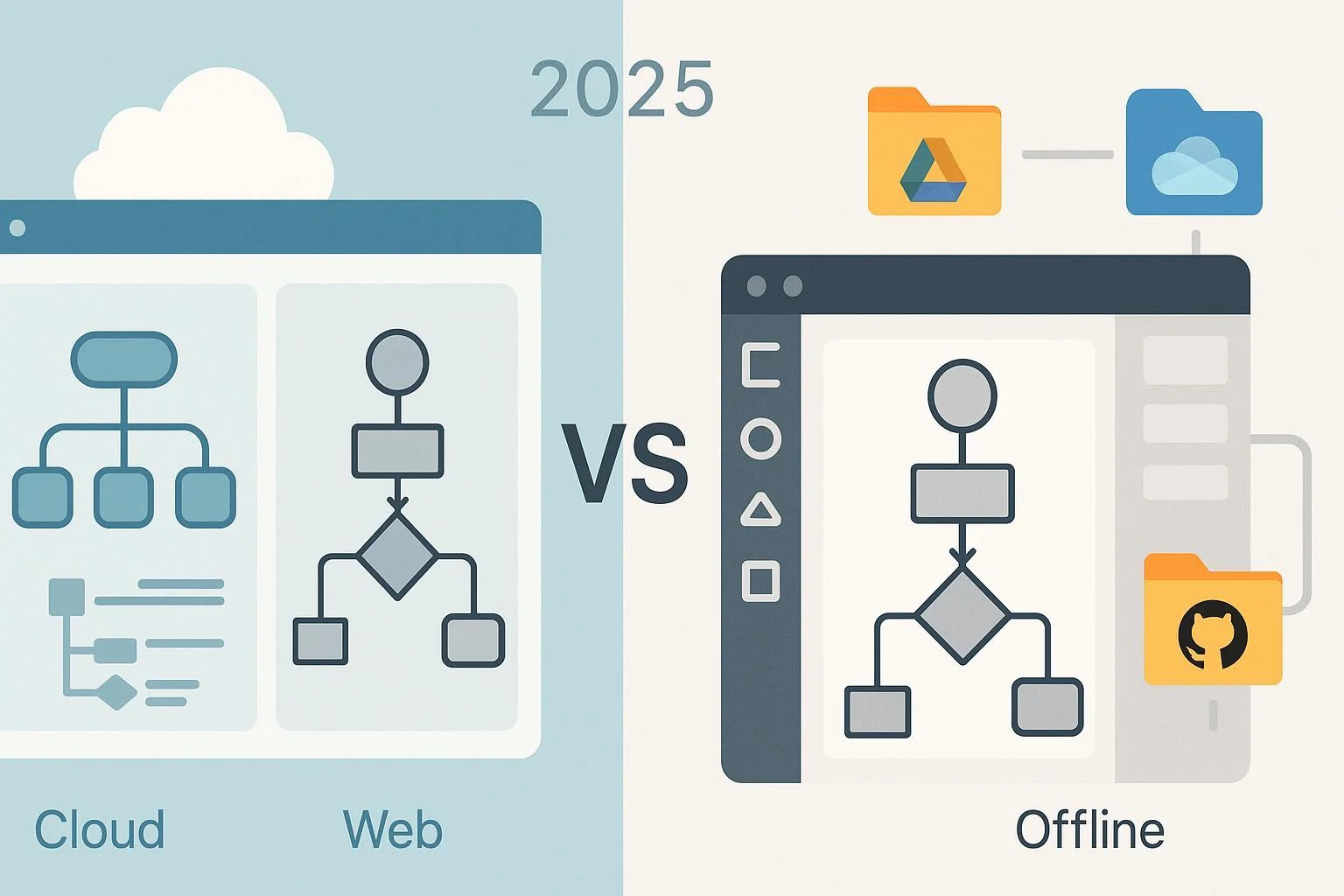
If you’re choosing a diagramming tool in 2025, ProcessOn and draw.io (diagrams.net) are likely on your shortlist. They overlap on core features—flowcharts, UML, ERDs, templates, and common export formats—but differ meaningfully in hosting, offline support, Atlassian integrations, and how collaboration is delivered. This review focuses on what actually changes your day-to-day: data control, co-editing, platform coverage, interoperability, and cost posture.
How we compared (quick note): We prioritized official documentation from both vendors and Atlassian’s Marketplace (accessed Oct 2025) and avoided speculative claims. Where information wasn’t publicly documented (e.g., some ProcessOn pricing/admin details), we call that out.
The short answer (situational)
- Choose draw.io if you need offline desktop editing, user-controlled storage (Drive/OneDrive/Dropbox/GitHub/GitLab/Nextcloud/local), or native Confluence/Jira integration.
- Choose ProcessOn if you want a simple, web-first app that combines mind mapping with general diagramming and real-time collaboration without installs.
Side-by-side: the essentials that matter
| Dimension | ProcessOn | draw.io (diagrams.net) |
|---|---|---|
| Storage & data control | Vendor-hosted cloud; access via web; real-time sharing | User-controlled storage: Google Drive, OneDrive, Dropbox, GitHub/GitLab, Nextcloud, and local files; no diagram data stored on draw.io servers for standalone use |
| Collaboration model | Web-based real-time co-editing and link sharing | Deep, native collaboration in Atlassian (diagrams are Confluence/Jira page attachments); co-edit via chosen storage outside Atlassian |
| Platforms & offline | Browser-based; no verified offline/desktop client | Web app plus fully offline desktop apps for Windows/macOS/Linux |
| Diagram coverage | Broad: flowcharts, UML, ERDs, BPMN, network, org charts, floor plans, mind maps, etc. | Broad libraries and templates (AWS/Azure/GCP/SAP, UML/ERD/BPMN, wireframes, etc.) |
| Import/export highlights | Import Visio (.vsdx), XMind, Excel/CSV; export PNG/JPG/PDF/SVG | Import Visio (.vsdx), Gliffy, CSV; export PNG/JPG/SVG/PDF; .vsdx export available in some deployments |
| Atlassian integrations | Not natively documented | Native Confluence/Jira apps with page attachments, permissions, and page history |
| Pricing posture (2025) | Public plan/pricing details not found; likely disclosed in-app | Web/desktop are free; Atlassian apps priced via Atlassian Marketplace per user |
| Mind mapping emphasis | Strong focus alongside general diagrams | Available but not a core differentiator |
Notes: See evidence links in each section for specifics and timestamps.
Storage and data control
If your organization cares about where diagrams live, this is a big fork in the road.
draw.io gives you control over storage locations. You can choose Google Drive, Microsoft OneDrive, Dropbox, GitHub, GitLab, Nextcloud, or simply keep files on your local machine. The vendor emphasizes that for standalone web/desktop usage, your diagram data isn’t stored on draw.io servers. See the 2024 trust model explanation in the draw.io team’s page: store where you choose (draw.io trust model, 2024).
ProcessOn operates as a vendor-hosted web app. Official materials highlight cloud access, link sharing, and real-time collaboration, but do not present user-controlled external storage options in public docs. The platform’s how‑to and getting-started content consistently frames a web-first, cloud-based workflow. For example, the ERD tutorial underscores no installation and online collaboration: cloud, no install, collaborate (ProcessOn ERD tutorial, 2024).
Bottom line: If you need local or enterprise-controlled storage, draw.io is the safer choice. If a vendor cloud is fine and you value minimal setup, ProcessOn aligns well.
Collaboration and ecosystem fit
In Atlassian environments, draw.io is a natural fit. Its Confluence and Jira apps store diagrams as page attachments and leverage native permissions and page history. Pricing and features are managed through Atlassian’s Marketplace; verify details for your edition and region on the official listing: draw.io for Confluence on Atlassian Marketplace (accessed 2025).
ProcessOn emphasizes real-time web collaboration, invite-based sharing, and permission control inside its cloud app. The getting-started guide and various tutorials describe multi-user editing and link sharing as core usage patterns: getting started with collaboration (ProcessOn, 2024).
Bottom line: For teams that “live” in Confluence/Jira, draw.io’s native integration is hard to beat. For general web-based co‑editing without Atlassian dependencies, ProcessOn is straightforward.
Platforms and offline capability
draw.io offers a web app and fully offline desktop apps for Windows, macOS, and Linux. The desktop apps are designed to run without network connectivity; the team notes offline operation since v10.7.5 and provides configuration guidance: desktop works fully offline (draw.io, 2025).
ProcessOn is browser-based. Across official product pages and tutorials reviewed, we did not find a native desktop client or confirmed offline editing mode referenced. The ERD and other guides position it squarely as an online, no-install experience.
Bottom line: If offline is non-negotiable—air‑gapped labs, travel, or strict data policies—draw.io wins.
Diagram coverage and templates
Both tools cover the common diagramming needs. Differences show up in emphasis and libraries.
ProcessOn’s official materials span flowcharts, mind maps, UML (14 types), ERDs, BPMN/business process diagrams, organizational charts, floor plans, network topologies, software architecture diagrams, and more. See its overview posts, including a mind map guide that also verifies multiple mind map formats: mind map creator and formats (ProcessOn, 2025).
draw.io provides extensive template and shape libraries for IT architecture and cloud stacks (AWS/Azure/GCP/SAP), along with general business diagrams. Its library depth is a highlight for technical teams and can be extended with custom libraries.
Bottom line: For mind mapping plus general diagrams in one web app, ProcessOn is appealing. For specialized IT/cloud libraries and enterprise documentation breadth, draw.io is very strong.
Import, export, and interoperability
Interoperability matters for teams migrating from Visio or exchanging artifacts with partners.
draw.io supports importing Microsoft Visio .vsdx (via drag‑and‑drop or Import) and other sources like Gliffy/CSV, and exports to PNG/JPG/SVG/PDF. Server-side export (including .vsdx) is available in some deployments. See the official import/format guidance: importing diagrams and libraries (draw.io, 2025).
ProcessOn documents importing Visio (.vsdx), XMind, and Excel/CSV, and exporting to PNG/JPG/PDF/SVG across diagrams and mind maps. See the flowchart guide for Visio mention: Visio import/export basics (ProcessOn, 2025), and the mind map creator for additional format notes: mind map formats supported (ProcessOn, 2025).
Practical tip: For complex diagrams (e.g., BPMN with custom attributes), fidelity can vary regardless of tool. Pilot a sample set before full migration.
Pricing reality in 2025
draw.io’s standalone web/desktop apps are free to use. For Atlassian, pricing is handled through the Marketplace with per‑user tiers that vary by user count, edition (Cloud vs. Data Center), and region. Always verify current pricing on the official listing’s Pricing tab: Atlassian Marketplace — draw.io for Confluence (accessed 2025).
ProcessOn’s public site and blog do not present a comprehensive pricing/plan page as of Oct 2025. Pricing and limits may be disclosed in-app or via sales. If budget is critical, check upgrade flows after sign‑up or contact the vendor.
Bottom line: If you need zero‑license costs outside Atlassian, draw.io’s free web/desktop is attractive. If you’re comparing paid tiers, draw.io’s Atlassian pricing is transparent via Marketplace; ProcessOn requires in‑app or direct inquiry.
Scenario playbook: what to choose based on your situation
Atlassian-first documentation teams
- Choose draw.io. You’ll get page‑attachment storage, native permissions, and page history inside Confluence/Jira with familiar admin controls. Reference: the official Marketplace listing linked above.
Privacy‑sensitive, air‑gapped, or frequently offline
- Choose draw.io desktop. Offline operation on Windows/macOS/Linux and local file control reduce data exposure risks. Reference: the offline note linked above.
Web‑first brainstorming and mind mapping with easy sharing
- Choose ProcessOn. Real‑time co-editing, no install, and strong mind map support make it lightweight for quick collaboration. Reference: ProcessOn getting started and mind map creator pages linked above.
Students and budget‑constrained users
- Prefer draw.io for zero‑cost web/desktop. ProcessOn appears to have a free usage path, but public plan details are not posted—evaluate after sign‑up.
Teams exchanging with Visio/XMind or importing CSV/Excel data
- Both tools can work. Test a representative sample for fidelity; draw.io’s import guide and ProcessOn’s format pages provide the official baseline.
Final recommendations
Choose draw.io (diagrams.net) if you value:
- Offline desktop editing and local control
- User‑controlled storage across major cloud drives and local file systems
- Deep Confluence/Jira integration with native permissions and history
- Extensive technical shape libraries and templates
Choose ProcessOn if you value:
- A simple, web-first tool that blends mind mapping with general diagramming
- Real‑time collaboration via cloud links without installing software
- Quick access from any browser and easy sharing for ad‑hoc collaborators
If you’re undecided, run a 48‑hour pilot with both: import two Visio files, build one ERD and one BPMN flow, and invite a teammate to co‑edit. Check storage constraints, export quality, and edit responsiveness on your actual network and devices.
Methodology and disclosure
This comparison synthesizes vendor documentation and official marketplace listings accessed in October 2025. We did not find public ProcessOn pricing/enterprise admin documentation; we’ve flagged those as unknowns rather than inferring. Key references include: draw.io trust/privacy model (2024), desktop offline note (2025), Atlassian Marketplace listing (accessed 2025), draw.io import guide (2025), ProcessOn flowchart/Visio note (2025), ProcessOn getting started (2024), and ProcessOn mind map formats (2025). External links are limited to official or canonical sources and used sparingly for readability.