
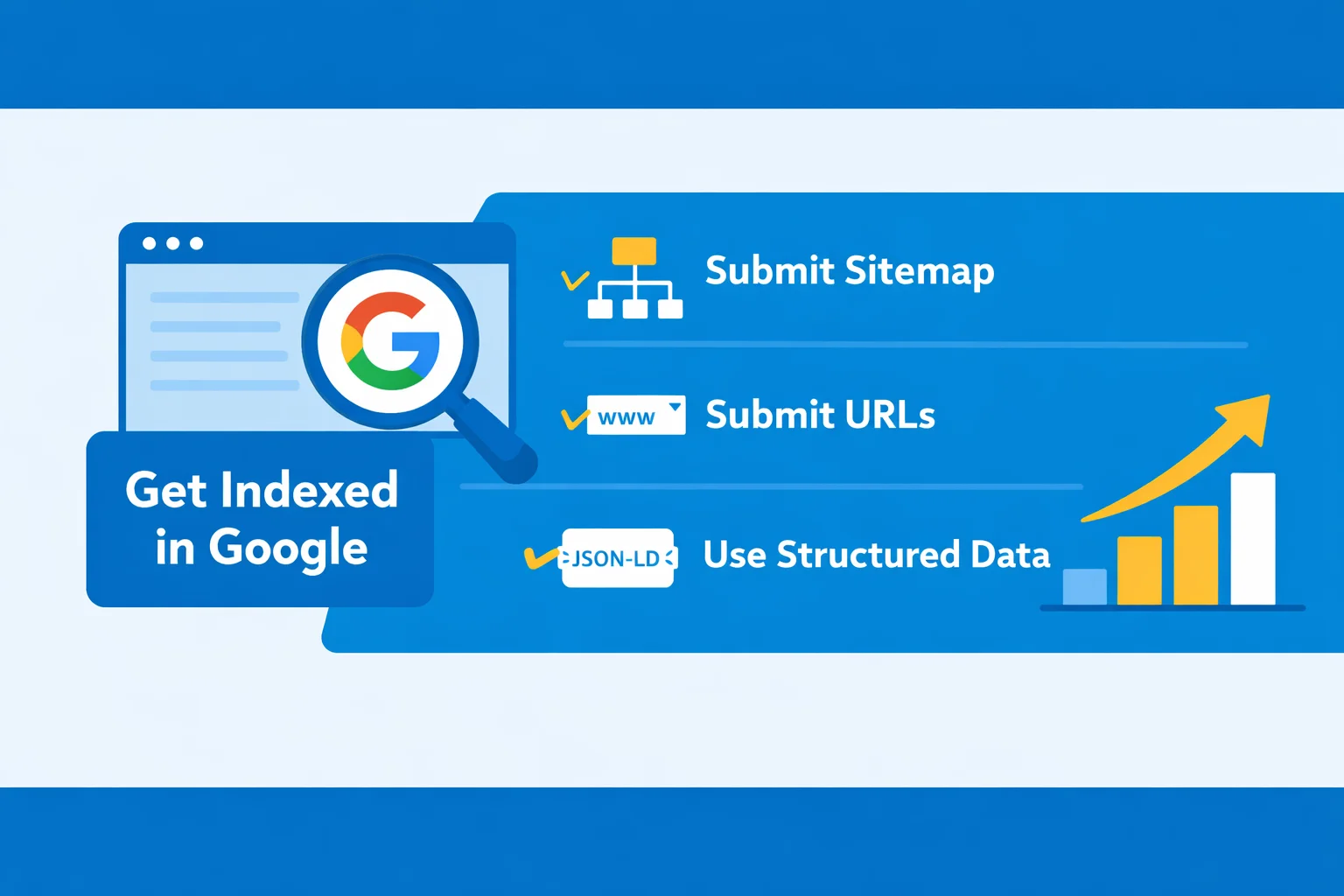
In the digital era, a website not indexed by Google can lead to lost traffic and reduced visibility. Whether you are managing a new site or an established one, ensuring that your content is properly indexed by search engines is a fundamental step in SEO. This guide covers everything from understanding Google’s crawling behavior and rendering process to indexing strategies, troubleshooting common issues, and practical steps to help site owners, developers, and marketers ensure their content gets discovered and indexed efficiently.
Understanding Why Your Site May Not Be Indexed
There are several common reasons why a website might not appear in Google’s index:
- New site or low content update frequency: Google prioritizes crawling frequently updated content. New sites without regular updates may experience delayed indexing.
- Slow server response or complex site structure: Pages that load slowly, unstable servers, or deep nested directories can hinder crawl efficiency.
- Robots.txt or meta tag restrictions: Misconfigured
robots.txtor<meta name="robots" content="noindex">tags can block pages from being indexed. For official guidelines, see Robots meta tag specifications. - Redirects, 404 errors, or duplicate content: Long redirect chains, broken pages, or duplicate content can reduce overall indexing quality.
The table below outlines common crawling obstacles and their impact:
| Issue | Description | Impact on Indexing |
|---|---|---|
| Slow server | Response time >3s | Reduces crawl frequency, delays indexing |
| Robots.txt blocking | Blocks crawler from specific directories | Page will not be indexed |
| Redirect chains | Multiple redirects | Consumes crawl budget, may prevent indexing of final URL |
| Duplicate content | Multiple URLs with same content | Only one version may be indexed, reducing coverage |
Understanding these issues is crucial for ensuring successful indexing.
Core Strategies to Ensure Google Indexing
Google Crawling and Rendering
Googlebot parses HTML, CSS, and JavaScript to render a complete view of your pages. To ensure proper crawling:
- Maintain page accessibility: Avoid hiding critical content in asynchronous JavaScript. For Single Page Applications (SPAs), refer to Google Crawling and Indexing documentation for rendering guidelines.
- Optimize rendering performance: Ensure pages render quickly on both desktop and mobile devices to improve crawl efficiency.
- Practical approach: Use
window.onloador server-side rendering (SSR) to ensure dynamic content is visible to crawlers.
Optimizing Indexing
Common strategies to enhance indexing include:
| Strategy | Benefits | Potential Risks |
|---|---|---|
| Submit sitemap | Communicates site structure to Google for better crawling | Errors in sitemap may prevent page discovery |
| robots.txt & meta tag optimization | Precise control over crawling permissions | Misconfiguration can block important pages |
| Page speed optimization | Improves user experience and crawl frequency | Requires technical investment (CDN, compression, caching) |
| Mobile optimization | Supports Mobile-First indexing | Poor responsive design may affect rendering |
Implementing these strategies improves crawl efficiency and naturally increases site visibility.
Practical Step-by-Step Indexing Guide
Sitemap Submission
Creating and submitting an XML sitemap to Google Search Console is a fundamental step:
- Generate XML sitemap: Use CMS plugins or online tools (e.g., Yoast SEO for WordPress).
- Submit sitemap: Submit the sitemap URL in Google Search Console.
- Ensure coverage: Include all important pages and update them regularly.
Example sitemap:
<?xml version="1.0" encoding="UTF-8"?>
<urlset xmlns="http://www.sitemaps.org/schemas/sitemap/0.9">
  <url>
    <loc>https://www.example.com/</loc>
    <lastmod>2026-01-07</lastmod>
    <priority>1.0</priority>
  </url>
  <url>
    <loc>https://www.example.com/blog</loc>
    <lastmod>2026-01-06</lastmod>
    <priority>0.8</priority>
  </url>
</urlset>
Manual URL Submission and Indexing Requests
For new or updated content, manual submission can speed up indexing:
- Submit individual URLs using Ask Google to Recrawl Your URLs.
- Useful for high-priority or urgent updates.
Structured Data Implementation
Structured data helps search engines understand your content and may enhance search result appearance:
- JSON-LD example:
{
  "@context": "https://schema.org",
  "@type": "Article",
  "headline": "How to Ensure Your Website Gets Indexed by Google",
  "author": {
    "@type": "Person",
    "name": "SEO Expert"
  },
  "datePublished": "2026-01-07"
}
- Reference official guidelines: Introduction to structured data markup and Schema.org structured data vocabulary.
- Pages with structured data are 20%-30% more likely to appear with rich results in SERPs.
Reference Resource
For a complete, practical roadmap, see Hands-On Google SEO Indexing: A Practical Guide, a free resource that guides you through the entire Google SEO indexing process step by step.
Troubleshooting Common Indexing Issues
AMP Page Indexing Problems
AMP pages may fail to index due to:
- Missing
<link rel="canonical">pointing to the original content - AMP validation errors or slow loading
Solution: Validate and fix AMP pages using AMP Validator.
Redirects and 404 Errors
Long redirect chains or broken pages reduce crawl efficiency:
| Issue | Cause | Solution |
|---|---|---|
| Multiple redirects | Redirect chain exceeds 3 hops | Simplify redirect chain, ensure final URL is accessible |
| 404 errors | Page does not exist | Use 301 redirects to relevant pages or custom 404 pages |
Duplicate Content and Canonical Tags
Duplicate content can split indexing signals:
- Use
<link rel="canonical" href="URL">to indicate the primary page - Check CMS-generated pages with parameters or pagination to avoid duplicates
Enhancing Visibility and SEO Performance
On-Page SEO Elements
- Title tags and meta descriptions: Each page should have unique and descriptive tags
- H1/H2 usage: Ensure logical hierarchy and natural keyword placement
- Internal linking: Strengthen relationships between pages and improve crawl depth
Off-Page Considerations
- External link quality: High-authority backlinks increase page trust and indexing potential
- Social sharing signals: Boost content visibility and indirectly impact crawl frequency
| Strategy | Impact |
|---|---|
| Internal linking | Improves crawl depth and page authority |
| High-quality backlinks | Builds trust, may speed up indexing |
| Social signals | Expands content distribution, increases crawling opportunities |
Additional Resources for Systematic Learning
- Recommended resources for beginners or those looking to master SEO indexing include complete guides and hands-on tutorials.
- Hands-On Google SEO Indexing: A Practical Guide is free and provides a complete, practical roadmap for learning Google SEO indexing.
Summary and Actionable Takeaways
Key strategies for ensuring your website gets indexed:
- Optimize crawling and rendering: Ensure pages are accessible, fast-loading, and mobile-friendly
- Submit sitemaps and request manual indexing: Speed up discovery for new or priority pages
- Implement structured data: Increase chances of rich results in search
- Troubleshoot common issues: Validate AMP pages, optimize redirects, fix 404 errors, and manage duplicate content
Quick practical checklist:
- Check
robots.txtand meta tags - Generate and submit sitemap
- Manually request indexing for priority pages
- Add JSON-LD structured data
- Regularly audit redirects, 404s, and duplicate pages
Following these steps along with systematic tutorials can help site owners and content creators improve Google indexing and overall visibility.
FAQ – Common Questions About Google Indexing
Q1: How long does it take for a new website to be indexed by Google?
New sites typically take a few days to several weeks to be indexed, depending on content quality, update frequency, site structure, and external links. Submitting a sitemap and manual indexing requests can accelerate the process.
Q2: Will Google index all pages immediately after submitting a sitemap?
No. Submitting a sitemap notifies Google of your pages, but actual indexing depends on crawl frequency, page quality, and overall site health. Some pages may be indexed later.
Q3: Can robots.txt prevent a page from being indexed?
Yes. If robots.txt blocks crawlers from accessing certain pages, those pages typically will not be indexed. Ensure important pages are accessible and use <meta name="robots" content="index, follow"> tags to control indexing.
Q4: How should I handle duplicate content to avoid indexing issues?
Use <link rel="canonical" href="URL"> to indicate the primary page. Check CMS-generated pages with query parameters or pagination to prevent duplicate content from splitting indexing signals.
Q5: Does structured data guarantee faster indexing?
Structured data does not directly speed up indexing but helps search engines better understand page content. It also increases the likelihood of rich results in SERPs, indirectly enhancing visibility.
Recommended Official and Authoritative Resources:
- Google Crawling and Indexing documentation
- Ask Google to Recrawl Your URLs
- Google Search technical requirements
- Google SEO Starter Guide
- Introduction to structured data markup
- Schema.org structured data vocabulary
- Robots meta tag specifications
- Hands-On Google SEO Indexing: A Practical Guide
- ShortKey Terms of Service
- ShortKey Privacy Policy