
Introduction
With the rise of digital work and online education, mind mapping software has become an essential tool for students, professionals, and teams. Online mind mapping tools help users organize ideas efficiently, plan projects, and collaborate in real-time across devices. Compared to traditional desktop software, online tools require no installation and can be accessed anytime, anywhere, significantly enhancing convenience.
In recent years, keywords like “free online mind map software” have become increasingly popular, reflecting user needs for:
- Instant accessibility: Create and share mind maps online without installing software.
- Collaboration: Support multiple users editing simultaneously, ideal for remote teams or classroom projects.
- Flexible export options: Export maps in PDF, PNG, SVG, and more for reporting or archiving.
- Free or short-term premium access: Suitable for students or temporary project teams without long-term subscription commitments.
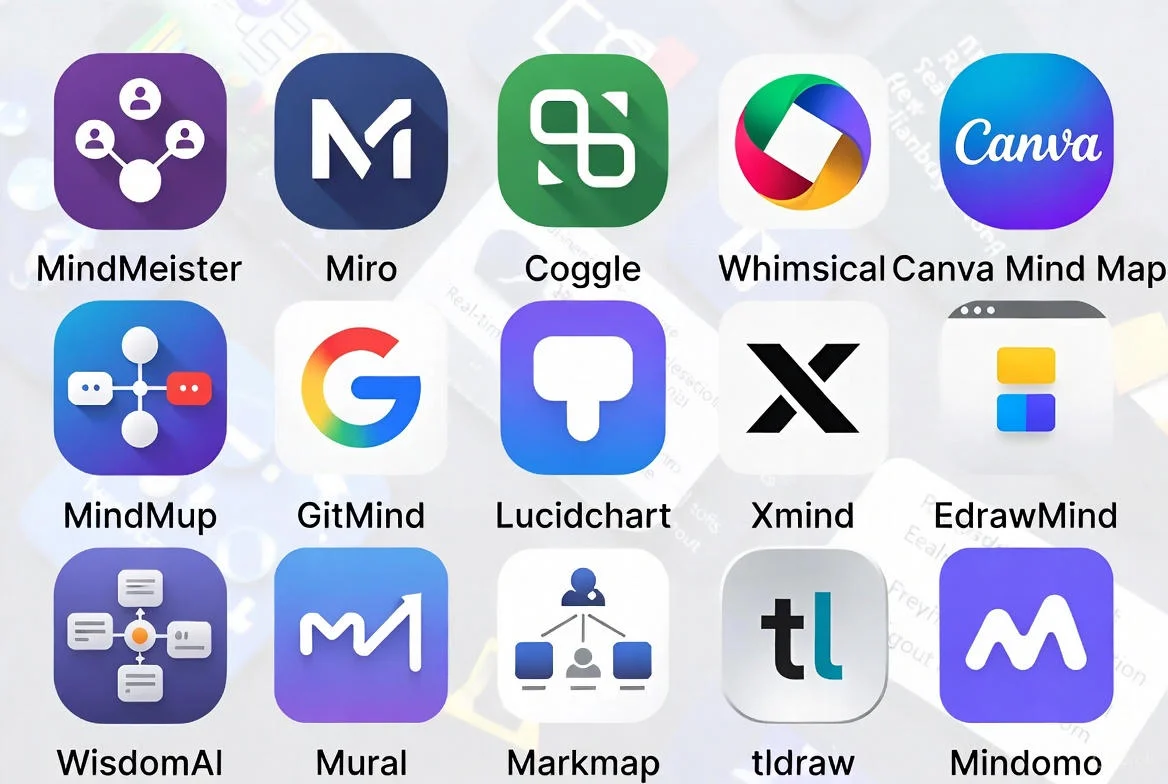
This article introduces 15 free online mind mapping tools, comparing their collaboration features, export options, template availability, and free plan limitations. It also provides guidance for students, teams, and individual users and analyzes the differences between free tools and short-term premium options.
What to Look for in a Free Online Mind Map Tool
When choosing an online mind mapping tool, consider the following key factors:
- True Online Access: No downloads or installation required, usable directly via a browser.
- Ease of Use & Interface Clarity: Intuitive interface to minimize learning time.
- Collaboration Features: Support for multi-user editing, comments, and real-time sync.
- Template Availability: Ready-made templates for meetings, project plans, SWOT analyses, etc.
- Export Formats: Support for PNG, PDF, SVG, etc., for easy sharing and printing.
- No-Signup Quick Start Options: Start creating without registration.
- Cloud Sync & Device Compatibility: Cloud storage and cross-device sync for secure, convenient access.
- Limitations of Free Plans: Free versions may restrict node count, map count, or advanced export options.
- Short-Term Premium Features: Some advanced features are available via temporary access or short-term premium plans, suitable for occasional users without long-term subscriptions.
Comparison Table: Quick Overview of the 15 Best Free Online Mind Map Tools
| Tool Name | Free Plan Available? | Signup Required? | Collaboration | Export Formats | Best For | Online Version Link |
|---|---|---|---|---|---|---|
| ProcessOn | Yes | Optional | Real-time multi-user | PDF, PNG, SVG, Visio | Teams, Students | Link |
| MindMeister | Yes (3 maps) | Yes | Real-time, templates | PNG, PDF | Personal, Students | Link |
| Coggle | Yes | Yes | Real-time, version history | PNG, PDF | Personal, Students | Link |
| Mindomo | Yes (3 diagrams) | Yes | Real-time, templates | PDF, Word, Excel, Markdown | Teams, Education | Link |
| Lucidchart | Yes | Yes | Real-time, permissions | PDF, PNG, SVG | Teams, Professional | Link |
| Canva Mind Maps | Yes | Yes | Limited | PDF, PNG | Students, Creative Users | Link |
| XMind Online | Yes | Yes | Real-time | PDF, PNG | Personal, Teams | Link |
| Whimsical | Yes | Optional | Real-time | PNG, SVG | Teams, Brainstorming | Link |
| GitMind | Yes | Optional | Real-time | PDF, PNG | Students, Teams | Link |
| Draw.io | Yes | No | Limited | PNG, PDF, SVG | Personal, Quick Use | Link |
| Bubbl.us | Yes | Yes | Real-time | PNG | Students | Link |
| Figma FigJam | Yes | Yes | Real-time | PDF, PNG | Teams, Designers | Link |
| MindNode Web | Limited | Yes | Real-time | PDF, PNG | Personal, Mac Users | Link |
| Scapple Online Alternatives | Limited | Yes | Limited | Writers, Brainstorming | Link | |
| Wisemapping | Yes | Optional | Real-time | PNG, PDF | Personal, Education | Link |
15 Best Free Online Mind Map Software Tools
1. ProcessOn
Overview: ProcessOn is a leading free online diagramming platform supporting mind maps, flowcharts, UML, and network diagrams.
Key Free Features: Multi-user real-time collaboration, AI-assisted generation, extensive template library.
Free Version Limitations: Advanced templates and enterprise permissions require a paid plan.
Best For: Team collaboration, student projects, project management.
Why People Choose It: Offers multiple export formats (PDF/PNG/SVG/Visio), version history, and strong security. Official website
2. MindMeister
Overview: MindMeister allows online mind map creation with real-time collaboration.
Key Free Features: Up to 3 free mind maps, templates, and presentation mode.
Free Version Limitations: No private maps in the free plan; map count limited. Official website
Best For: Personal projects, students.
Why People Choose It: Clean interface, integration with MeisterTask.
3. Coggle
Overview: Coggle provides an intuitive mind mapping experience.
Key Free Features: 3 private maps, unlimited public maps, version history, real-time collaboration.
Free Version Limitations: Advanced styles and unlimited private maps require paid plans. Official website
Best For: Students, personal brainstorming.
Why People Choose It: Simple, user-friendly interface.
4. Mindomo
Overview: Mindomo supports both online and offline mind mapping, with templates for education and team use.
Key Free Features: Up to 3 maps, unlimited collaborators, sharing/publishing.
Free Version Limitations: More export formats and advanced permissions require Team/Business plan. Official website
Best For: Education, team projects.
Why People Choose It: Multi-platform support suitable for classroom and business use.
5. Lucidchart
Overview: Lucidchart is a widely used online diagram tool supporting mind maps, flowcharts, and whiteboards.
Key Free Features: Basic mind map creation, collaboration permissions.
Free Version Limitations: Advanced plans offer version history and enhanced collaboration. Official website
Best For: Team collaboration, professionals.
Why People Choose It: High security, GDPR and CCPA compliant.
6. Canva Mind Maps
Overview: Canva’s mind map tool is ideal for creative users and students.
Key Free Features: Multiple templates, visual design elements.
Free Version Limitations: Some assets require payment.
Best For: Students, creative users.
Why People Choose It: Easy to beautify maps and presentations.
7. XMind Online
Overview: XMind provides cross-platform online mind mapping.
Key Free Features: Basic map creation, real-time collaboration.
Free Version Limitations: Some export formats and advanced styles are paid.
Best For: Individuals, teams.
Why People Choose It: Modern interface, easy to use.
8. Whimsical
Overview: Whimsical offers mind maps, flowcharts, and sticky notes.
Key Free Features: Guest mode allows creation without signup.
Free Version Limitations: Limited map count.
Best For: Temporary brainstorming, team workshops.
Why People Choose It: Quick start, supports team collaboration. Official website
9. GitMind
Overview: GitMind is an online mind mapping and collaboration tool.
Key Free Features: Multi-device sync, real-time collaboration.
Free Version Limitations: Premium templates and export require subscription.
Best For: Students, teams.
Why People Choose It: Convenient, rich free templates. Official website
10. Draw.io
Overview: Draw.io is an open-source online diagram tool.
Key Free Features: No signup required, supports multiple export formats.
Free Version Limitations: Collaboration features are limited.
Best For: Temporary use, quick notes.
Why People Choose It: Completely free, no account needed. Official website
11. Bubbl.us
Overview: Bubbl.us offers basic online mind map creation.
Key Free Features: Real-time collaboration, PNG export.
Free Version Limitations: Limited number of maps.
Best For: Students, individual study.
Why People Choose It: Simple, lightweight.
12. Figma FigJam
Overview: FigJam is Figma’s online whiteboard and mind mapping tool.
Key Free Features: Multi-user real-time collaboration, basic templates.
Free Version Limitations: Advanced features require payment.
Best For: Teams, designers.
Why People Choose It: Seamless integration with Figma. Official website
13. MindNode Web
Overview: MindNode Web provides online mind map editing.
Key Free Features: Basic map creation and cloud sync.
Free Version Limitations: Free version has limited functionality.
Best For: Individuals, Mac users.
Why People Choose It: Beautiful and easy to use. Official website
14. Scapple Online Alternatives
Overview: Scapple is Scrivener’s brainstorming tool.
Key Free Features: Basic node creation.
Free Version Limitations: Limited features, text-based maps only.
Best For: Writing, brainstorming.
Why People Choose It: Quick idea capture. Official website
15. Wisemapping
Overview: Wisemapping offers lightweight online mind mapping.
Key Free Features: No registration required, real-time collaboration.
Free Version Limitations: Limited styles and templates.
Best For: Education, quick class notes.
Why People Choose It: Open-source, lightweight. Official website
Best Free Mind Mapping Tools Without Signup
Tools that do not require registration are perfect for temporary brainstorming or class notes:
- Draw.io – Completely free, no account needed.
- Whimsical (Guest mode) – Quick start, suitable for short-term team sessions.
- GitMind – Offers guest mode for temporary map creation.
- Wisemapping – Education-friendly, no registration required.
These tools are ideal for users who only need maps for short-term projects or quick brainstorming sessions.
Best Free Browser-Based Tools for Students
Students usually prefer lightweight, fully free online tools suitable for class notes, assignments, and essay planning:
- Coggle – Basic free private maps, easy to use.
- MindMeister – Templates and presentation mode help with assignments.
- GitMind – Multi-platform access and real-time collaboration for group projects.
- ProcessOn – Extensive templates, ideal for class projects and teamwork.
Recommended template types: Essay structures, study notes, flashcards. For temporary access to premium features, short-term subscriptions like XMind Premium or ProcessOn advanced templates can improve efficiency without committing to long-term plans.
Best Collaborative Online Mind Mapping Tools for Teams
Remote team collaboration, project planning, and workshops require multi-user real-time editing and sharing:
- ProcessOn – Enterprise/team plan includes permission control, multi-layer recycle bin, and component library.
- Lucidchart – Supports complex team permissions, version history, and secure sharing.
- Figma FigJam – Ideal for design teams and cross-functional collaboration.
- Mindomo – Offers education and enterprise collaboration modes, guest editing, and advanced sharing controls.
Teams often need short-term full-access features for workshops, aligning with pay-as-you-go short-term licensing models.
Free Tools vs Short-Term Premium Tools: Which One Should You Use?
| Features | Free Tools | Short-Term Premium Tools | Suitable Users |
|---|---|---|---|
| Templates | Limited | Full template library | Students, teams needing advanced layouts |
| AI mind map generation | Rare | Available | Users seeking AI-assisted creation |
| Large diagram limits | Restricted | No restrictions | Project managers, teams |
| Export PDF / SVG | Limited | Full export support | Professionals, teachers |
| Cloud storage | Basic | Enhanced, multi-version | Teams, long-term projects |
| Team collaboration | Basic | Full permissions & controls | Enterprises, workshops |
Short-term premium access allows users to pay only for what they need, suitable for occasional use without committing to a full subscription.
Mind Map Software Alternatives
In certain scenarios, other visualization tools may be more suitable than traditional mind maps:
- Flowchart tools – e.g., Lucidchart, ProcessOn, ideal for process and system diagrams.
- Whiteboard tools – Support remote brainstorming and team collaboration, e.g., Figma FigJam.
- AI brainstorming tools – Use AI to automatically generate maps and outlines.
- Project management tools – Integrate tasks, Gantt charts, and mind maps for optimized team planning.
How to Choose the Right Free Online Mind Map Tool (Decision Guide)
- If you need no signup → Draw.io, Wisemapping
- If you need team collaboration → ProcessOn, Lucidchart, Mindomo
- If you need AI features → ProcessOn AI templates, MindMeister (Premium)
- If you only need premium features temporarily → Consider short-term premium access
Combining free plan limitations and actual usage needs helps find the optimal solution for both short-term and long-term scenarios.
Frequently Asked Questions (FAQ)
Q1: Is there a truly free online mind map software?
A1: Yes. Tools like Draw.io, Wisemapping, and GitMind allow creating and exporting mind maps without registration or payment.
Q2: What is the best mind mapping tool for students?
A2: ProcessOn, Coggle, and MindMeister provide templates and collaboration features suitable for classwork and group projects.
Q3: Which free mind map tool works without download?
A3: All tools listed are browser-based and do not require downloads, including Draw.io, Whimsical, and GitMind.
Q4: Do online mind map tools have limits?
A4: Free plans often restrict the number of maps, nodes, or advanced export functions; premium or short-term plans can remove these limitations.
Q5: How to get premium mind mapping features without subscribing?
A5: Users can leverage short-term premium access for tools like XMind Premium or ProcessOn advanced templates, paying only for the period of use.
References
- ProcessOn Official Website
- MindMeister Official Website
- Coggle Official Website
- Mindomo Official Website
- Lucidchart Official Website
- Cloud Collaboration Software Market Report
- Global Cloud Usage Statistics (2025)
- ShortKey Service Overview
- How to Get WPS Office Free Activation
- ShortKey Privacy Policy