
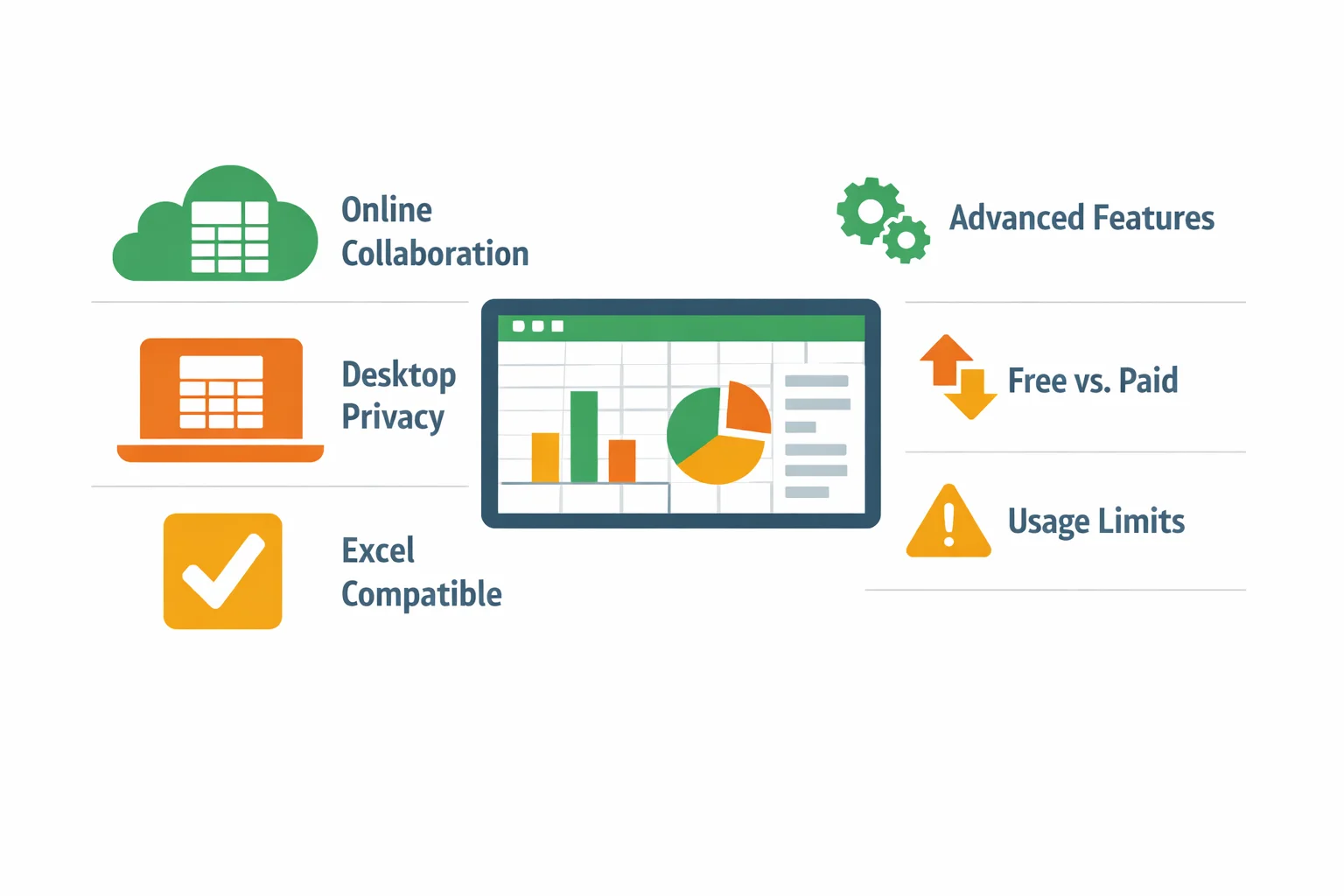
Microsoft Excel is a powerful tool, but its subscription cost can be a significant barrier for individuals, students, freelancers, and small teams. The good news is that the search for a capable, free spreadsheet solution no longer means settling for limited functionality. A new generation of free alternatives offers robust features for everything from simple budgeting to complex data analysis. This guide provides a clear, comparative overview of the best free options available, emphasizing that "free" does not equate to "inferior." We will examine key criteria such as core features, file compatibility, and access modes (online vs. desktop) to help you find the perfect cost-effective spreadsheet software for your personal, academic, or professional needs.
How to Choose the Right Free Spreadsheet Software for You
Choosing the right free spreadsheet tool involves more than just downloading the first option you find. Your decision should be guided by how you intend to use the software. Here are the key factors to consider to ensure your choice aligns with your specific situation.
- Define Your Primary Use Case: Are you managing a simple household budget, collaborating on a team project, performing complex statistical analysis, or building financial models? Basic calculations and charting are handled by nearly all options, but advanced features like pivot tables, scenario management, or macro scripting vary significantly.
- Prioritize File Format Compatibility: If you need to share files with colleagues, clients, or instructors who use Microsoft Excel, seamless compatibility is non-negotiable. The ability to flawlessly import, edit, and export
.xlsxand.xlsfiles is a critical feature. Understanding the file formats supported by Excel provides a benchmark for evaluating alternatives. - Weigh Online vs. Offline Needs: Cloud-based tools like Google Sheets offer unparalleled accessibility from any device and enable real-time, multi-user collaboration. Desktop software like LibreOffice Calc runs locally on your computer, ensuring data privacy and full functionality without an internet connection. Your choice hinges on whether you value collaboration and accessibility or prioritize privacy and offline access.
- Assess the Learning Curve: If you are deeply familiar with Excel's ribbon interface, transitioning to a tool with a similar layout will be easier. Some alternatives mimic this interface closely, while others, especially open-source suites, may have a different menu structure that requires a short adaptation period.
- Understand Free Tier Limitations: "Free" often comes with conditions. Common limitations include caps on cloud storage, reduced collaboration participant numbers, advertisements within the interface, or the locking of advanced features behind a paywall. Clearly identifying these boundaries upfront prevents frustration later.
In-Depth Look at Leading Free Alternatives
This section provides a detailed, side-by-side analysis of the most prominent free Excel alternatives. To facilitate an easy comparison, here is a summary table of their key attributes.
| Software | Core Access Model | Key Strengths | Primary Limitations | Best For |
|---|---|---|---|---|
| Google Sheets | Online/Cloud | Real-time collaboration, accessibility, deep Google ecosystem integration | Requires internet, limited offline functionality, complex macro limitations | Teams, students, anyone needing seamless collaboration |
| LibreOffice Calc | Offline/Desktop | Full-featured, open-source, complete data privacy, high Excel compatibility | Different interface from Excel's ribbon, no native real-time collaboration | Power users, privacy-focused individuals, offline work |
| Zoho Sheet | Online/Cloud | Strong collaboration, good Zoho app integration, clean interface | Part of a broader freemium ecosystem, storage limits on free plan | Small businesses already using Zoho, users wanting an online alternative to Sheets |
| WPS Spreadsheets | Offline/Desktop (Freemium) | Interface nearly identical to MS Office, high compatibility | Advertisements in free version, some advanced features locked | Users seeking a minimal-learning-curve desktop alternative |
Google Sheets: The Collaborative Powerhouse
For users whose primary need is online, real-time collaboration, Google Sheets is the definitive free solution. As part of the free Google Workspace suite, it requires only a Google account and a web browser.
Its greatest strength is enabling multiple users to edit, comment, and chat within the same spreadsheet simultaneously, with changes reflected in real-time for everyone. This makes it ideal for team projects, class assignments, or any scenario where inputs are needed from several people. It boasts excellent compatibility with Excel formats, allowing you to easily import .xlsx files for editing and export your work back to that standard format for sharing.
Sheets is deeply integrated with other Google apps like Drive for storage, Docs, and Forms, creating a seamless productivity ecosystem. You can access your spreadsheets from any device—computer, tablet, or phone—with an internet connection. The free personal account comes with a generous 15GB of storage shared across Gmail, Drive, and Photos, though it's important to note this policy has evolved, as highlighted by reports from sources like The 9to5Google.
Functionally, it covers a vast majority of spreadsheet tasks. However, for users dependent on extremely complex Excel macros (VBA) or working with massive datasets that require heavy offline number crunching, Sheets may reach its limits. Its data privacy model is standard for cloud services: your data resides on Google's servers, protected by encryption, but is subject to the company's privacy policies.
LibreOffice Calc: The Full-Featured Desktop Suite
LibreOffice Calc is the most powerful and direct free desktop competitor to Microsoft Excel. As part of the complete, free, and open-source LibreOffice suite, it is a standalone application you install on your Windows, macOS, or Linux computer.
Its hallmark is a vast array of advanced features that genuinely rival Excel. It includes over 500 functions, sophisticated data pilot (pivot) tables, advanced charting tools, and scenario management. It maintains a high degree of compatibility with Microsoft Office file formats, ensuring you can open and save .xlsx files with minimal formatting issues.
A paramount advantage is complete data privacy. Since all processing and file storage happen locally on your machine, you retain full control over your data, a key concern highlighted by privacy advocates like the Electronic Frontier Foundation. It also requires no internet connection, making it perfect for working on planes, in areas with poor connectivity, or with sensitive information.
The interface uses a traditional menu and toolbar system rather than Excel's Ribbon, which can present a learning curve for some users. However, it is developed and supported by The Document Foundation and a large, active global community, ensuring its continued development and stability, true to the principles of the Open Source Initiative.
Other Notable Free Options
Beyond the two market leaders, other capable free alternatives cater to specific user preferences.
Zoho Sheet is a robust, cloud-based spreadsheet that serves as a strong alternative to Google Sheets, particularly within the Zoho ecosystem. It offers excellent real-time collaboration, a clean and intuitive interface, and seamless integration with other Zoho business apps like CRM and Mail. Its freemium model provides substantial functionality for individual and small-team use, with paid plans unlocking more storage and advanced administrative features. Industry analyses, such as those by Gartner, often recognize Zoho as a significant player in the cloud office space.
WPS Office Spreadsheets is part of the WPS Office freemium suite. Its primary appeal is a user interface that closely mimics the classic Microsoft Office Ribbon, minimizing the learning curve for users transitioning from Excel. The free version is fully functional for creating, editing, and saving documents, supporting a wide range of formulas and charts. However, it includes advertisements and restricts access to premium features like advanced PDF tools, increased cloud storage, and an ad-free experience. For users who might need these advanced WPS features for a very short, specific project, services exist that provide a legitimate model for temporary access. For example, platforms like ShortKey facilitate access to short-term activation codes for professional software versions, offering a potential solution for finite, one-off needs without long-term commitment. As with any service, reviewing its privacy policy is a recommended step.
Key Considerations: Security, Privacy, and Limits
Understanding the practical boundaries and implications of using free software is crucial for making a safe and informed choice.
Data Security for Online Tools: Reputable cloud-based services like Google Sheets and Zoho Sheet employ standard security practices, including encryption of data both in transit (via HTTPS) and at rest on their servers. However, using these tools means entrusting your data to a third-party provider. It is essential to review the provider's privacy policy to understand how your data may be used, who might have access to it (e.g., for maintenance or legal requests), and what rights you retain.
Data Privacy for Desktop Software: Desktop applications like LibreOffice Calc offer a fundamentally different privacy model. Your data never leaves your computer unless you explicitly share the file. This local processing provides a higher degree of control and privacy by default, a significant factor for those handling sensitive personal, financial, or proprietary information.
Common Limitations of Free Tiers: Be aware of typical restrictions. These can include file size or row/column limits, reduced or shared cloud storage quotas (e.g., Google's 15GB), the presence of non-intrusive or banner advertisements, the lack of dedicated phone or priority customer support, and the locking of advanced analytical functions. Publications like PCMag and TECHRADAR often detail these limitations in their comparative reviews.
The Freemium Model Explained: Many "free" products, including Zoho Sheet and WPS Office, operate on a freemium model. The core application is free indefinitely, but premium features—such as enhanced collaboration limits, deeper version history, advanced templates, or ad removal—require a paid subscription. This model allows you to start for free and upgrade only if your needs grow.
Frequently Asked Questions About Free Excel Alternatives
Q: Can I really use these free alternatives for professional work?
A: Absolutely, for the vast majority of professional tasks. Tools like Google Sheets and LibreOffice Calc are used daily by businesses, non-profits, and educational institutions worldwide. Their functionality covers financial reporting, data analysis, project planning, and more. The exception might be niche industries with proprietary Excel add-ons or specific regulatory requirements tied to a particular software.
Q: Will my complex Excel formulas and VBA macros work in these alternatives?
A: Formulas: Most standard mathematical, logical, and lookup functions (like SUMIF, VLOOKUP, INDEX/MATCH) work identically or have direct equivalents in major alternatives. Macros (VBA): This is a key differentiator. Google Sheets uses its own scripting language (Google Apps Script). LibreOffice Calc uses a different macro language (Basic). Complex VBA macros from Excel will not run directly and would need to be rewritten, which can be a significant hurdle for power users.
Q: Is the free version of software like LibreOffice safe, or does it contain malware?
A: Reputable free software like LibreOffice is completely safe when downloaded from its official website. As a major open-source project with a global community scrutinizing its code, the risk of malware is extremely low. Always download software from the official source to avoid counterfeit sites that may bundle unwanted programs.
Q: I only need advanced features (like premium PDF export or solver functions) for a one-week project. What are my options?
A: You have several paths: 1) Use the basic functions of the free tier if possible. 2) Utilize any available free trial of the software's premium version. 3) For software with a perpetual license option (like certain office suites), you could explore services that provide a legitimate model for short-term access. For instance, a platform like ShortKey facilitates temporary, legal access to professional software licenses, which can be a cost-effective solution for one-off needs without the ethical and security risks of software piracy.
Q: What's the best free option for heavy number crunching and very large datasets?
A: For performance-intensive work, a desktop-based application is generally superior because it can leverage your computer's full processing power without network latency. LibreOffice Calc is the strongest contender here, capable of handling large, complex spreadsheets locally. While online tools have limits on cell counts and calculation complexity, a desktop tool's limits are primarily defined by your system's RAM and processing capability.
In conclusion, the landscape of free spreadsheet software is rich and capable. Whether your priority is seamless online collaboration with Google Sheets, powerful and private offline analysis with LibreOffice Calc, or a familiar interface with WPS Office, a viable, cost-effective alternative to Excel exists. By carefully considering your use case, compatibility needs, and tolerance for the limitations of free tiers, you can select a tool that not only saves you money but also effectively powers your data management tasks. As market share data shows, these alternatives have gained significant adoption by offering genuine value, proving that high-quality spreadsheet management doesn't require a premium subscription.