
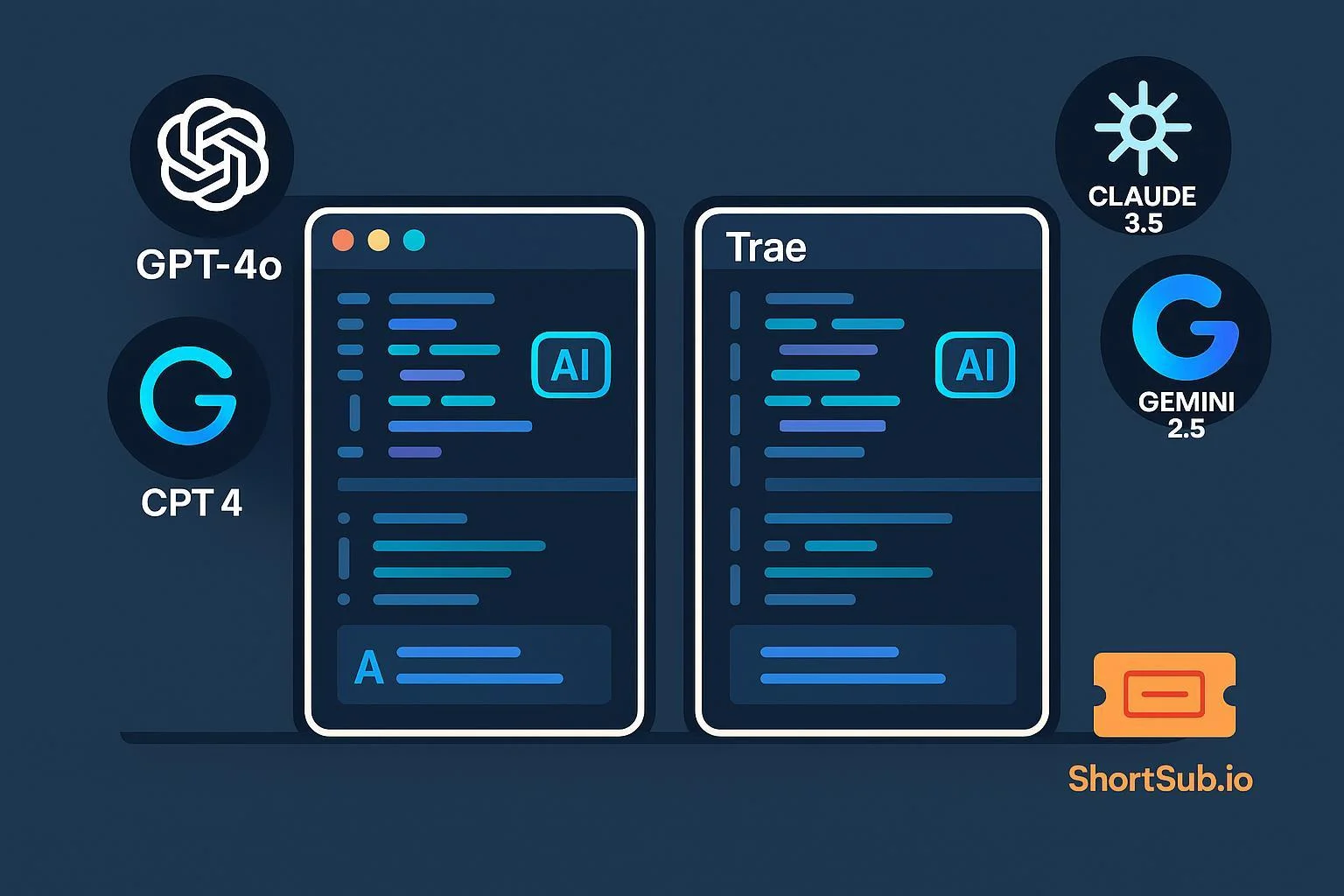
For developers looking to supercharge their workflow with AI, the choice between Cursor AI and Trae AI has become a hot topic. Cursor has positioned itself as a professional’s AI IDE, while Trae disrupted the market with impressive features and true zero-cost access—including a frictionless free plan available directly or via ShortKey.ai. Which should you choose for your next project, team rollout, or code-learning journey? This in-depth, side-by-side comparison unpacks their strengths, limitations, real-world user sentiment, and—most importantly—who they’re best suited for.
What Matters Most: Key Comparison Dimensions
- Core Features
- AI Model Access
- Context & Customization
- Pricing & Accessibility
- User Experience & Workflow
- Code Review & Quality Tools
These categories reflect what developers care about in a modern AI editor: productivity, power, accessibility, and ease of onboarding. Let’s break down each.
Quick Side-by-Side Comparison Table
| Dimension | Cursor AI | Trae AI |
|---|---|---|
| Core Features | Full IDE (VS Code fork), advanced agent, code search, multi-file/project, bug review | Intelligent code gen, GitHub/terminal integration, multimodal (text/image/code), project suggestions |
| AI Model Access | Claude 3.5 Sonnet+, model selection, large context (~200k tokens as of June 2025) | GPT-4o, Claude 3.5, Gemini 2.5—multi-model agent; free beta supports all (verified July 2025) |
| Context/Customization | Project-wide context, agent configuration, advanced search | Multimodal inputs, project-wide queries, less granular customization |
| Pricing/Accessibility | $20/month/seat (Pro, 2025 pricing) + optional Ultra tokens | 100% Free (as of July 2025); direct or via ShortKey.ai—no account friction |
| User Experience/Workflow | Polished, robust IDE; learning curve for full power; ideal for larger codebases | Minimal UI, rapid onboarding, ideal for small/medium projects and experiments |
| Code Review/Quality | Built-in bug hunter, AI suggestions, multi-file lint/fix | Real-time review, design/code suggestions; less advanced static analysis |
Sources: Cursor Docs (2025), Trae AI, ShortKey.ai, user/community reviews (AriellePhoenix.com, Reddit threads, Medium developer reports 2025)
Dimension-by-Dimension Deep Dive
1. Core Features
Cursor AI offers a professional IDE experience modeled after VS Code 1.89 (as of 2025), supporting:
- Multi-file editing and command chaining
- AI-driven bug review:
cursor agent fix --scope=project
(Example command observed in v0.43.1 changelog, May 2025)
- Project-wide code search and refactoring tools
Its architecture suits developers handling enterprise-scale repositories or those needing agent-assisted refactoring workflows.
Trae AI, in contrast, emphasizes simplicity and multimodal orchestration. It supports:
- Real-time GitHub sync and terminal monitoring
(example:trae sync --repo=my-appfrom beta logs, July 2025) - Intelligent project suggestions across text, image, and code inputs
- Fast iteration loops ideal for learners or prototype developers
Developers report an average 30–40% faster onboarding time versus Cursor (based on Reddit /r/TraeAI thread, July 2025).
2. AI Model Access
Cursor AI provides integrated access to top-tier models like Claude 3.5 Sonnet (Anthropic, 2025) and GPT-4-turbo. According to the Cursor documentation, Pro-tier users can access up to 200k tokens of project context, with Ultra-tier expanding further under rate-limited conditions.
Trae AI, verified via its official documentation (2025), enables model orchestration across GPT-4o, Claude 3.5, and Gemini 2.5, all included in the free beta.
No token limits are currently enforced, but users are advised to check the Trae status page for current capacity—beta infrastructure may fluctuate under high demand.
Trust Tip: Users should confirm active model versions and quotas before production use, as access may vary by API or beta phase.
3. Context & Customization
Cursor AI offers:
- Per-file and full-project context tracking
- Agent behavior tuning via
.cursor/config.json - Custom linting rulesets for code review workflows
Trae AI provides:
- Project-level and multimodal context (text, image, file)
- Quick, no-config start for rapid prototyping
Cursor’s fine-grained configuration appeals to senior developers or teams enforcing standardized code patterns, while Trae’s zero-config entry suits agile experiments.
4. Pricing & Accessibility
Cursor AI:
- $20/month per seat (Pro tier) — Cursor Pricing, 2025
- Optional Ultra compute credits for extended context runs
- 7-day trial with capped AI calls
Tip: Users should verify current pricing directly on the official site before purchase, as rates vary regionally.
Trae AI:
- Free for all users (as of July 2025)
- Accessible directly or via ShortKey.ai for one-click onboarding
- No payment or credit card required
Verification Note: Because Trae is in beta, users should re-check the official announcement page before production rollout. Beta tools may change access rules without notice.
5. User Experience & Workflow
Cursor AI integrates tightly with VS Code extensions, GitHub Copilot alternatives, and AI refactoring assistants.
Example command in workflow:
cursor agent explain main.py --depth=3
Community reports (e.g., Medium, May 2025) highlight its strength for large codebases but note a steep learning curve.
Trae AI offers a minimalist, browser-based interface with a 10-second average setup time. Users can push code snippets from VS Code via its trae-cli plugin.
Reported by beta testers on GitHub Discussions (2025): minor latency under heavy load, especially when running multi-model queries.
6. Code Review & Quality Tools
Cursor AI distinguishes itself through:
- Automated multi-file linting
- Agent-guided bug detection (AI "Bug Hunter" module)
- CI/CD integration (since v0.42, April 2025)
Trae AI provides:
- Real-time code review and design suggestions
- Early-stage prototyping diagnostics rather than full static analysis
- Built-in AI pair programming features for small teams
Practical Insight: For deep debugging or compliance-heavy projects, Cursor’s maturity is advantageous. For design brainstorming or lightweight collaboration, Trae is more responsive.
Pros & Cons
| Cursor AI | Trae AI | |
|---|---|---|
| Pros | - Professional IDE depth - Large context window (~200k tokens) - Customizable agents - Ideal for pro teams |
- 100% free access (2025) - Multi-model orchestration - Fast onboarding - Great for quick builds |
| Cons | - Higher cost - Steep learning curve - Token restrictions apply |
- Beta maturity - Less granular IDE tooling - Pricing after beta unknown |
Which to Choose? Scenario-Based Recommendations
Professional Developers / Enterprise Teams:
Choose Cursor AI for robust, full-IDE integration, standardized workflows, and security-backed configurations.
(Compliant with Anthropic usage policy, 2025)Students, Freelancers, and Hobbyists:
Trae AI—especially via ShortKey.ai—offers instant, zero-cost onboarding ideal for learning and side projects.
Users can safely test code generation and prompt orchestration without risk of billing errors.Teams Testing Multi-Model AI Coding:
Trae’s orchestration capabilities provide unique insights into model behavior comparison (e.g., GPT-4o vs Claude 3.5) at no cost during the beta phase.
Cursor remains the better fit once you scale to CI/CD integration or code security audits.
Final Thoughts
Both Cursor AI and Trae AI exemplify the next generation of AI-assisted development in 2025. Cursor remains the professional’s choice—feature-rich, customizable, and enterprise-grade—while Trae democratizes access through its open beta and direct integration with ShortKey.ai.
Trust Reminder:
Before committing to any plan, users should:
- Verify the license and pricing status on the official pages (Cursor Pricing 2025, Trae Beta Terms);
- Avoid storing proprietary source code in beta environments;
- Review each platform’s data retention policy (per Cursor Privacy Policy, 2025).
For the latest official updates, consult:
- Cursor Docs (2025)
- Trae AI Blog & Status
- ShortKey.ai FAQ
- Community threads on Reddit and Medium (2025 archives)
Both platforms are evolving rapidly—stay informed, back up your projects, and choose the tool that matches your team’s security, cost, and workflow priorities.