
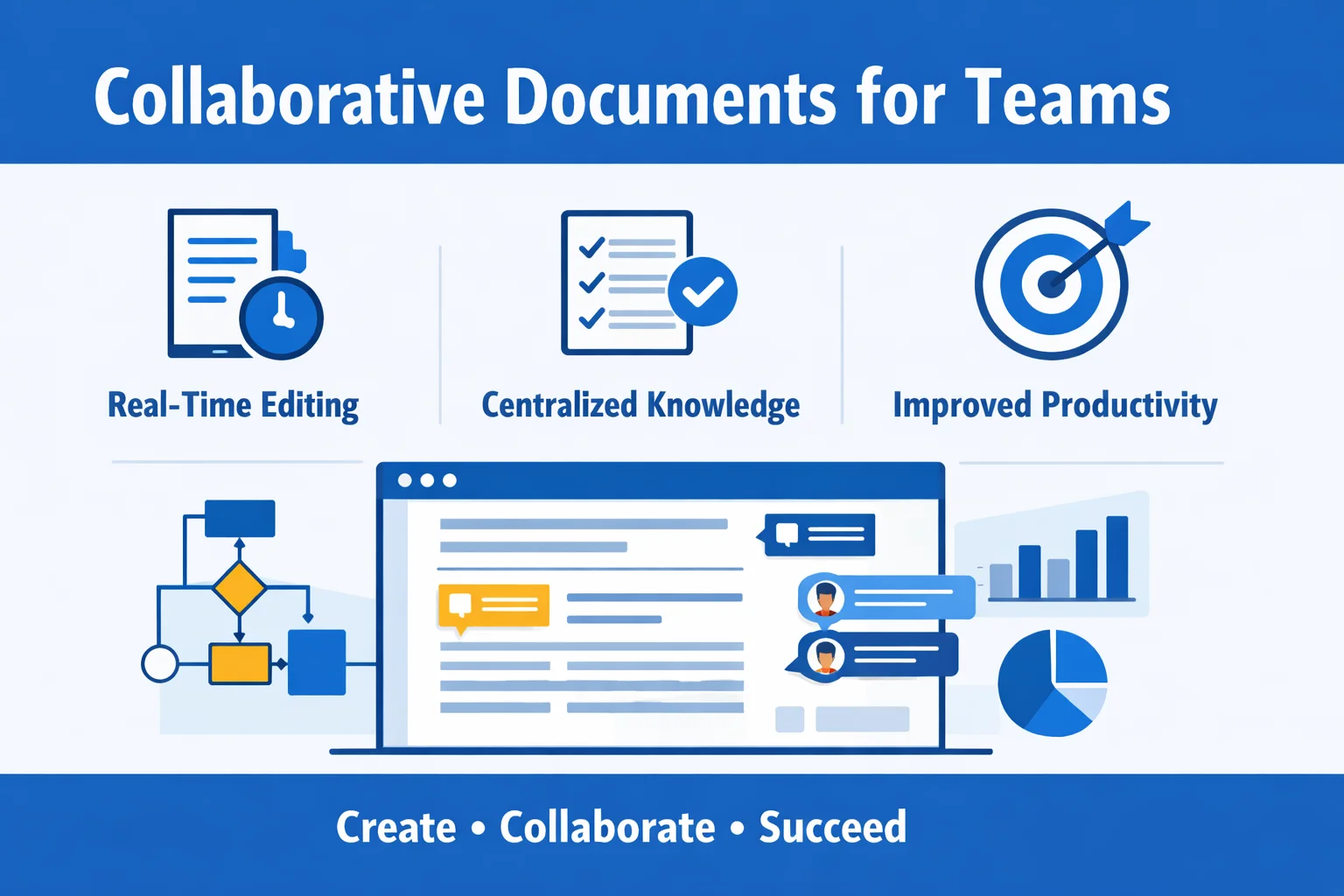
Collaborative documents have quietly become the “operating system” of modern teams: they carry decisions, specs, meeting outcomes, onboarding knowledge, and the day-to-day context that keeps work moving. When done well, they reduce coordination overhead, shorten review cycles, and make ownership visible—without forcing everyone into more meetings.
This guide breaks down what collaborative documents are best at, where teams usually struggle, how to pick effective collaboration tools, and how to roll out a lightweight, governed documentation workflow that improves productivity without creating bureaucracy.
Why Collaborative Documents Matter for Team Productivity
Collaborative docs are not just “shared files.” They’re living artifacts where multiple people can draft, comment, review, and maintain a single source of truth—often in real time.
Key outcomes (with quick examples)
- Faster knowledge flow
Keep meeting notes, SOPs, and product specs centralized and continuously updated instead of scattered across chat threads and attachments (Dropbox Paper). - Fewer handoffs
Real-time co-editing reduces “I’ll edit then send you v2” loops; Microsoft’s real-time co-authoring in Word supports simultaneous editing, presence indicators, and conflict reduction compared with serial edits. - Clearer accountability
Built-in comments, suggestions, and revision history make it easier to see who changed what and why. For example, in Google Docs, you can view and restore version history to audit changes and roll back mistakes. - Better decisions
Structured docs (briefs, decision records, postmortems) preserve trade-offs and assumptions—critical when teams change or projects span months.
Typical use cases
- Project plans, sprint docs, and decision records
- Onboarding guides and runbooks
- Cross-functional briefs and postmortems
Measurable gains
Generative AI and collaborative workflows are increasingly linked to productivity. McKinsey research on GenAI estimates large-scale potential impact through automation and augmentation of knowledge work, including drafting and summarization tasks (McKinsey: The economic potential of generative AI). The practical takeaway for teams: less time creating first drafts and more time reviewing and deciding—as long as governance and review practices are in place.
The Pain Points Teams Commonly Hit (and How to Anticipate Them)
Collaborative docs can fail in predictable ways. The fix is usually not “more tools,” but clearer rules of the road.
- Version chaos and “which file is final?” → Create a single source of truth
Remedy: one canonical doc per topic, consistent naming, and version history for rollbacks. Google Docs’ version history controls are a model example. - Permission sprawl → Default to least privilege
Remedy: give edit rights only to owners/editors; keep broad access as view/comment. This aligns with the “least privilege” principle in security frameworks like NIST SP 800-53 Rev. 5. - Tool fragmentation → Standardize the minimum viable stack
Remedy: pick a small set of core collaboration tools and define how/when to use each. - Low adoption → Make the “right way” the easy way
Remedy: use templates, create an index page, and assign doc owners. - Slow reviews → Turn comments into tasks with response SLAs
Remedy: define a comment-response SLA (e.g., 48 hours) and clear reviewer assignment process. - Compliance and data residency concerns → Verify data location, retention, export
Remedy: confirm data residency options and retention policies. For example, Google Workspace data regions allow regional storage. - Cost for infrequent users → Use flexible access where possible
Remedy: if a team only needs premium features for a short window, consider shorter subscription terms.
Picking the Right Tool: Collaborative Platforms for Teams
When selecting collaboration tools, the key is whether the platform supports real-time multi-user editing, version history, commenting, and access control, and integrates seamlessly with your workflow. Below is a comparison of leading platforms:
| Tool | Best For | Core Collaboration Capabilities | Notes |
|---|---|---|---|
| Google Workspace | Remote, multinational teams | Real-time editing, comments, version history, access control | Requires stable internet |
| Microsoft 365 Online | Enterprise collaboration | Online co-authoring, Office compatibility, fine-grained permissions | Widely used in corporate environments |
| Dropbox Paper | Creative collaboration & meeting notes | Real-time editing, @mentions, task lists, media embedding | Lightweight formatting |
| Notion | Knowledge base & process documentation | Multi-user editing, database integration, access controls | Steeper learning curve |
| Coda | Docs + data/app combination | Real-time editing, advanced tables & automation | Ideal for process-centric docs |
| WPS Pro | Office format collaboration | Cloud-based real-time editing, commenting, version history, permission control | Excellent Office compatibility |
| ProcessOn | Visual diagramming & process mapping | Multi-user online diagrams, flowcharts, architecture maps | Not designed for long-form narrative docs |
| Collabora Online | Self-hosted collaboration & data control | Real-time editing, private cloud integration | Suitable for teams with strict internal controls |
Choosing Based on Use Case
- Real-time remote collaboration → Google Workspace or Microsoft 365 Online
- Creative or lightweight notes → Dropbox Paper
- Knowledge bases & process management → Notion or Coda
- Office format collaboration → WPS Pro
- Visual diagrams → ProcessOn
- Private/self-hosted control → Collabora Online
For teams needing temporary access or short-term licenses (e.g., for contractors, pilots, or brief projects), ShortKey provides flexible activation codes, allowing full collaboration features without committing to long-term subscriptions.
Hands-On: Managing Collaborative Documents
1) Set up workspaces
Set up the space structure and assign roles:
- Owner: accountable for doc accuracy and lifecycle
- Editor: can edit content
- Reviewer: comments only
- Viewer: read-only access
Templates for Notion or Coda can include project plans, specs, and decision logs.
2) Standardize templates
- Project brief: goals, scope, milestones
- Specification doc: problem → requirements → constraints → acceptance criteria
- Decision record: options → decision → owner → approval date
3) Use comments, @mentions, and version history
Leverage platform-native commenting and @mentions. Maintain version control to quickly roll back changes.
4) Combine diagrams with narrative docs
Use ProcessOn to create diagrams and link/embed them in the main doc for clarity.
When to Use ProcessOn
- System diagrams & architecture flows
- Process flows & runbooks
- Customer journeys & service blueprints
- Org charts & responsibility mapping
Use templates and standard notation (BPMN) and embed links in narrative docs (BPMN standard).
Implementation Playbook
- Information architecture: predictable taxonomy, index pages
- Templates: project brief, decision record, meeting notes, SOPs
- Review workflow: comment SLA, approval conditions
- Ownership & lifecycle: assign owner, set review cadence, archive rules
Governance, Security, and Compliance
- Enforce least-privilege access (NIST SP 800-53 Rev.5)
- Restrict external sharing
- Define retention schedules and audit trails (Microsoft Purview: retention policies)
- Consider data residency requirements for global teams (Google Workspace data regions)
- Follow GDPR principles for privacy (European Commission: Principles of the GDPR)
- Align with ISO/IEC standards if applicable (ISO/IEC 27001:2022)
Measure the Impact
| KPI | Definition | Target |
|---|---|---|
| Comment resolution time | Average time to resolve comments | ↓ |
| Review cycle length | Draft → Approved duration | ↓ |
| Duplicate doc rate | Competing docs on same topic | ↓ |
| Read-through rate | % of viewers reading key docs | ↑ |
| Doc-to-task conversion | % of actionable comments turned into tasks | ↑ |
Rollout Plan: 2-Week Quick Start
Week 1: Foundation
- Set access and permissions
- Publish templates
- Onboard team
Week 2: Pilot & Measure
- Run pilot with one team
- Enforce review SLA
- Track KPIs
- Retrospective & adjust
Conclusion
- Start small with high-impact templates and clear ownership
- Use Google Workspace, Microsoft 365 Online, Notion, WPS Pro for living docs
- Use ProcessOn for diagrams
- Implement lightweight governance
- Measure outcomes monthly and iterate