
Introduction
Office software has become an essential tool for both work and study. From writing documents and managing spreadsheets to creating presentations, the right productivity suite can make a big difference in efficiency. However, traditional options like Microsoft 365 come with high subscription costs, feature overload, and sometimes limited cross-platform compatibility, prompting many users to look for reliable alternatives.
In 2025, three trends dominate the office software landscape: cross-platform compatibility, AI-enhanced productivity, and cloud-based real-time collaboration. Short-term or pay-as-you-go subscriptions are also gaining traction, offering cost-effective solutions for occasional users. This guide reviews and compares the top free and paid Office alternatives available today, covering Windows, Mac, and Linux users, so you can quickly identify the best option for your needs.
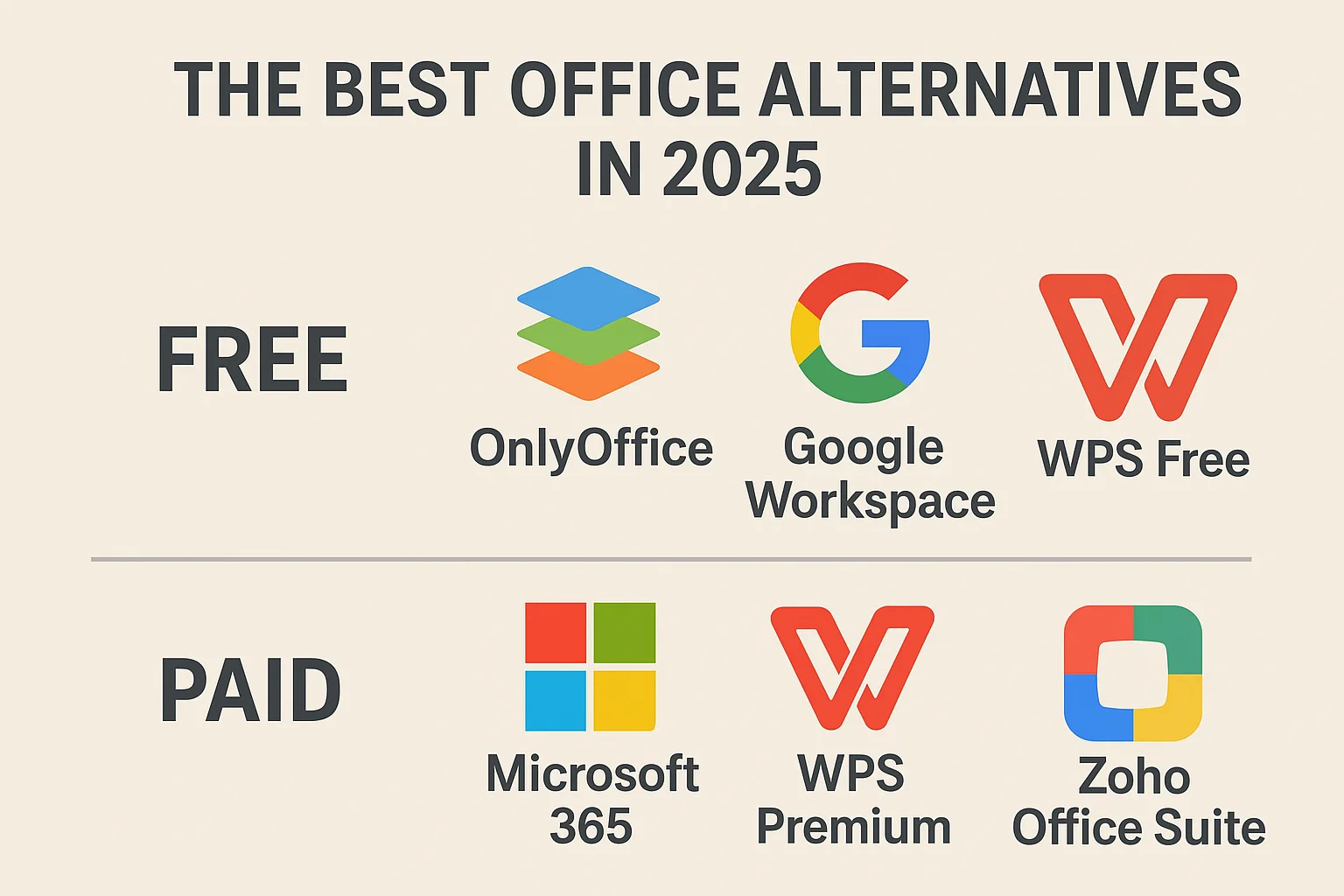
Here’s a quick overview of the main platforms and software types we’ll cover:
| Platform | Free Options | Paid Options |
|---|---|---|
| Windows | LibreOffice, OnlyOffice, Google Workspace Free, WPS Free | Microsoft 365, WPS Premium, Zoho Office Suite |
| Mac | LibreOffice, OnlyOffice, Google Workspace Free, WPS Free | Microsoft 365, WPS Premium, Zoho Office Suite |
| Linux | LibreOffice, OnlyOffice, Google Workspace Free | OnlyOffice Enterprise, Zoho Office Suite |
Why You Might Need an Office Alternative
Common Challenges
- High subscription costs: Microsoft 365 and other mainstream suites are increasingly expensive, which can be overkill for occasional users or budget-conscious individuals.
- Feature overload: Many users only need word processing or spreadsheets, yet full suites come with a lot of unnecessary tools.
- Cross-platform issues: Differences in file compatibility and collaboration across operating systems can be frustrating.
- Occasional use cases: Short-term projects or temporary work rarely require long-term subscriptions.
User Types and Needs
| User Type | Characteristics | Recommended Alternative |
|---|---|---|
| Occasional Users | Temporary document, spreadsheet, or presentation needs | Free software + short-term license codes |
| Budget-Conscious | Needs core functionality without high costs | Free open-source software or cloud-based free options |
| Multi-Platform Users | Work across Windows, Mac, Linux | Cross-platform compatible software with cloud collaboration |
| Team Collaboration | Real-time editing, file sharing, task management | Cloud-based collaboration tools with AI support |
Free Office Alternatives in 2025
1. LibreOffice
LibreOffice is a fully free, open-source suite that includes Writer, Calc, Impress, Draw, Base, and Math. It runs on Windows, Mac, and Linux.
Key Features:
- Completely free with no subscription
- Supports Microsoft Office file formats (minor formatting issues may occur)
- Community-driven updates and frequent security patches
- Can integrate with third-party cloud services for collaboration
2. OnlyOffice
OnlyOffice offers a free community edition and paid cloud/workspace editions, supporting Windows, Mac, Linux, iOS, Android, and web browsers.
Key Features:
- All-in-one document, spreadsheet, presentation, and project management tools
- Free edition sufficient for personal or small team use
- High MS Office file compatibility
- Self-hosting option for better security and privacy
3. Google Workspace Free Edition
Google Workspace offers Docs, Sheets, Slides, Drive, Gmail, and Meet for free personal accounts.
Key Features:
- Real-time collaboration with automatic saving
- AI-assisted editing (Smart Compose, auto summarization)
- Strong security and compliance (SOC2, ISO 27001, GDPR)
- Fully browser-based, no client installation needed
4. WPS Free Edition
WPS Office Free includes Writer, Spreadsheets, and Presentation, supporting Windows, Mac, Linux, iOS, and Android.
Key Features:
- High compatibility with MS Office files
- Cloud storage and basic collaboration included
- Short-term license codes available for WPS Pro premium features
- Built-in WPS AI enhances productivity
Free Software Comparison Table
| Software | Platform Compatibility | Docs/Sheets/Slides | AI Features | Cloud Collaboration | MS File Compatibility | Cost |
|---|---|---|---|---|---|---|
| LibreOffice | Windows/Mac/Linux | Full | None | Third-party integration | High | Free |
| OnlyOffice | Windows/Mac/Linux/iOS/Android/Web | Full | None | Limited in free edition | High | Free |
| Google Workspace Free | Web/iOS/Android | Full | AI-assisted editing | Full | High | Free |
| WPS Free | Windows/Mac/Linux/iOS/Android | Full | WPS AI (premium) | Cloud storage | High | Free |
Paid Office Alternatives in 2025
1. Microsoft 365
Microsoft 365 includes Word, Excel, PowerPoint, Outlook, Teams, and OneDrive, supporting Windows, Mac, iOS, Android, and web.
Advantages:
- Enterprise-grade security and compliance
- Advanced templates, cloud storage, and team collaboration
- Built-in AI Copilot for productivity
- Flexible plans: Personal, Family, Business
2. WPS Premium
WPS Premium offers extra templates, PDF tools, cloud collaboration, and AI functionality.
Advantages:
- Short-term license codes (3/7/15/30 days) ideal for occasional use
- Cloud-based collaboration
- WPS AI assists with documents and spreadsheets
3. Zoho Office Suite
Zoho Office Suite is a cloud-based suite supporting Windows, Mac, Web, iOS, and Android.
Advantages:
- Integrated AI (Zia) for smarter workflows
- Workflow automation and collaboration tools
- Strong security (SSL, GDPR)
- Seamless integration with other Zoho SaaS products
Paid Software Comparison Table
| Software | Key Benefits | Cloud Collaboration | AI Features | File Compatibility | Short-Term Subscription | Price |
|---|---|---|---|---|---|---|
| Microsoft 365 | Enterprise security, full suite | Full | Copilot | High | No | Monthly/Yearly |
| WPS Premium | Short-term licenses, cloud collaboration, AI | High | WPS AI | High | Yes | Monthly/Short-term code |
| Zoho Office Suite | Automation, collaboration, AI | High | Zia | High | No | Annual/subscription |
Recommended Office Alternatives by Operating System
| OS | Free Options | Paid Options | Why Choose |
|---|---|---|---|
| Windows | LibreOffice, OnlyOffice, Google Workspace Free, WPS Free | Microsoft 365, WPS Premium, Zoho Office Suite | Rich functionality, high compatibility, cloud and AI support |
| Mac | LibreOffice, OnlyOffice, Google Workspace Free, WPS Free | Microsoft 365, WPS Premium, Zoho Office Suite | Mac-friendly UI and ecosystem integration |
| Linux | LibreOffice, OnlyOffice, Google Workspace Free | OnlyOffice Enterprise, Zoho Office Suite | Open-source, lightweight, full-featured, ideal for tech-savvy users |
Feature Comparison and Selection Guide
Comprehensive Feature Table
| Feature | LibreOffice | OnlyOffice | Google Workspace | WPS Free | Microsoft 365 | WPS Premium | Zoho Office Suite |
|---|---|---|---|---|---|---|---|
| Word Processing | High | High | High | High | High | High | High |
| Spreadsheets | High | High | High | High | High | High | High |
| Presentations | High | High | High | High | High | High | High |
| Cloud Collaboration | Third-party | Limited | Full | Cloud storage | Full | Full | High |
| Plugins/Extensions | Limited | Some | Some | Some | Extensive | Extensive | Extensive |
| AI Assistance | None | None | AI editing | WPS AI (premium) | Copilot | WPS AI | Zia |
| Cross-Platform | High | High | High | High | High | High | High |
| Cost | Free | Free | Free | Free | Subscription | Short-term code | Subscription |
Selection Guidelines
- Occasional Users → Free software + short-term license codes (e.g., WPS Pro trial)
- Professional/Enterprise → Microsoft 365 or Zoho Office Suite for advanced collaboration and security
- Multi-Platform Collaboration → Cloud-first, cross-platform options like Google Workspace or WPS Premium
Future Trends and New Features in 2025
- Widespread AI integration – smart writing, automated spreadsheet analysis, and presentation design
- Cloud-based real-time collaboration – multi-user editing, version control, and distributed team workflows
- Short-term licenses and pay-as-you-go subscriptions – reduce costs for occasional users
- Improved interoperability – better file compatibility and plugin ecosystems for seamless cross-platform work
Combining AI features with short-term licenses allows users to experience advanced productivity tools affordably, without committing to long-term subscriptions.
References and Official Links
Short-term license guides and trials:
This guide provides a data-driven, comprehensive comparison to help users choose the best office software in 2025, whether free and open-source or paid enterprise-grade suites, tailored to different operating systems and usage scenarios.