
Introduction
Mind mapping tools have become essential for modern learning, project management, and creative work. They allow users to organize complex information visually, clarifying logical relationships, improving thinking efficiency, enhancing memory retention, and supporting team collaboration. Whether you are a student, freelancer, or enterprise team, choosing the right mind mapping tool can significantly improve knowledge management and workflow efficiency. This guide helps you evaluate different platforms in terms of features, usability, collaboration, and cross-platform support, enabling you to select the most suitable tool for your needs.
What to Look for in a Mind Mapping Tool
Core Selection Criteria
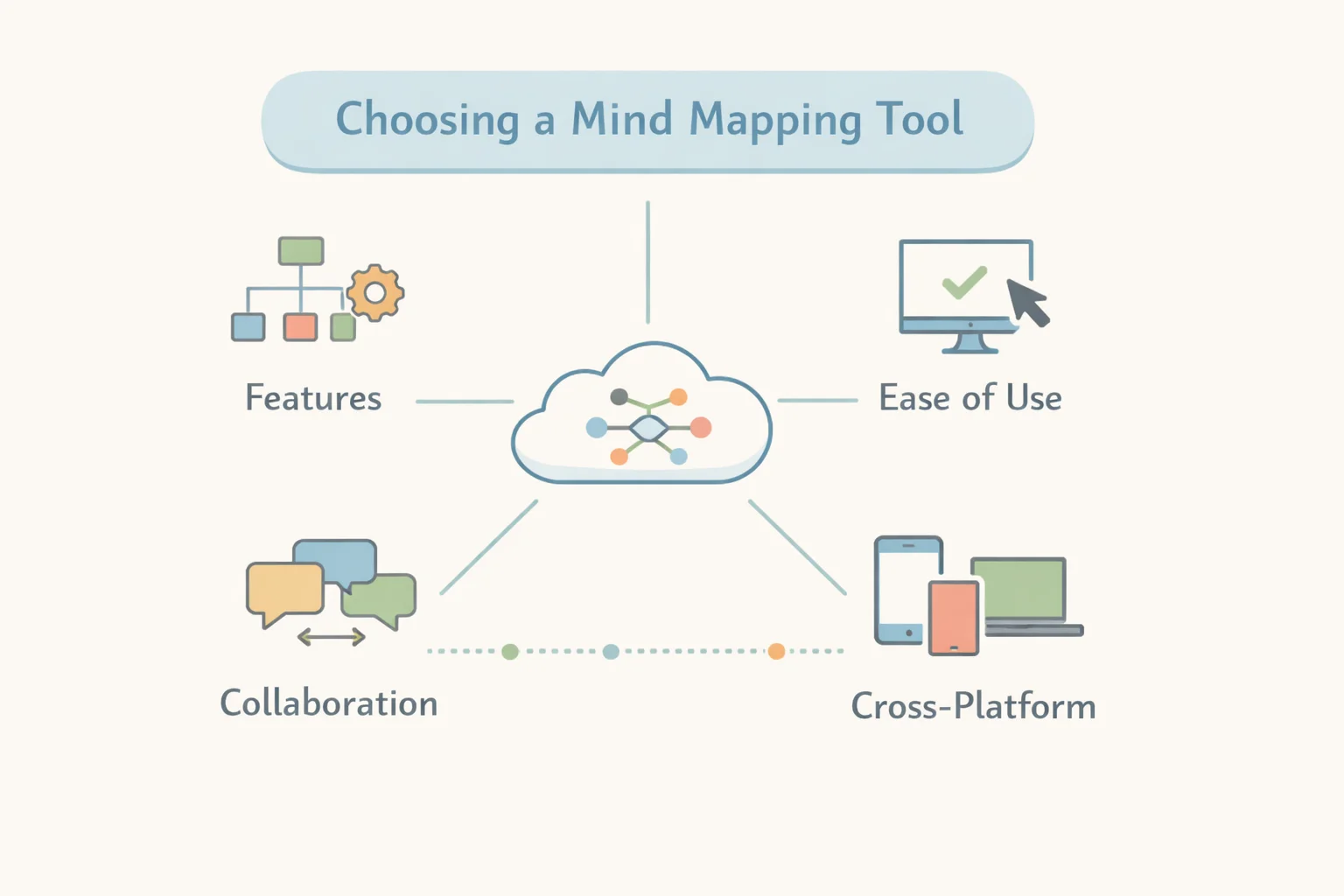
When selecting a mind mapping tool, consider the following core factors:
- Feature richness: Support for multiple map structures, templates, export options, and format compatibility. The richer the features, the more flexibility you have across scenarios.
- Ease of use: An intuitive interface, keyboard shortcuts, and smooth editing improve productivity.
- Collaboration: Real-time editing, commenting, and version history are critical for team collaboration and project management.
- Cross-platform support: Access via web, native desktop and mobile apps, and offline capability ensures usability in any environment.
These criteria help users filter tools while ensuring efficient and flexible workflows.
Recommended Mind Map Tools (Free & Paid)
Free or Freemium Mind Mapping Software
| Tool | Best For | Platform | Key Strengths | Pricing / Access |
|---|---|---|---|---|
| Coggle | Beginners & collaboration | Web | Browser-based tool with real-time collaboration, hierarchical maps, image/link embedding, integrates with Google Drive | Free + Paid |
| Mind42 | Quick idea sharing | Web | Completely free, suitable for students and personal notes | Free |
| Freeplane | Offline customization | Windows/macOS/Linux | Open-source desktop software, offline support, highly customizable | Free |
| ProcessOn | Collaborative diagramming | Web/Mobile | Supports mind maps, flowcharts, org charts, UML, fishbone diagrams, timelines, and real-time multi-user collaboration (ProcessOn official site) | Free + Paid; advanced features can be accessed via official subscription or ShortKey short-term activation codes |
| Mindomo (Free tier) | Cross-device access | Web/Desktop/Mobile | Cross-platform access with multiple import/export options, balancing usability and collaboration | Free + Paid |
Update Note: ProcessOn’s paid plans offer unlimited files, additional collaborators, advanced export options, and enterprise private deployment. Users who want to try premium features with minimal risk can either purchase an official subscription or use ShortKey short-term activation codes (3, 7, or 30 days) to access full functionality for evaluation purposes.
Advanced & Team‑Oriented Mind Mapping Software
- MindMeister – Online brainstorming platform with real-time collaboration and cloud sync. Native iOS/Android apps and integrations with productivity tools like MS Teams. Free plan allows 3 mind maps; paid plans start around $6–$12/month per user, providing unlimited maps, file attachments, export options, and version history. (MindMeister security)
- Miro – Offers an infinite canvas and whiteboard mode for real-time team collaboration and flexible templates. Free tier provides basic functionality; paid plans start around $8/month.
- Lucidchart – Focused on business and team workflows, offering diagramming and mind mapping. Paid plans start around $7.95/month, with advanced collaboration and multi-format exports.
- Ayoa / XMind – Combines task management, scheduling, and AI-assisted mapping features to enhance creative thinking and planning. XMind is cross-platform, with a free plan for core features; Pro/Premium versions add collaboration, version history, Gantt charts, and AI tools (XMind pricing).
Mind Map Tool Comparison – Feature Breakdown
| Feature | Coggle | MindMeister | ProcessOn | Miro | Freeplane |
|---|---|---|---|---|---|
| Real-time collaboration | ✓ | ✓ | ✓ | ✓ | ✗ |
| Offline support | ✗ | Limited | ✗ | App | ✓ |
| Cross-platform | Web | Web/Mobile | Web/Mobile | Web/App | Desktop |
| Templates | Basic | Good | Extensive | Excellent | Community-based |
| Export Options | PDF/PNG | Multiple formats | PNG/JPG/SVG/PDF/Word/Excel | Multiple formats | Multiple formats |
ProcessOn stands out for template variety and support for multiple diagram types, with version history and cloud storage (ProcessOn official site). Web-first platforms like ProcessOn and Miro eliminate installation and version compatibility issues, improving cross-device collaboration.
Typical Use Case Scenarios
For Students & Note-Taking
- Mind42 and Coggle are ideal for quickly creating personal notes and study reviews.
- Their simple interface and real-time editing help organize learning content efficiently.
For Project Planning & Workflow
- ProcessOn and MindMeister provide structural views, templates, and team collaboration features, suitable for cross-department communication and task breakdown (ProcessOn official site).
- Teams can access advanced features via paid subscriptions or try them with ShortKey short-term activation codes.
For Rapid Brainstorming Sessions
- Miro and Ayoa offer infinite canvas and diverse templates, supporting real-time expansion of complex ideas, perfect for creative meetings and product design workflows.
- AI-assisted features accelerate map creation and enhance idea visualization.
Online vs Desktop Mind Map Tools
Online Advantages
- No installation required; accessible anytime
- Automatic saving and cloud collaboration
- Templates and shareable links simplify teamwork
Web platforms like ProcessOn allow seamless cross-device access and editing. Premium features can be accessed via official subscriptions or short-term activation codes (ProcessOn official site).
Desktop Strengths
- Strong offline capabilities and high performance
- Local file storage and complete control over documents
- Ideal for environments with limited internet or high privacy requirements
Desktop tools like Freeplane provide these benefits, supporting highly customizable and offline usage.
Quick Tips for Getting Started
- Start with free plans to explore core features, then upgrade as needed.
- Prioritize online tools with multi-user real-time editing if team collaboration is important.
- Verify import/export formats match your workflow.
- For advanced functionality or short-term in-depth use, consider official subscriptions or ShortKey short-term activation codes (3, 7, or 30 days) to experience premium features with low risk.
Actionable Insights
Selecting the right mind mapping tool requires balancing functionality, collaboration support, cross-platform capability, and cost. Free and open-source tools like Mind42 and Freeplane are suitable for budget-conscious users, while online collaborative tools like ProcessOn, MindMeister, and Miro offer superior efficiency for teams and project management. Comparing feature sets, platform support, and trial experiences helps you quickly find the best tool for your workflow. Short-term activation codes from ShortKey or official subscriptions allow low-risk evaluation of premium features to make informed decisions.
References
- MindMeister official site
- MindMeister security and compliance page
- Zapier: Best mind mapping software overview
- TechRadar best mind map software ranking
- Miro official mind mapping tool page
- Understanding SaaS License vs. Subscription (Reprise Software)
- Software Subscriptions vs. Licenses guide
- MindMeister Terms of Use